ShareablesShareables
Built for businesses in India

RazorpayRazorpay Payment Widgets

Accept UPI, cards, netbanking, wallets and EMI directly from your website widgets. Connect Razorpay to sell products, take bookings and collect payments in India. No coding required.

Products

Products

Popular

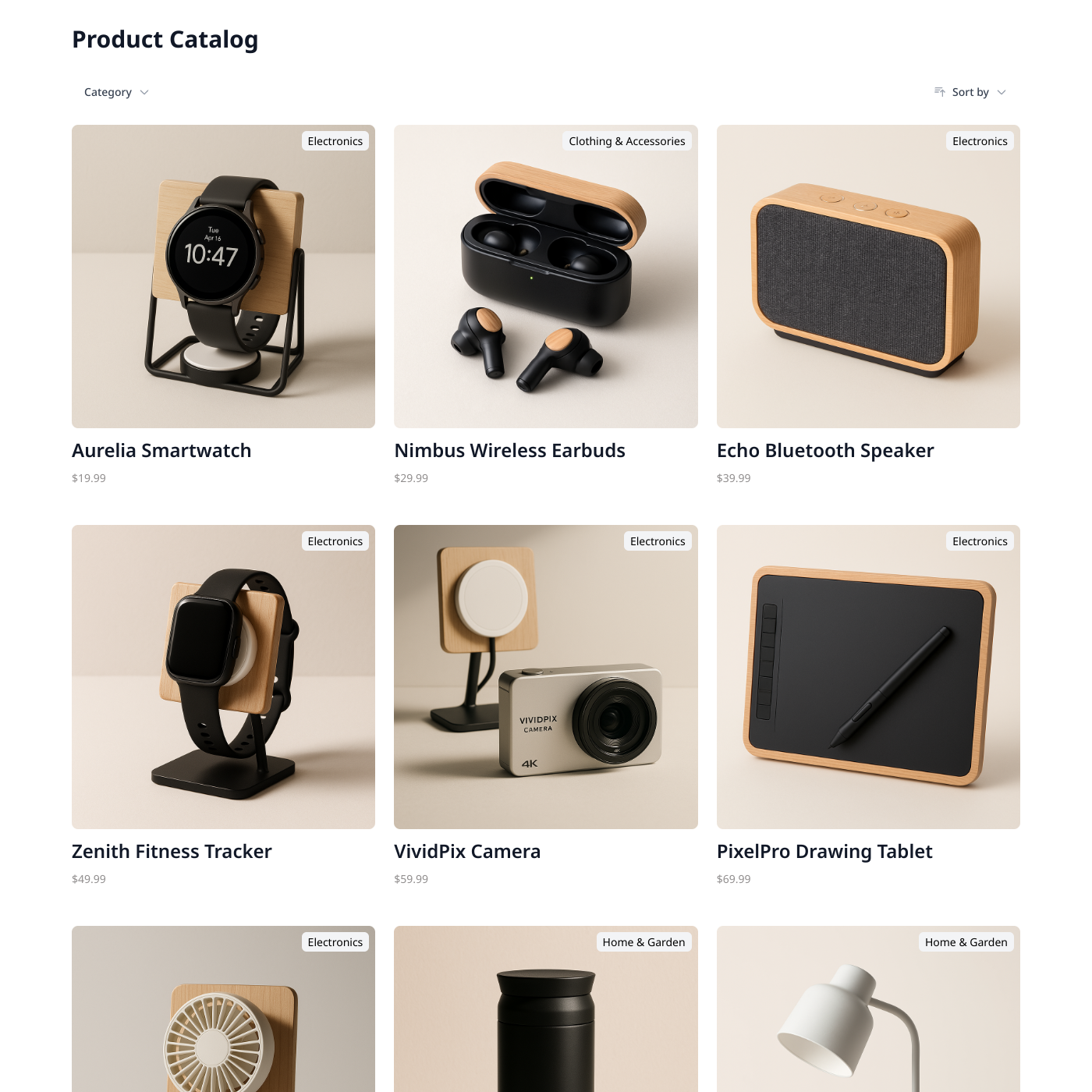
Display products from Airtable or Google Sheets.
Team Directory

Team Directory

Popular

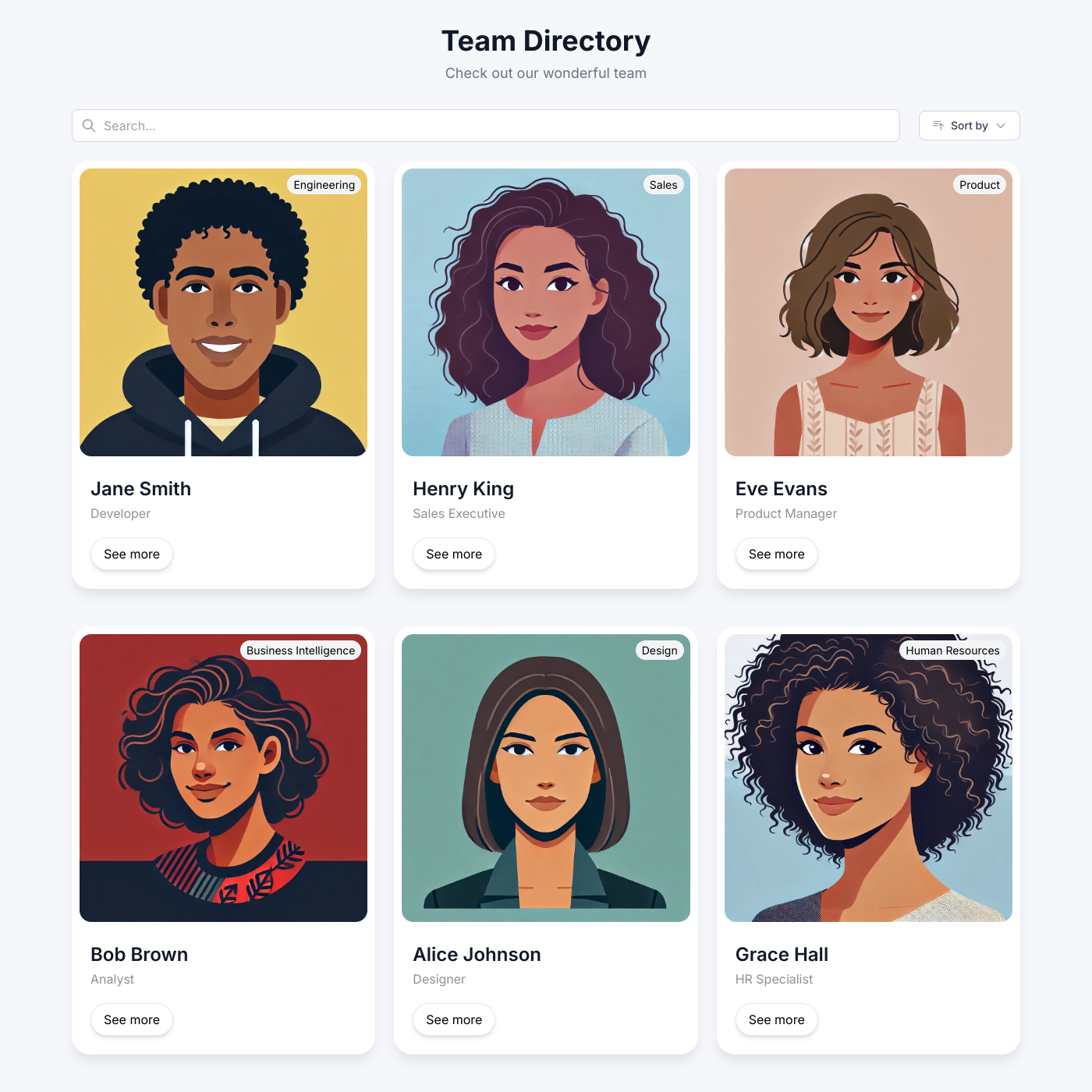
Showcase your team with an auto-updating directory.
Job Board

Job Board

Popular

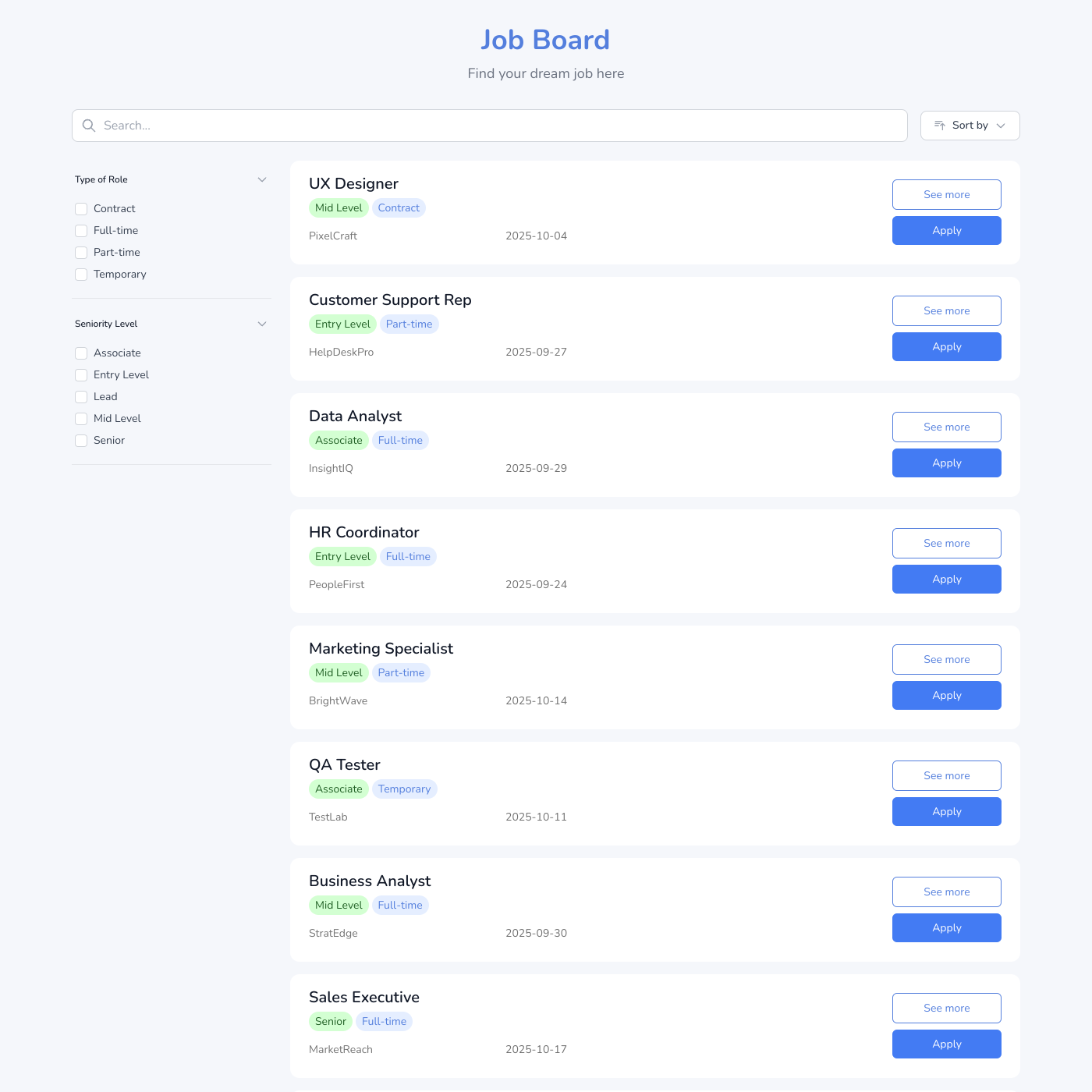
Post jobs and accept applications easily.

Events Calendar

Events Calendar

Popular

Display upcoming events and drive registrations.
Testimonial Wall

Testimonial Wall

Popular

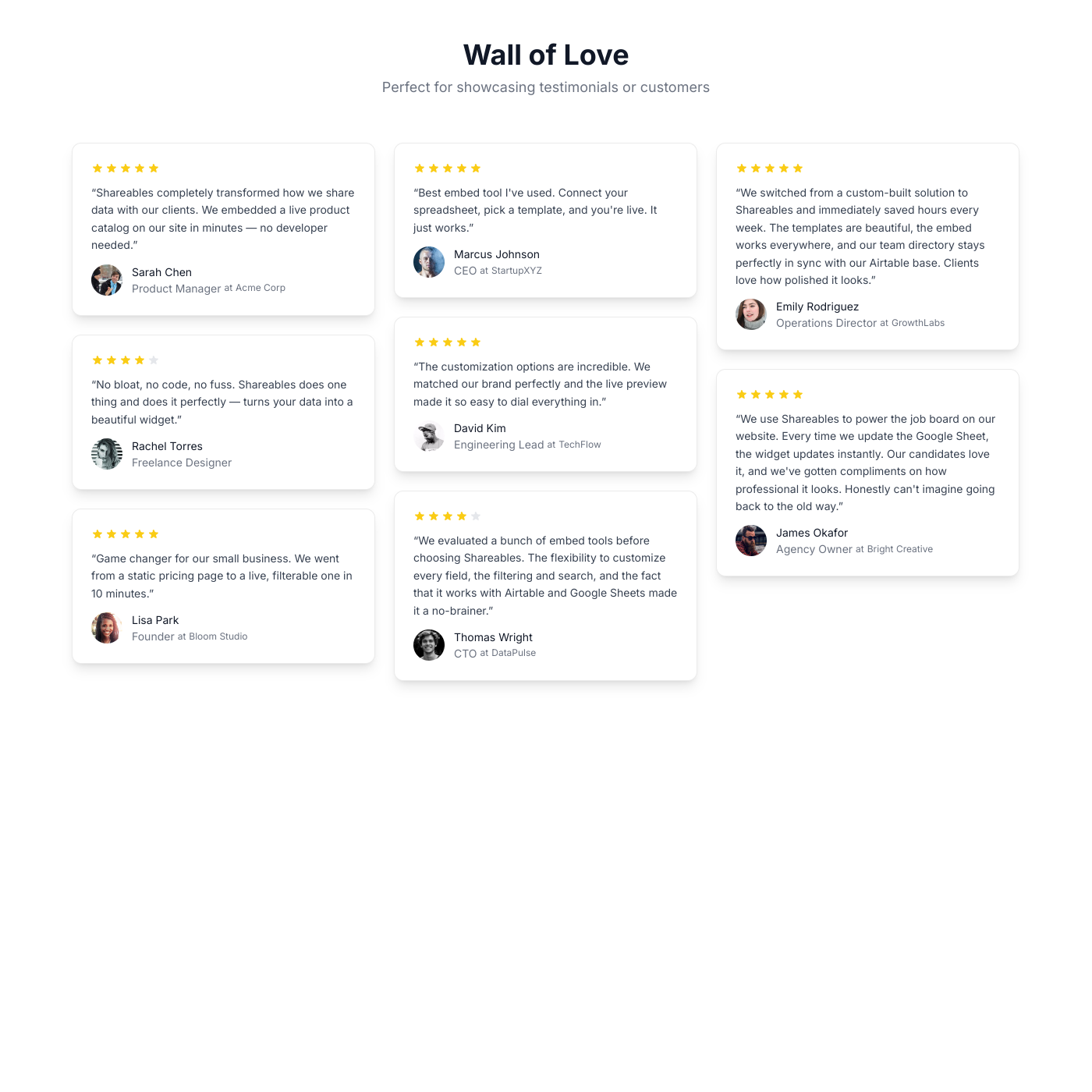
Showcase customer testimonials powered by your spreadsheet.
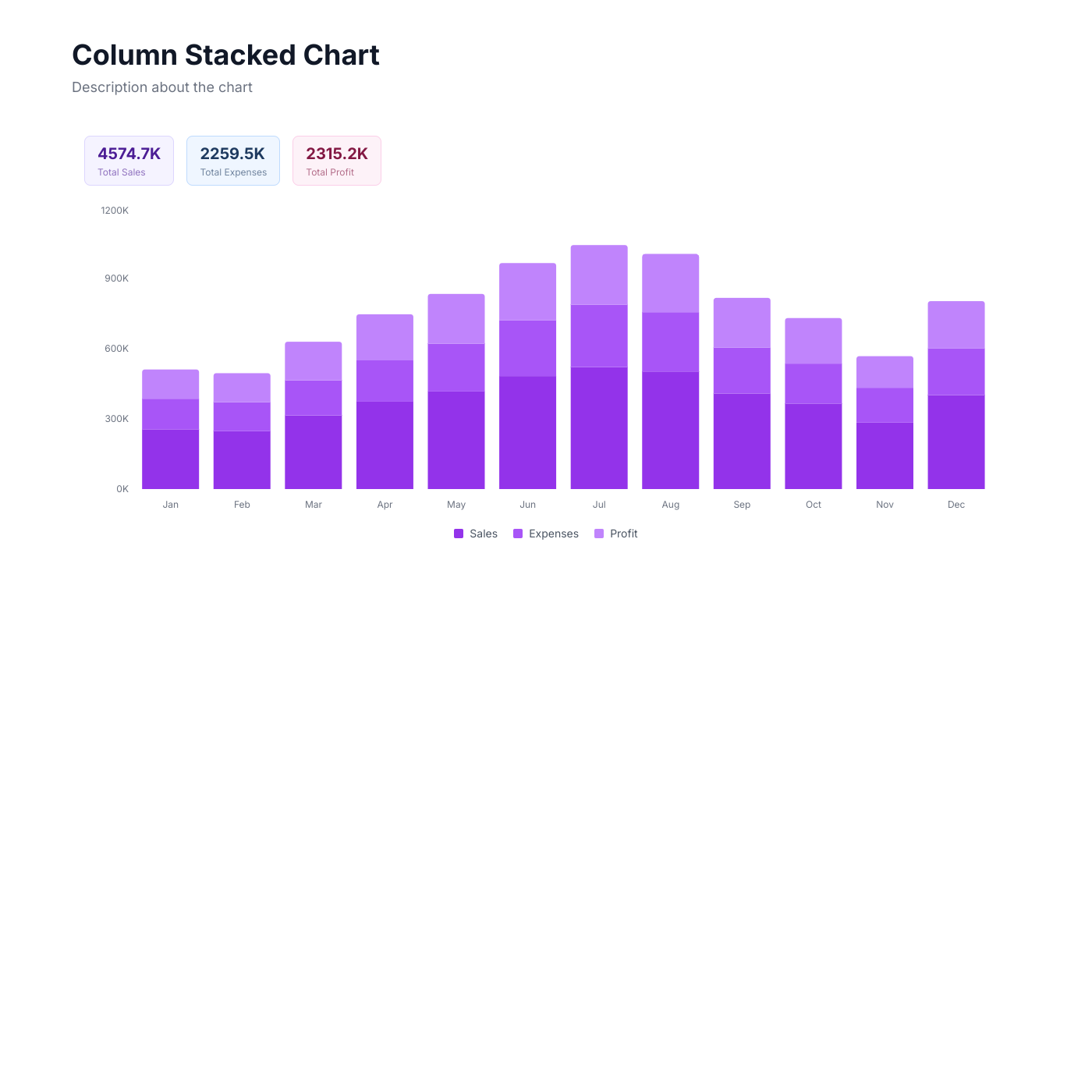
Chart

Chart

Popular

Visualize your spreadsheet data with interactive charts.

Blog

Blog

Create a beautiful blog powered by your spreadsheet.

Notion Blog

Notion Blog

Turn your Notion database into a beautiful blog.
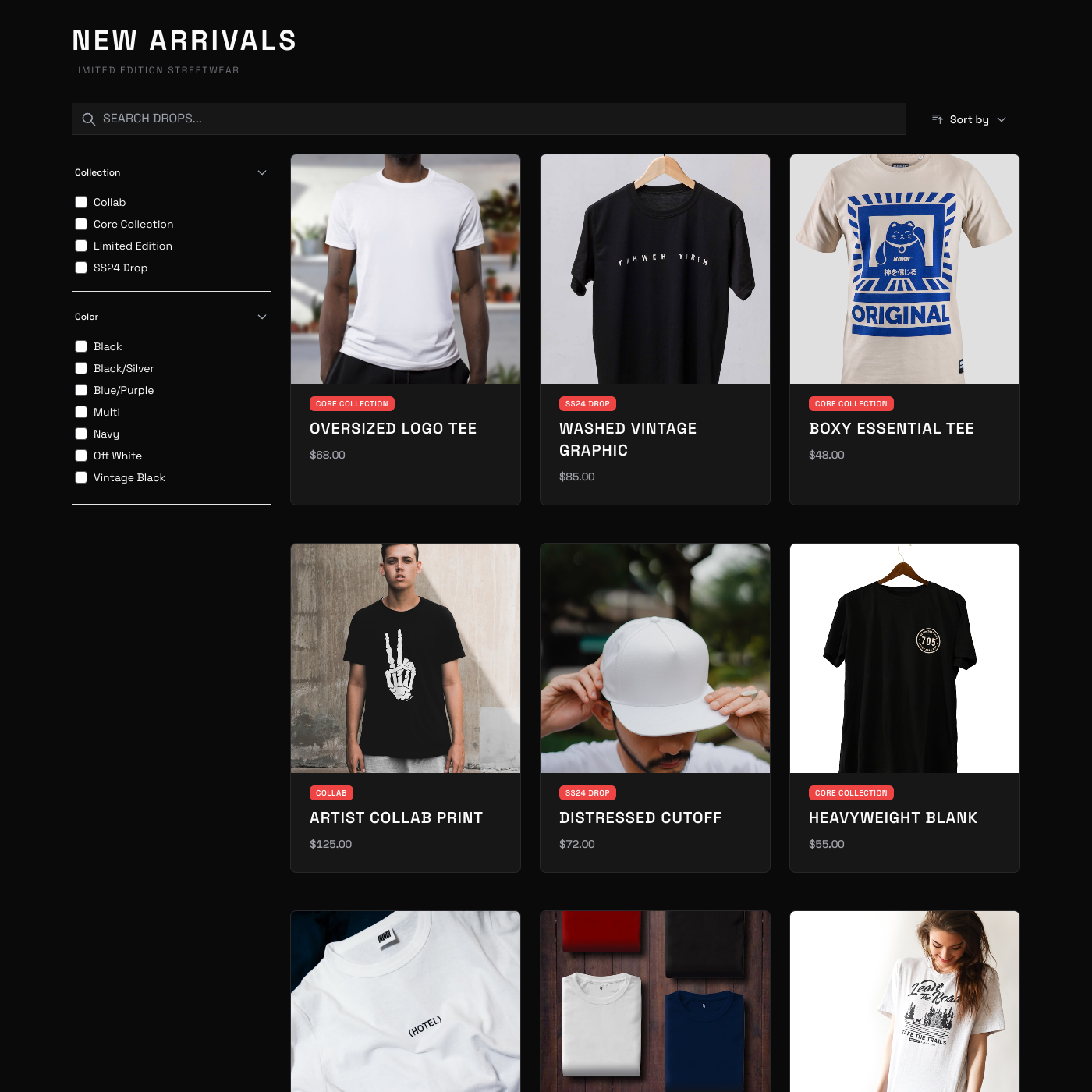
T-Shirt Shop

T-Shirt Shop

Sell merchandise with a simple storefront widget.
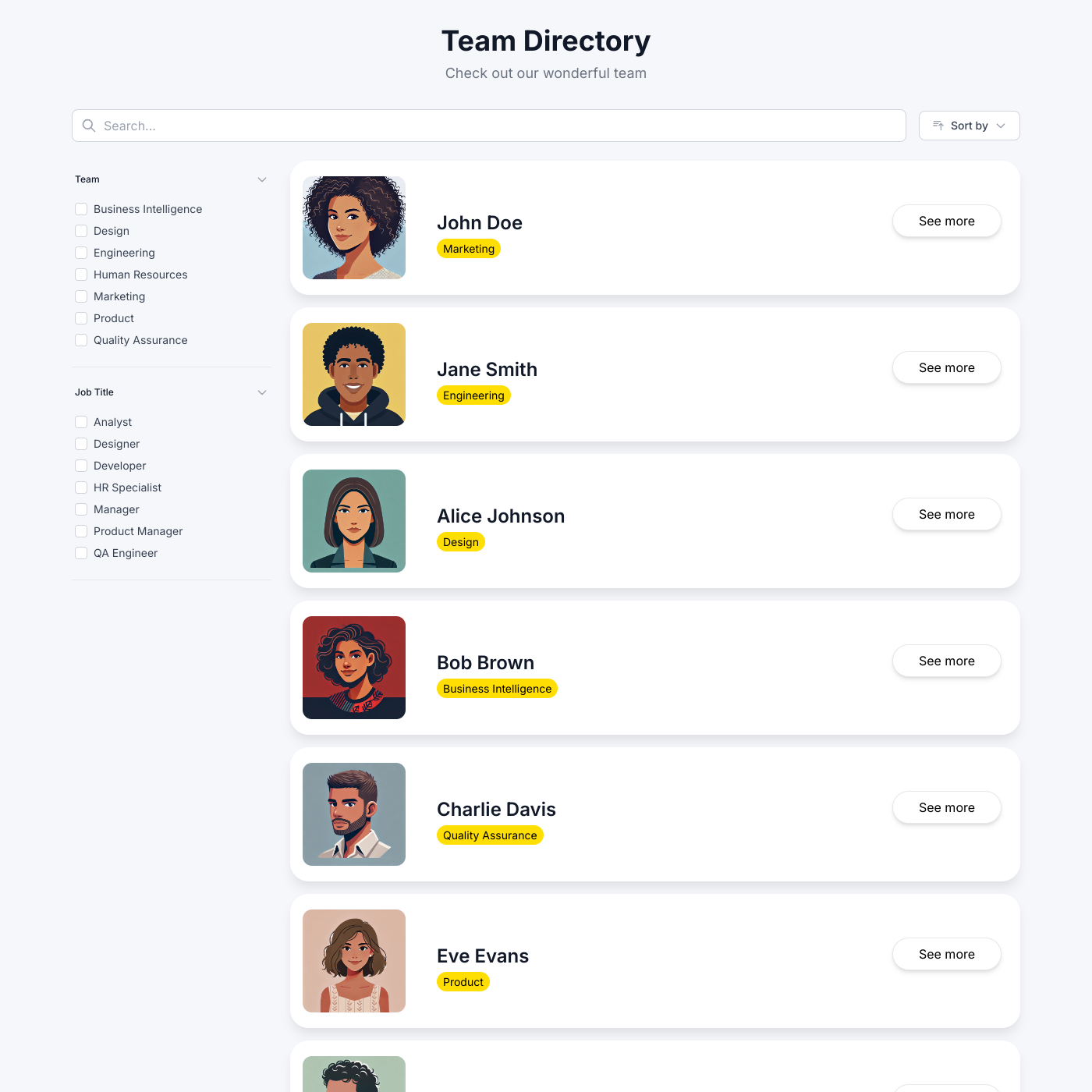
Member Directory

Member Directory

Build a searchable directory for your community.
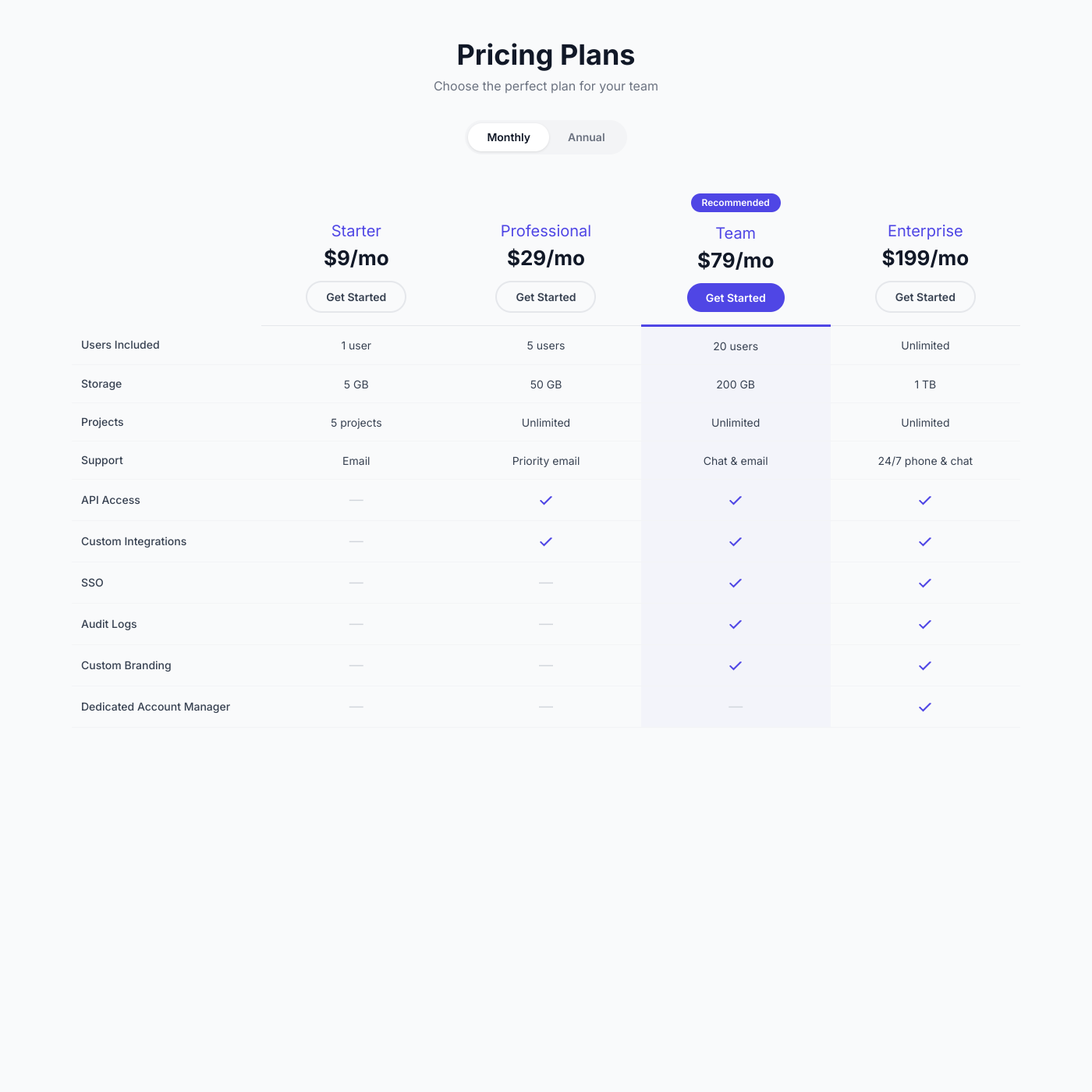
Pricing Comparison

Pricing Comparison

Create pricing tables that help customers choose.

Resource Library

Resource Library

Organize and share downloadable resources.

Property Listings

Property Listings

List properties and rentals on your website.
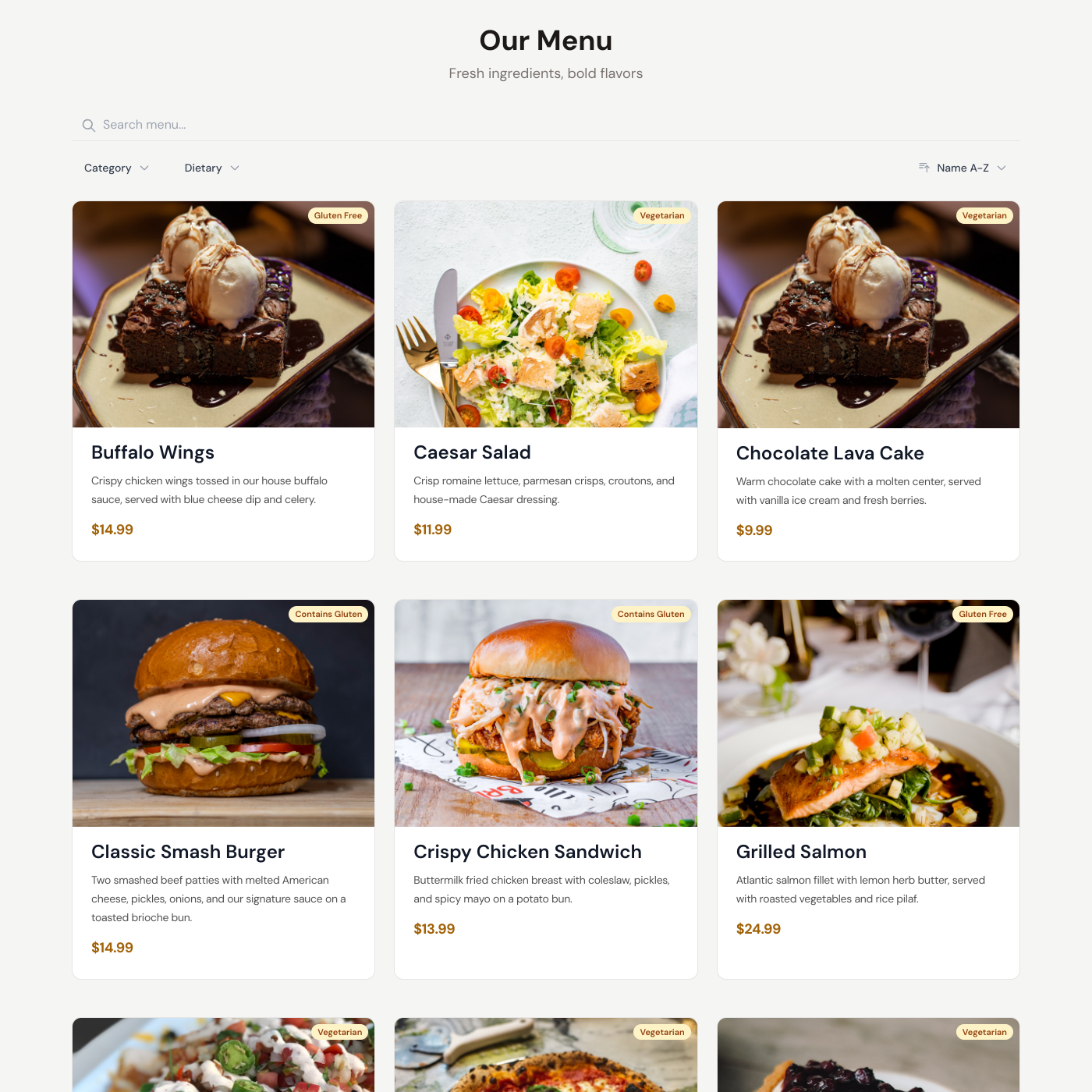
Restaurant Menu

Restaurant Menu

Display your menu with prices and descriptions.
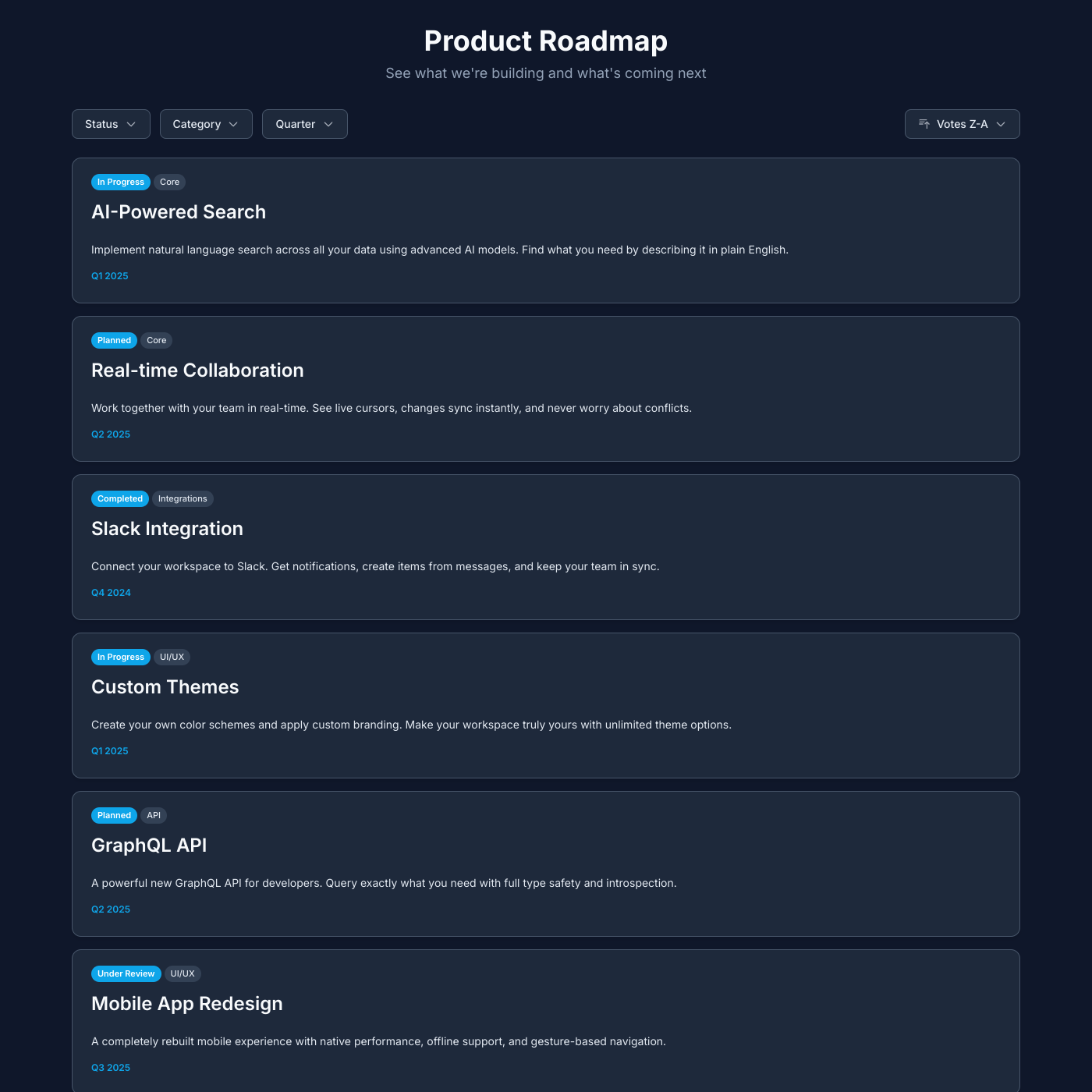
Public Roadmap

Public Roadmap

Share your product roadmap and upcoming features.

Salon

Salon

Showcase services and pricing for your salon or spa.
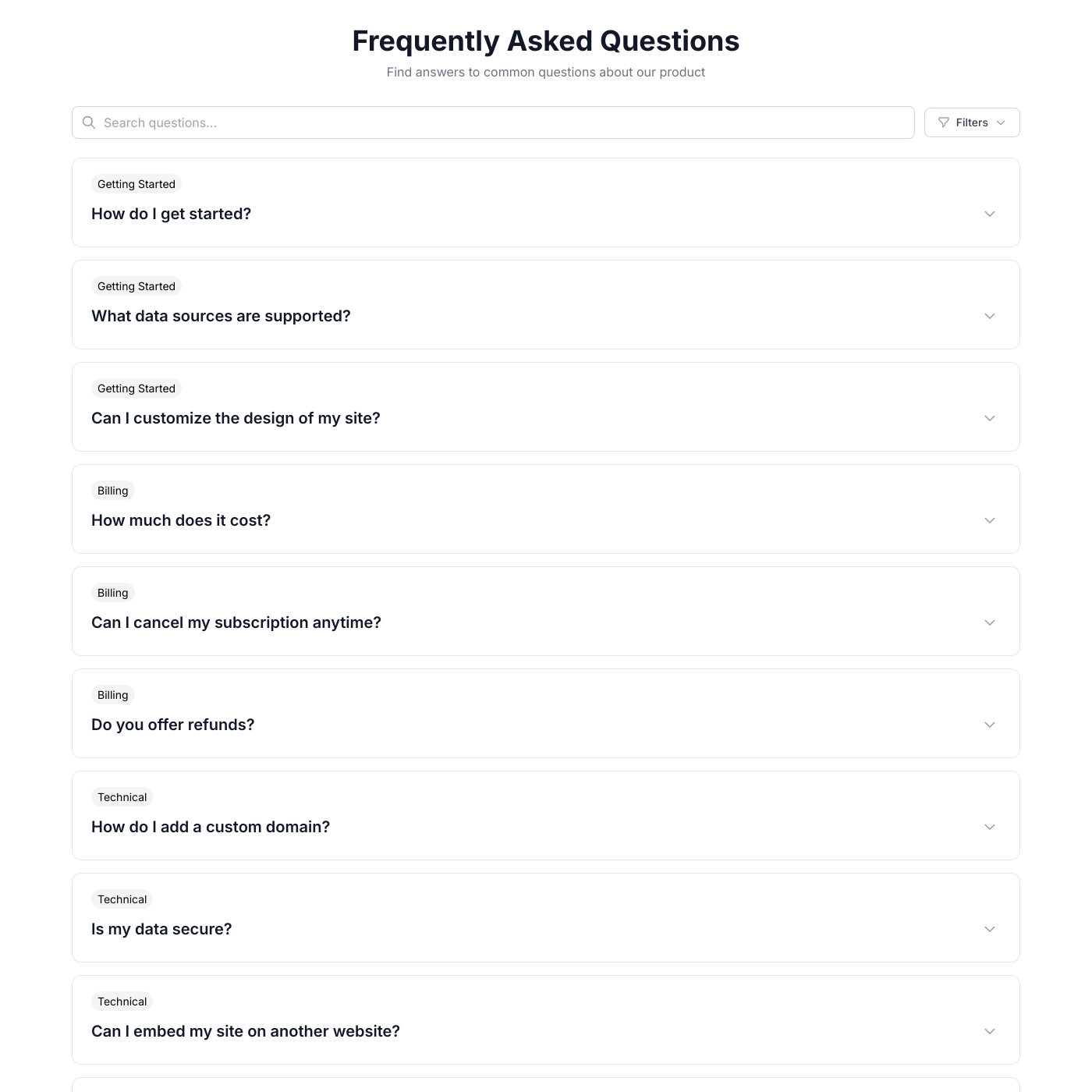
FAQ

FAQ

Answer common questions with an accordion FAQ.
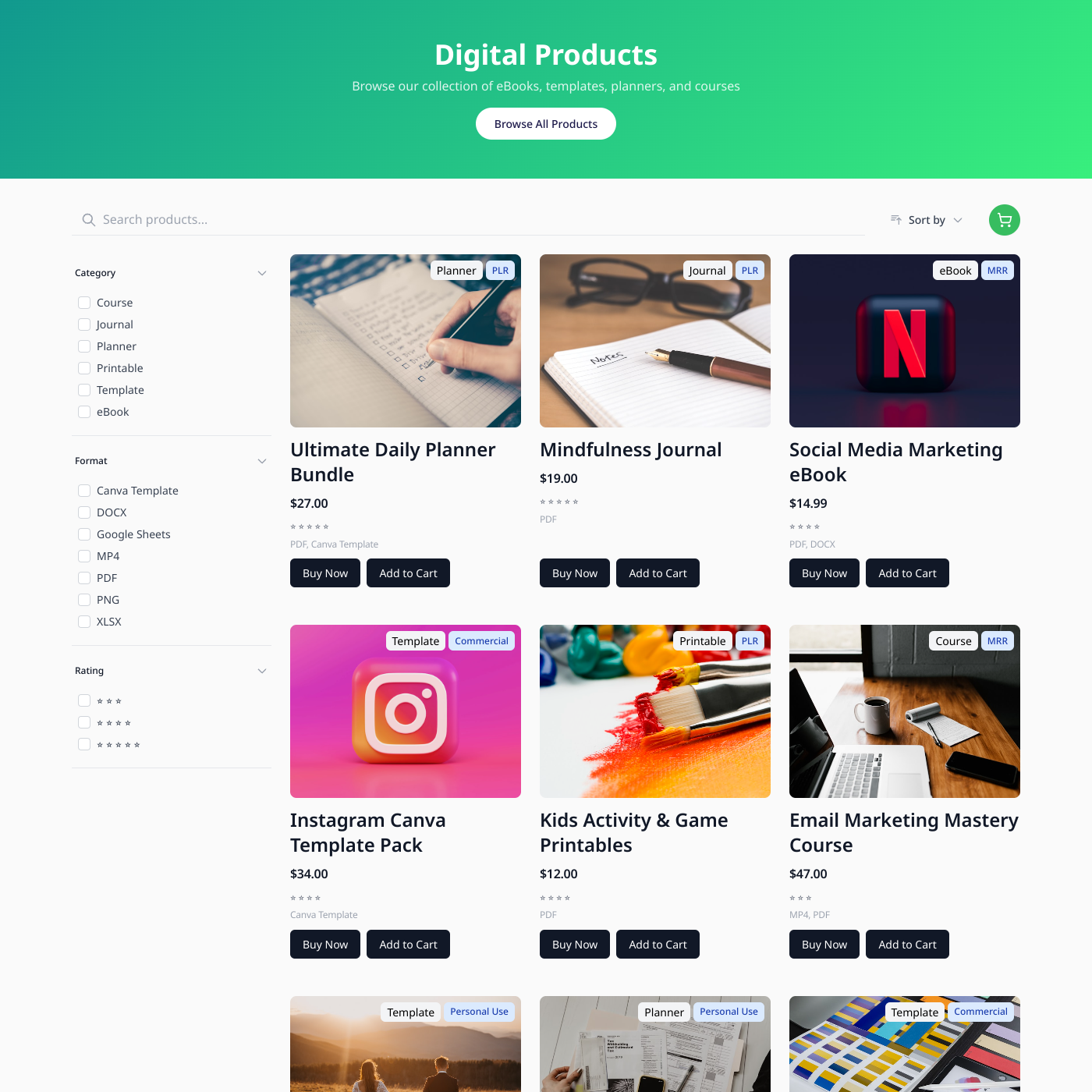
Digital Products

Digital Products

Sell digital downloads from Airtable or Google Sheets.
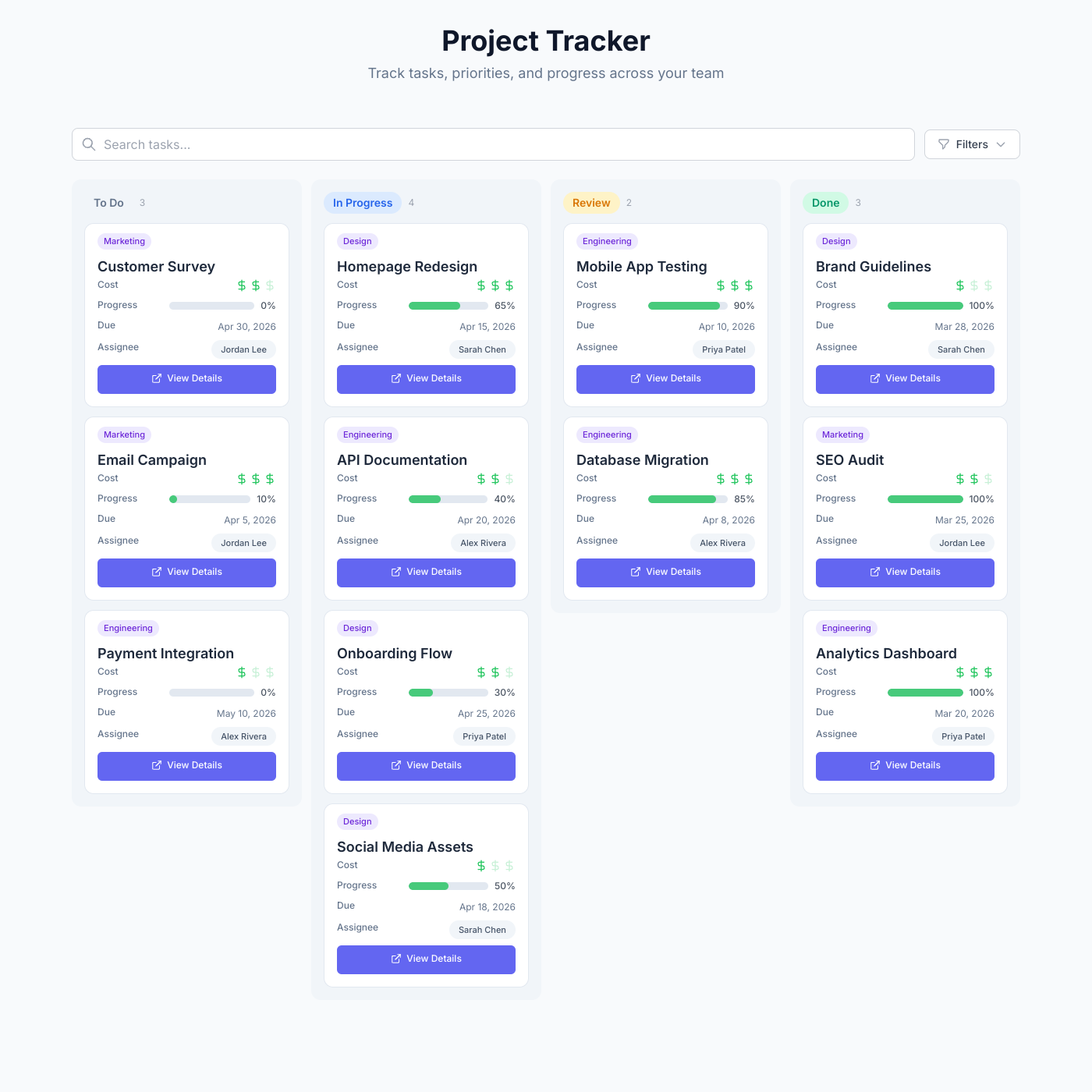
Project Tracker

Project Tracker

Track tasks, priorities, and progress with a kanban board powered by your data.

Card

Card

Display any content in a beautiful card grid.

List

List

Display content in organized, scannable lists.
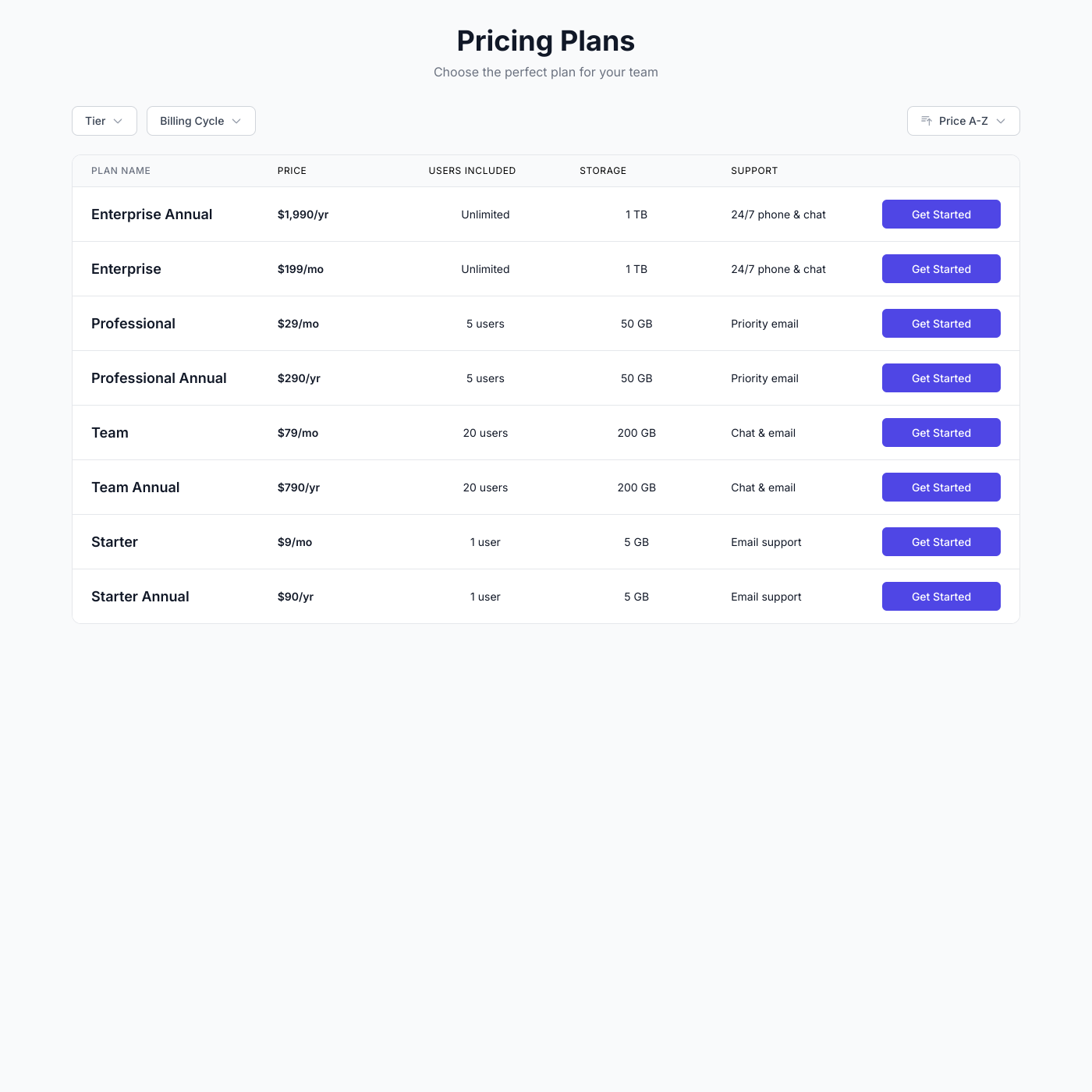
Table

Table

Create sortable, filterable data tables.

Video Course

Video Course

Embed your video course with lessons on any website.

Podcast

Podcast

Embed your podcast episodes with live players on any website.
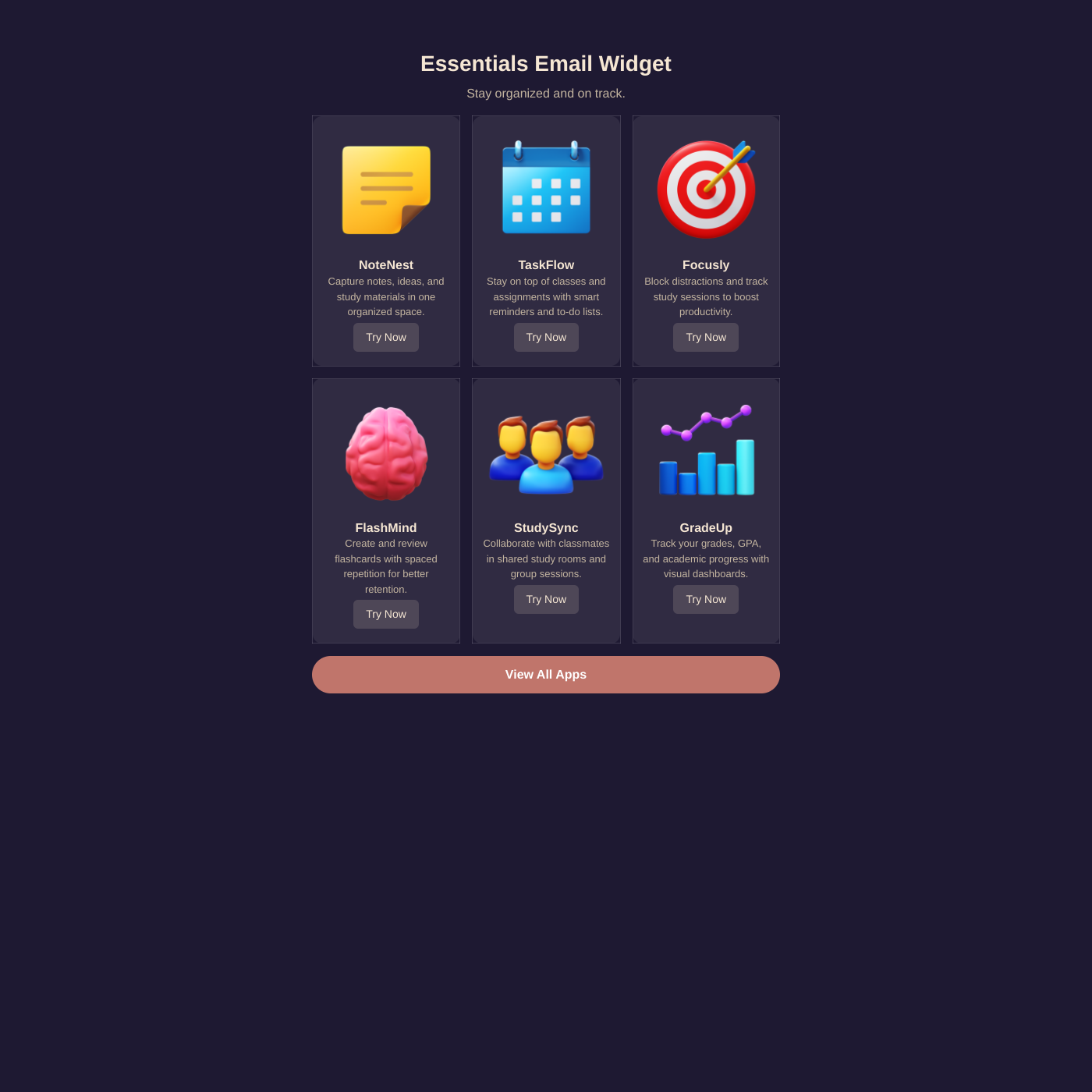
Email

Email

Create email-safe HTML snippets from your data.

From Razorpay to your website in minutes

Paste your Razorpay Key ID and Key Secret, pick the widget, and start accepting payments. Money goes straight to your own Razorpay account.

Every Indian Payment Method

UPI, RuPay and international cards, netbanking, Paytm and PhonePe wallets, and EMI. Whatever is enabled on your Razorpay account shows up at checkout.

Checkout Without Leaving the Page

Razorpay's secure overlay opens on top of your widget. Customers pay and return to your site without a redirect.

Verified and Captured for You

Every payment is signature-verified and captured on our servers before it is confirmed, so you never ship against an unpaid order.

Razorpay FAQ

Connect your Razorpay account to Shareables with your API keys, then turn on Payments for any widget. When a customer clicks to buy, Razorpay's checkout overlay opens on your page. They pick UPI, a card, netbanking, a wallet or EMI, and the payment lands in your Razorpay account.

Yes. Razorpay accounts are free to create at razorpay.com and are available to businesses in India, with limited availability in Malaysia, Singapore and the United States. Complete Razorpay's KYC activation before accepting live payments.

Everything enabled on your Razorpay account: UPI, debit and credit cards (including RuPay and international cards), netbanking from major Indian banks, wallets such as Paytm and PhonePe, and EMI.

Razorpay settles Indian accounts in INR. To charge customers in other currencies, enable International Payments in your Razorpay dashboard first, then set the currency in your widget's Payments settings.

In the widget editor, open the Add-ons tab, turn on Payments and click "Connect Payment Account". Choose Razorpay, paste the Key ID and Key Secret from your Razorpay dashboard, and click Connect. Test keys and live keys are detected automatically.

Yes. Connect with your Razorpay test keys and run through checkout with Razorpay's test cards or a test UPI ID. When you are ready, swap in your live keys and the widget switches over.

Shareables does not charge any additional transaction fees. You only pay Razorpay's standard processing fees, typically around 2% per domestic transaction and more for international cards.

Yes. A widget can have two payment accounts connected at once, so you can offer Razorpay alongside Stripe or PayPal and let customers choose at checkout.

Yes. Turn on Order Requests and customers submit their cart and contact details instead of paying online. You confirm each order and arrange payment yourself, by bank transfer, cash on delivery or an invoice. Order Requests work on their own or alongside Razorpay.

Start accepting Razorpay payments from your widgets

Connect Razorpay and add checkout to any widget in minutes. No credit card required to get started.