ShareablesShareables
Get started in under 5 minutes

AirtableAirtable Website Widgets

Turn your Airtable base into a live website — products, directories, events, and more. Linked records, filtered views, and rich fields all supported.

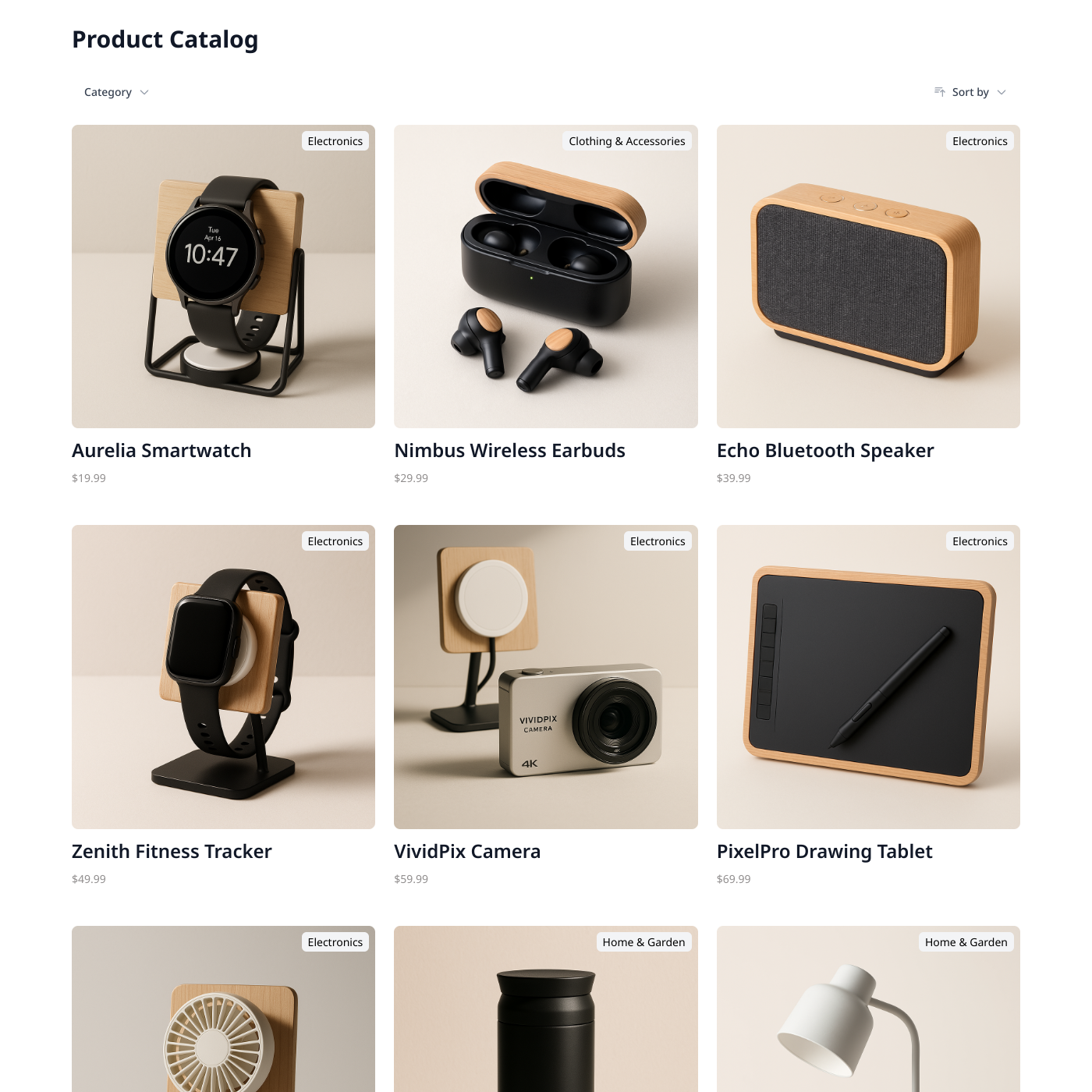
Products

Products

Popular

Display products from Airtable or Google Sheets.
Team Directory

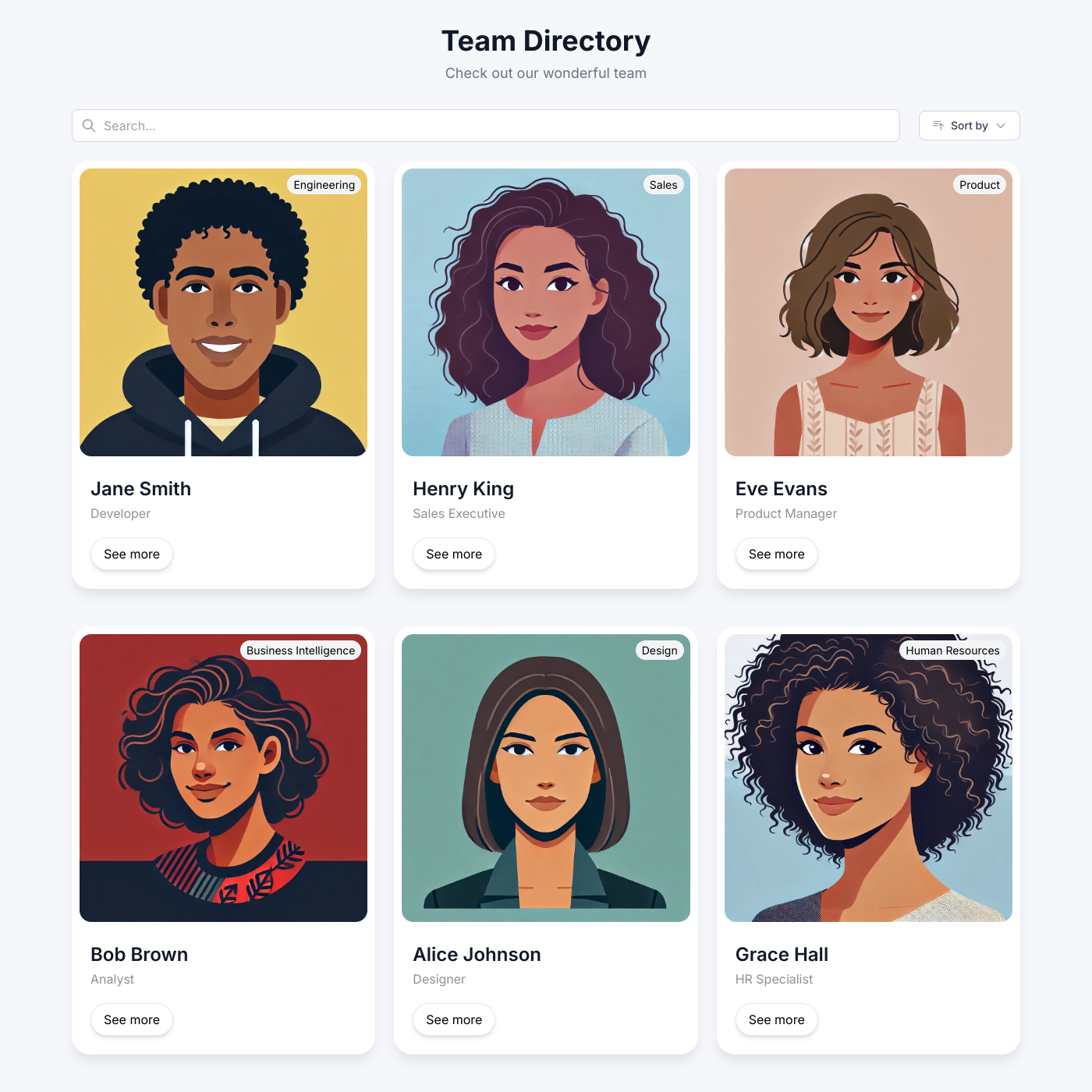
Team Directory

Popular

Showcase your team with an auto-updating directory.
Job Board

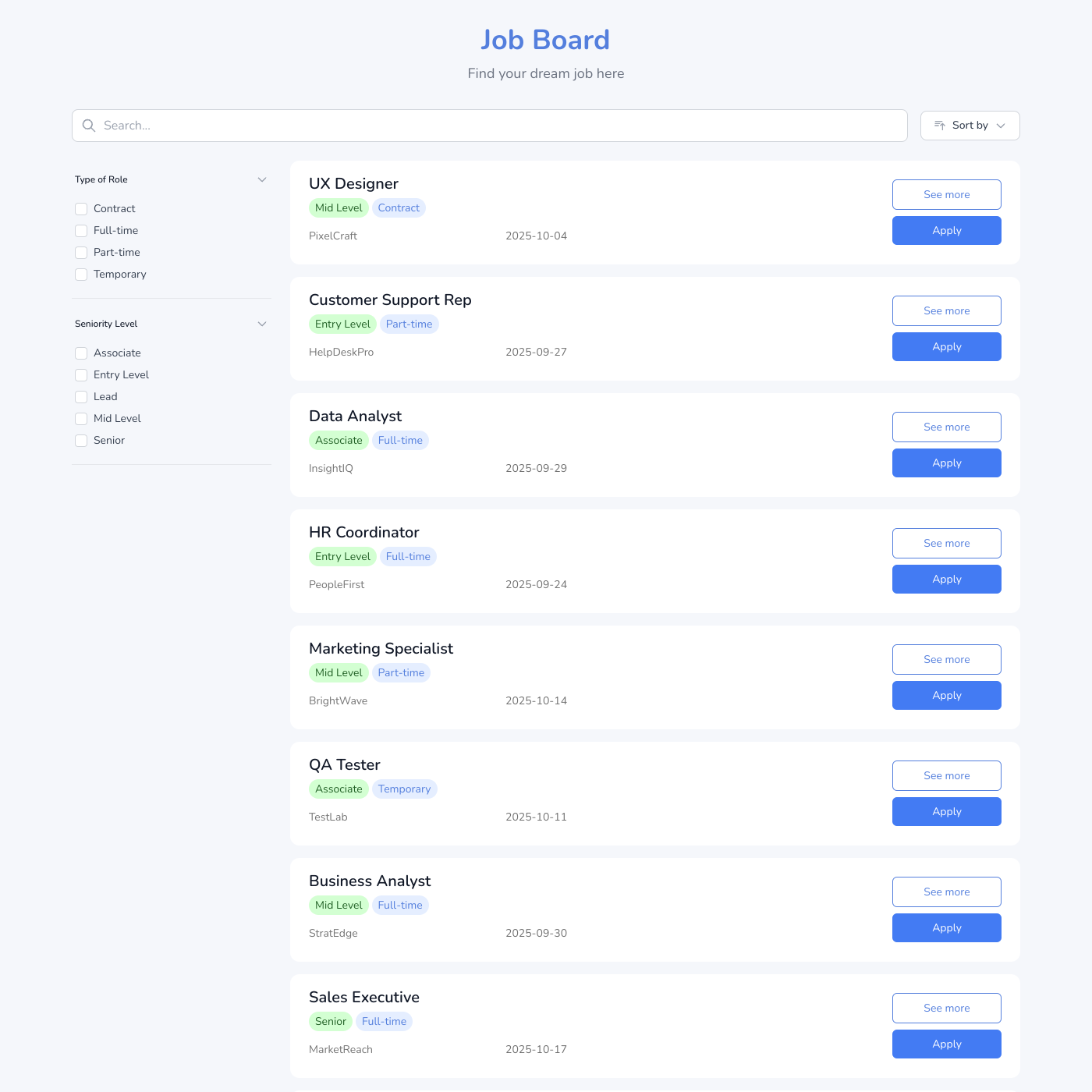
Job Board

Popular

Post jobs and accept applications easily.
Events Calendar

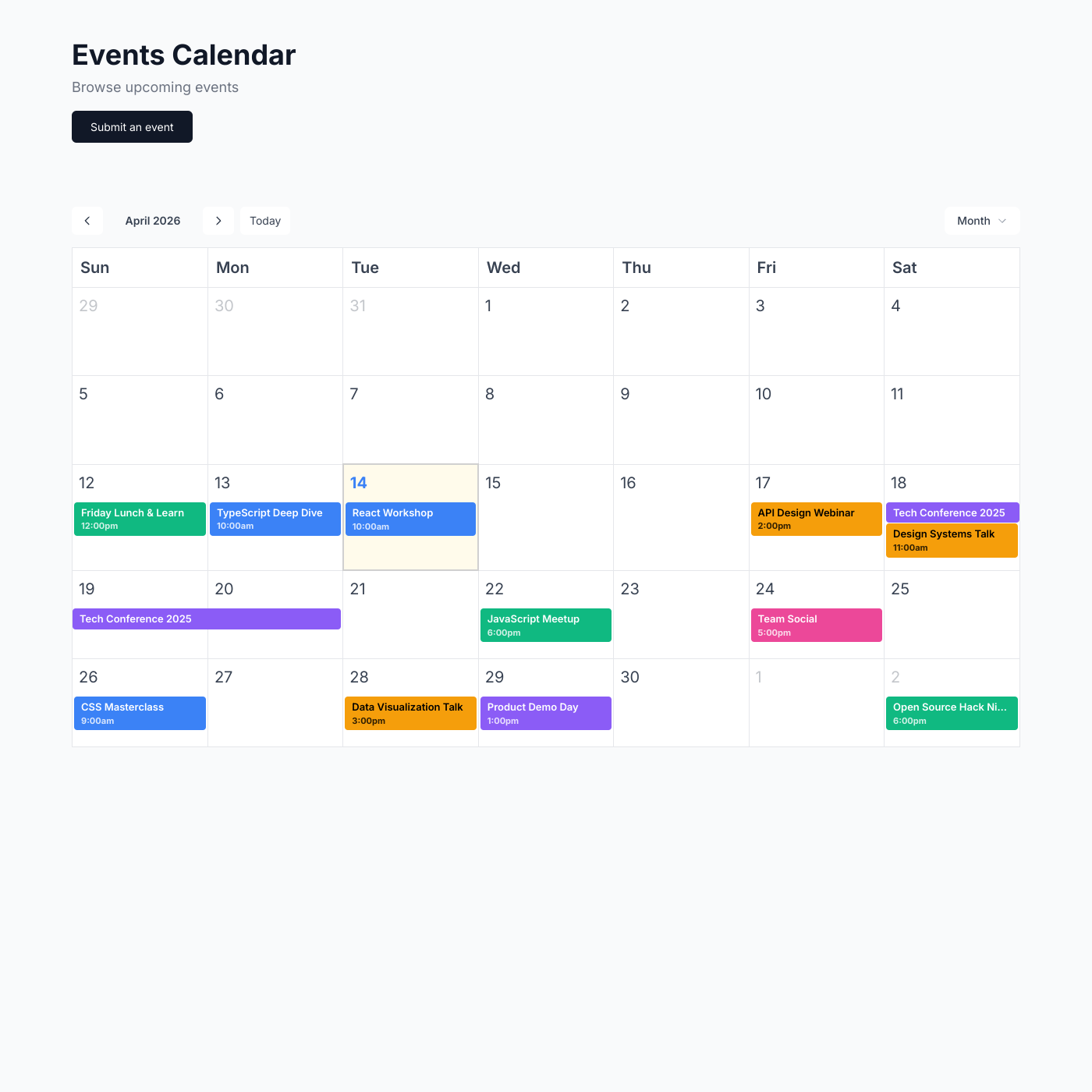
Events Calendar

Popular

Display upcoming events and drive registrations.
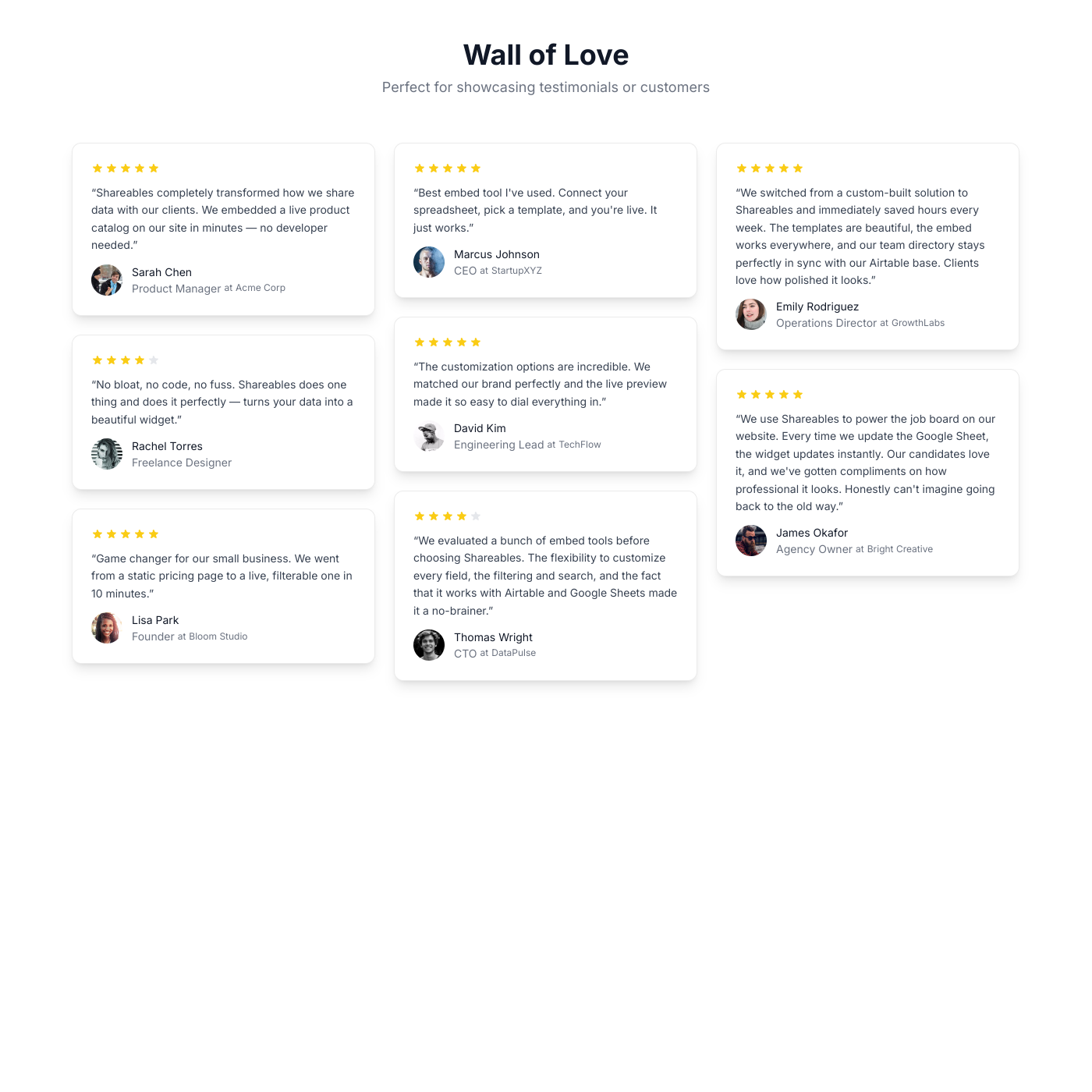
Testimonial Wall

Testimonial Wall

Popular

Showcase customer testimonials powered by your spreadsheet.
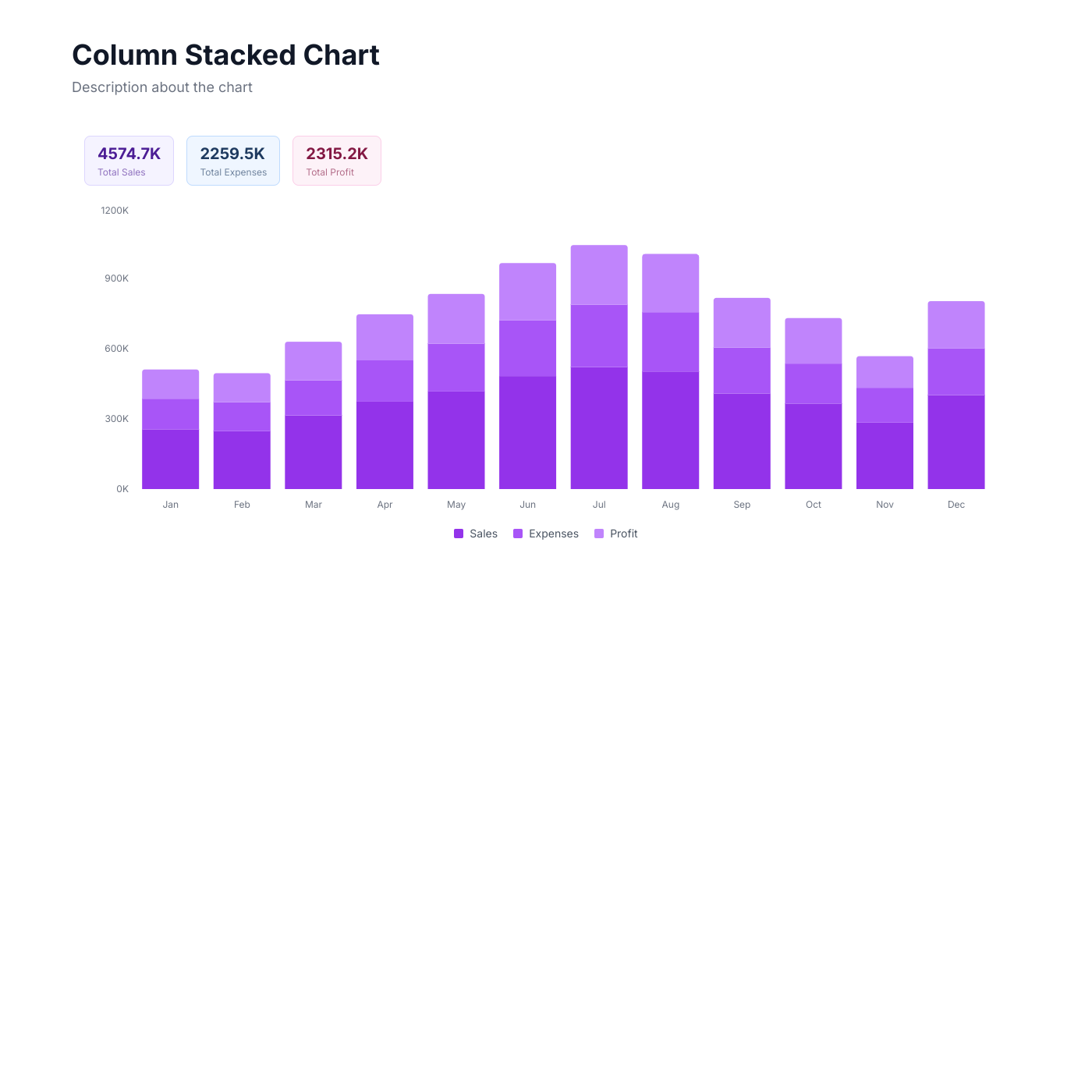
Chart

Chart

Popular

Visualize your spreadsheet data with interactive charts.
Blog

Blog

Create a beautiful blog powered by your spreadsheet.

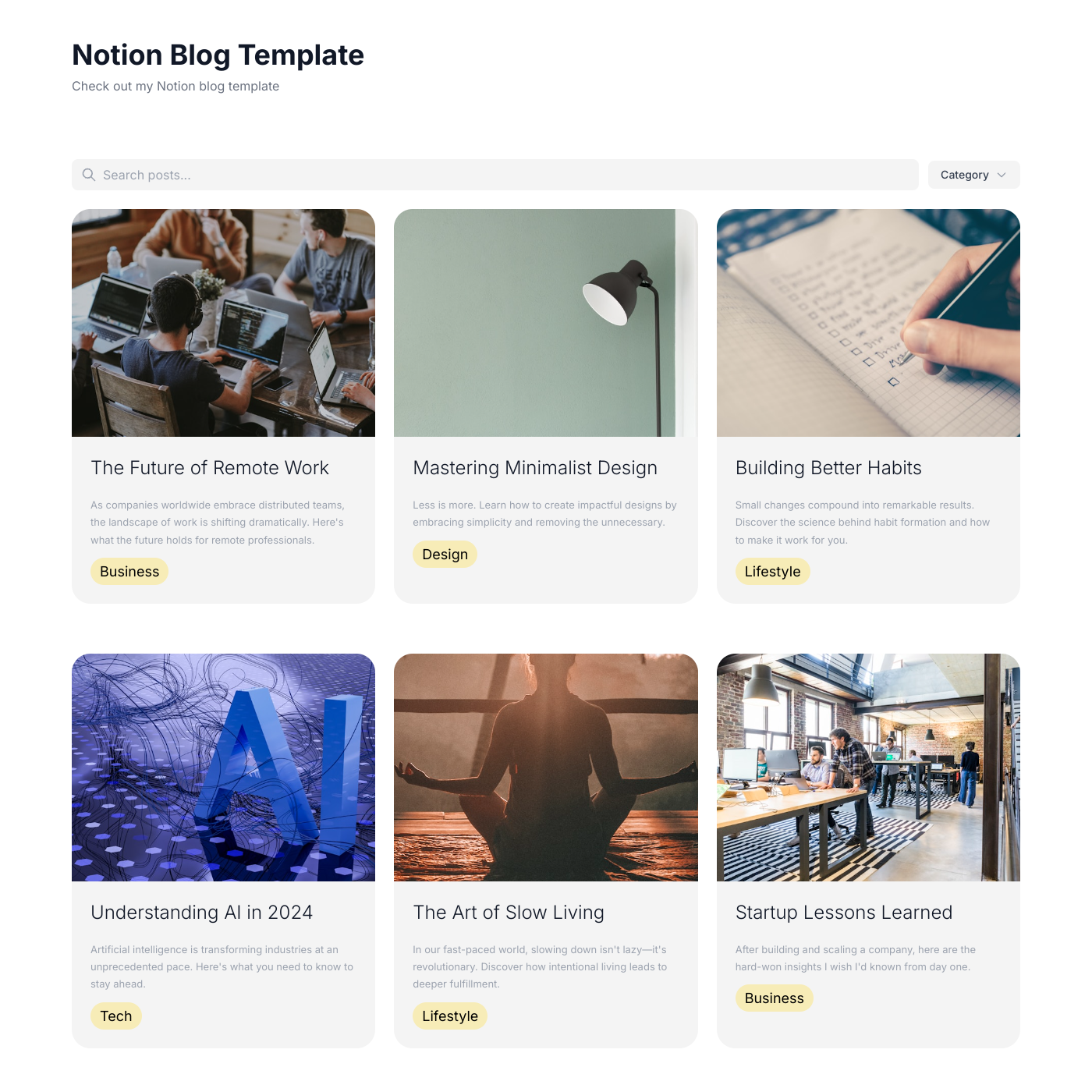
Notion Blog

Notion Blog

Turn your Notion database into a beautiful blog.
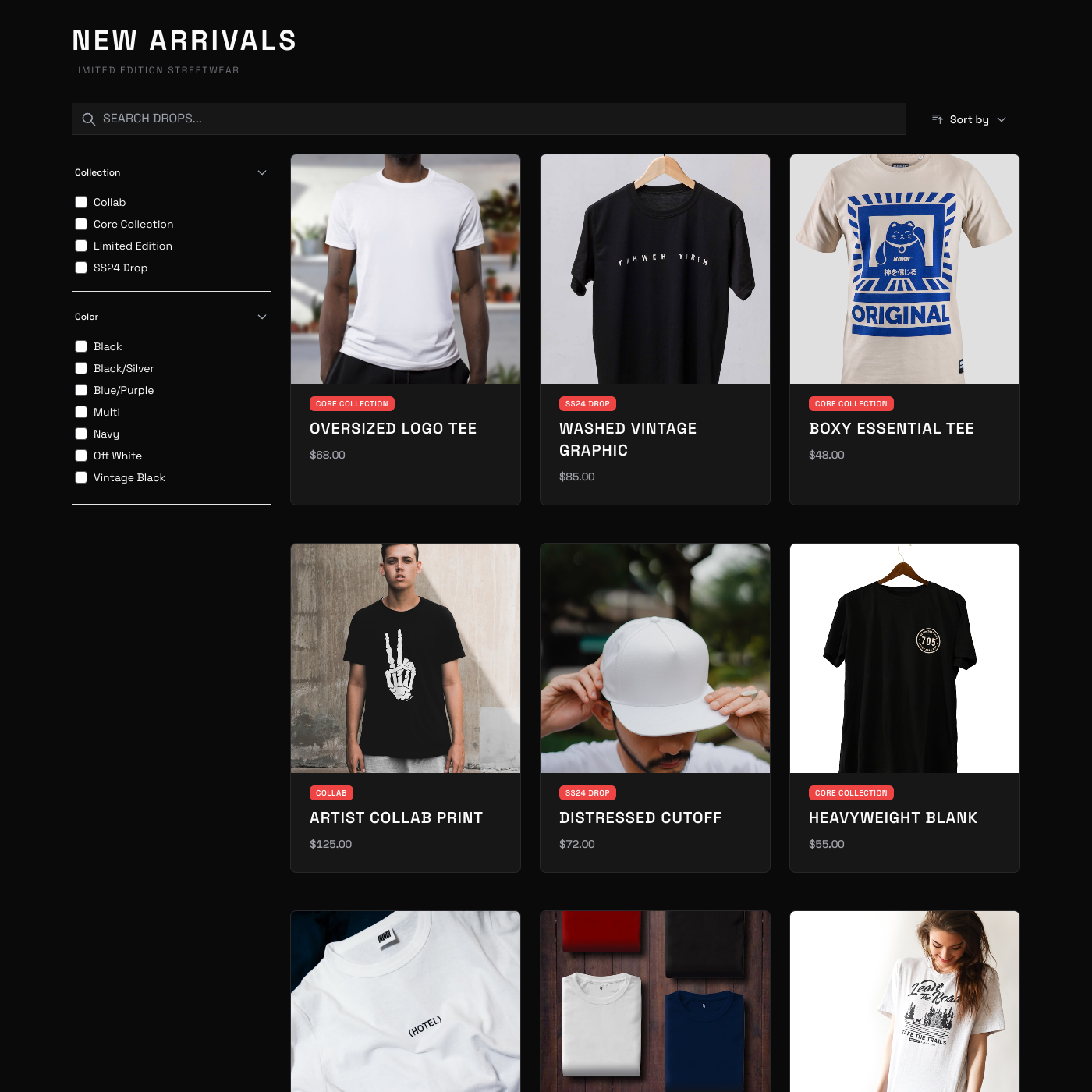
T-Shirt Shop

T-Shirt Shop

Sell merchandise with a simple storefront widget.
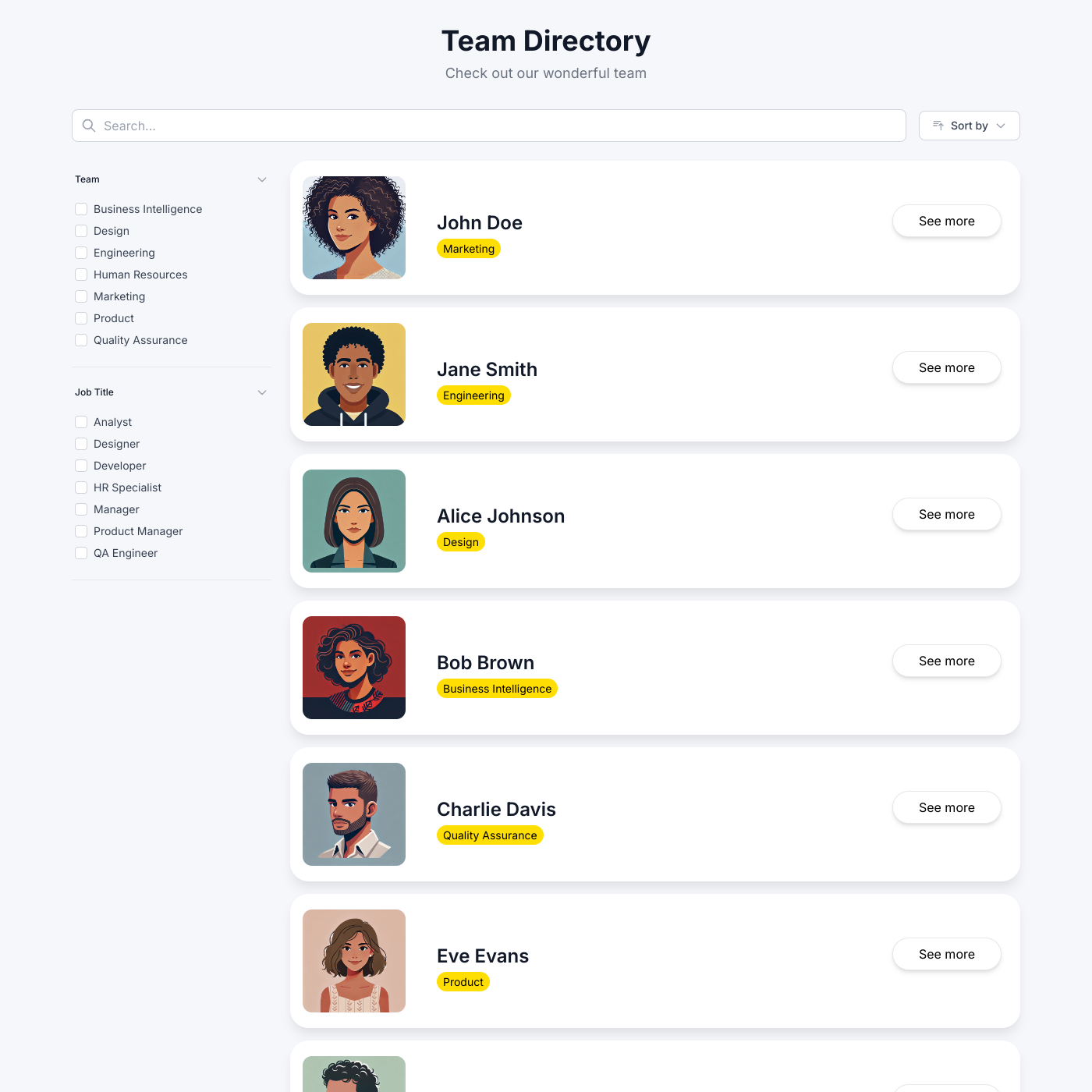
Member Directory

Member Directory

Build a searchable directory for your community.
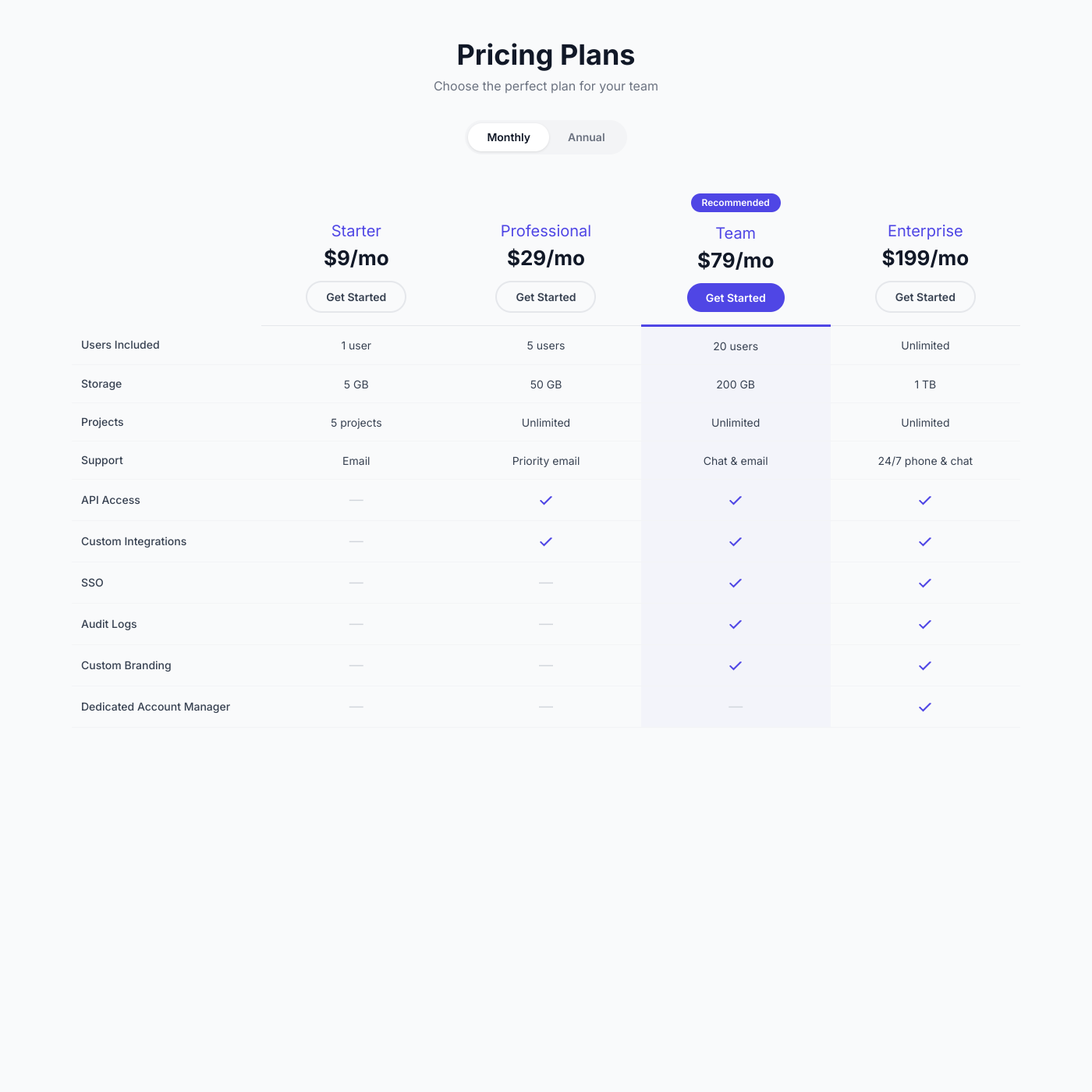
Pricing Comparison

Pricing Comparison

Create pricing tables that help customers choose.
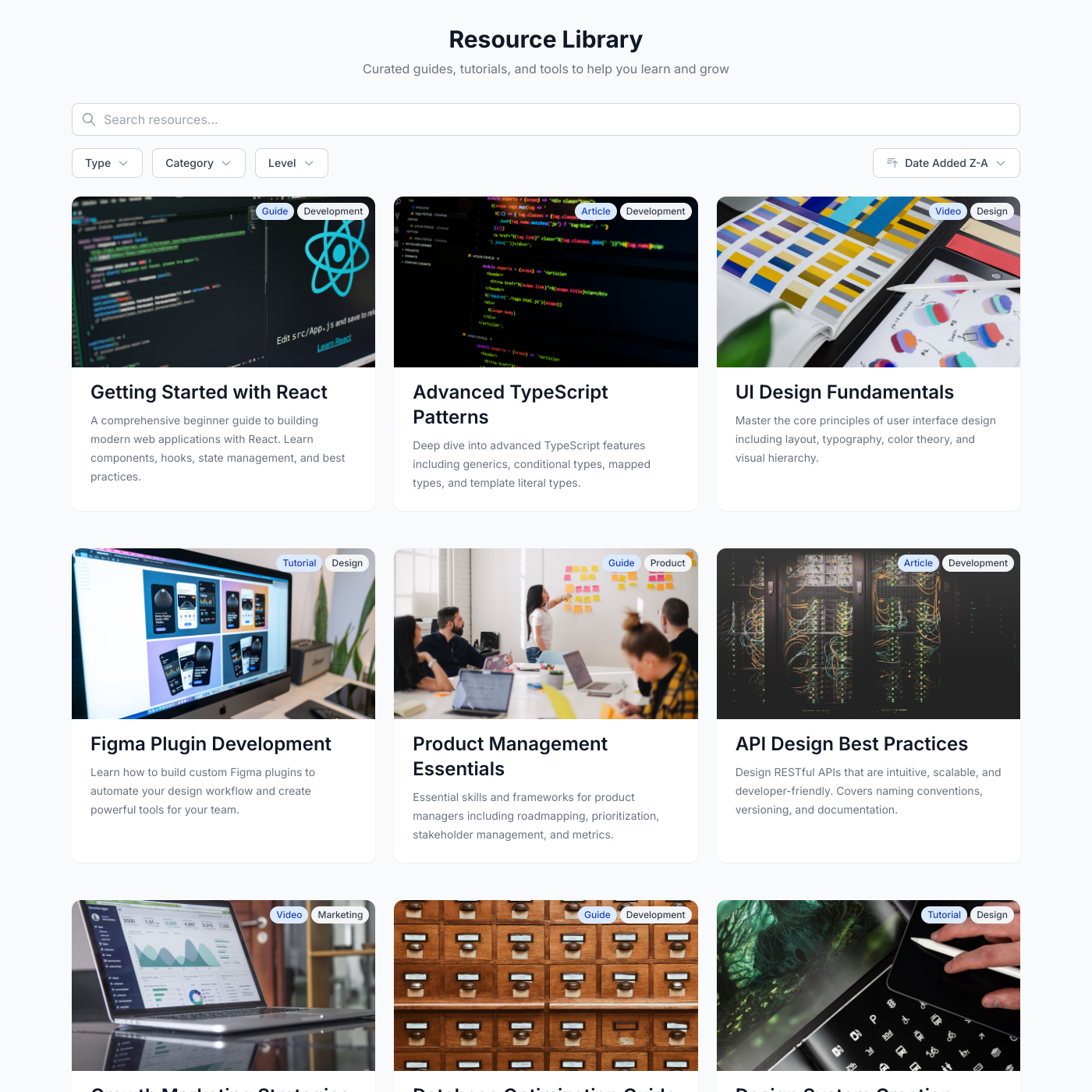
Resource Library

Resource Library

Organize and share downloadable resources.
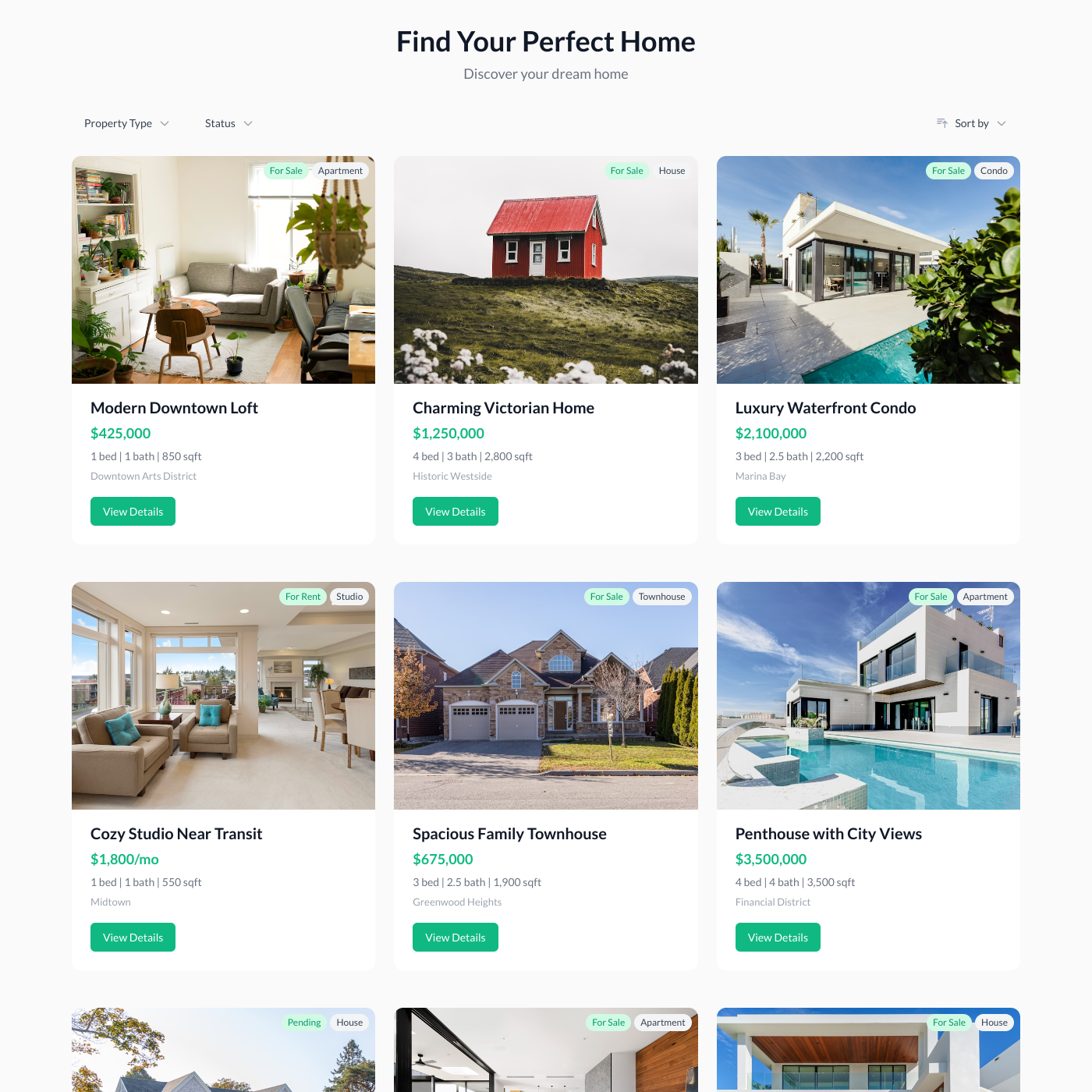
Property Listings

Property Listings

List properties and rentals on your website.
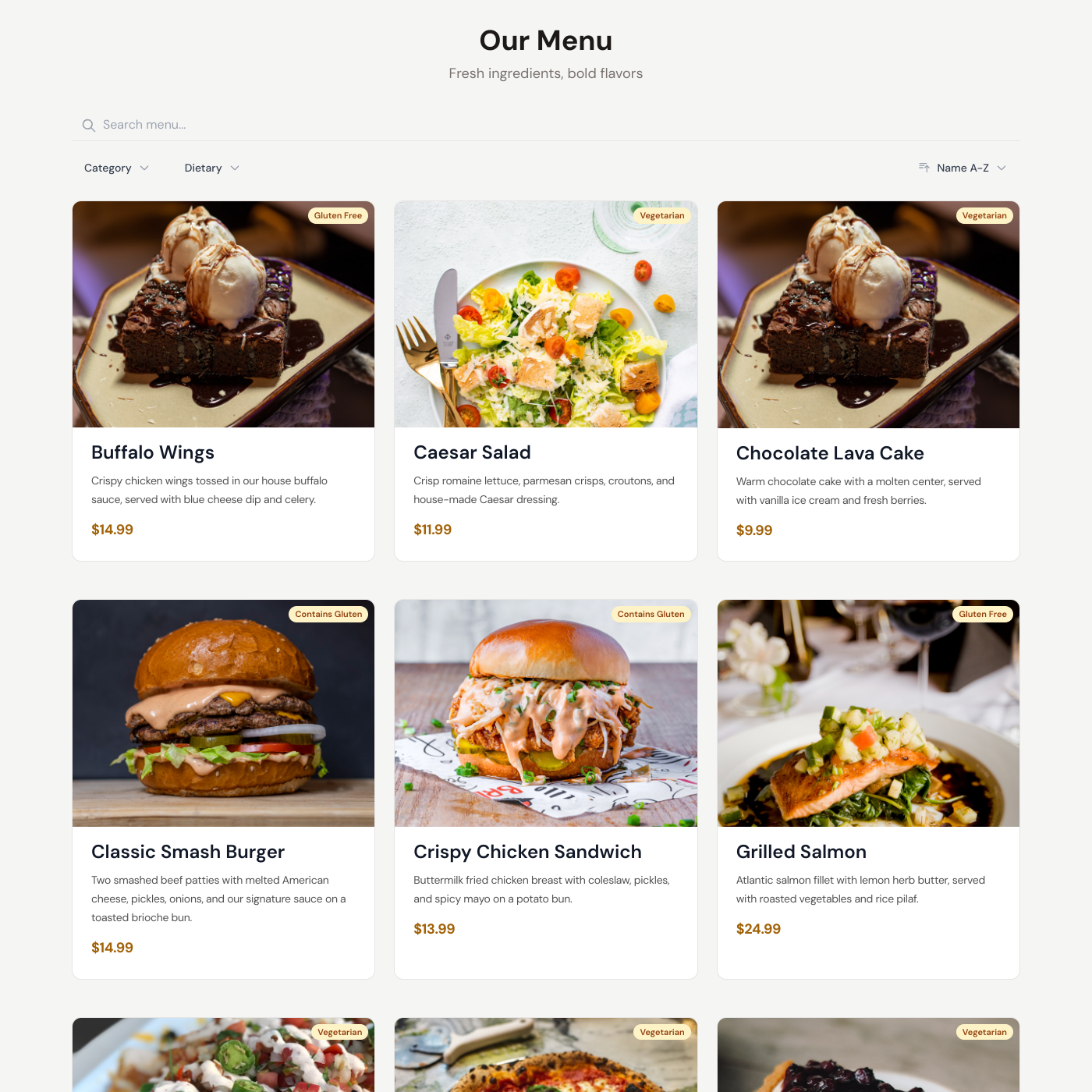
Restaurant Menu

Restaurant Menu

Display your menu with prices and descriptions.
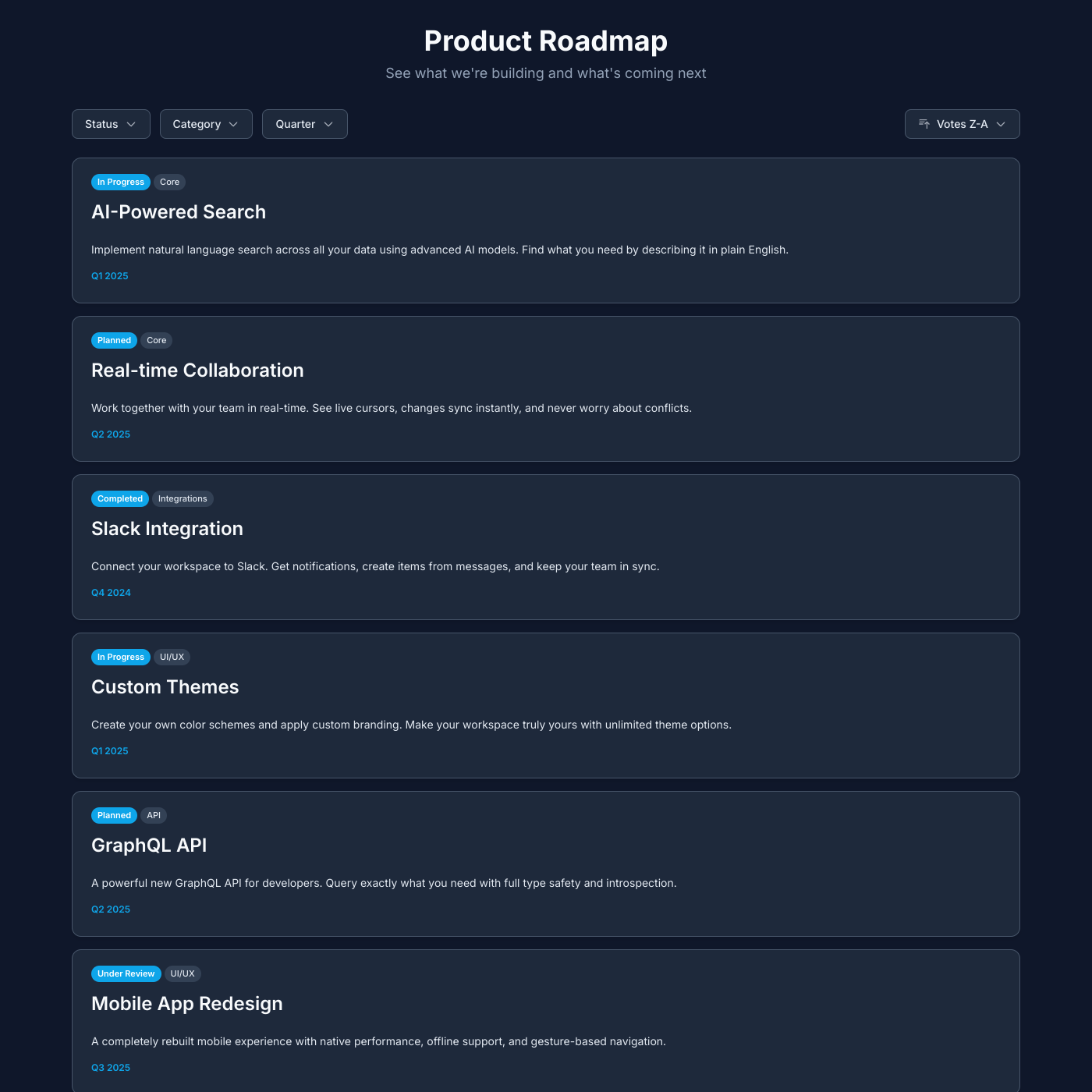
Public Roadmap

Public Roadmap

Share your product roadmap and upcoming features.

Salon

Salon

Showcase services and pricing for your salon or spa.
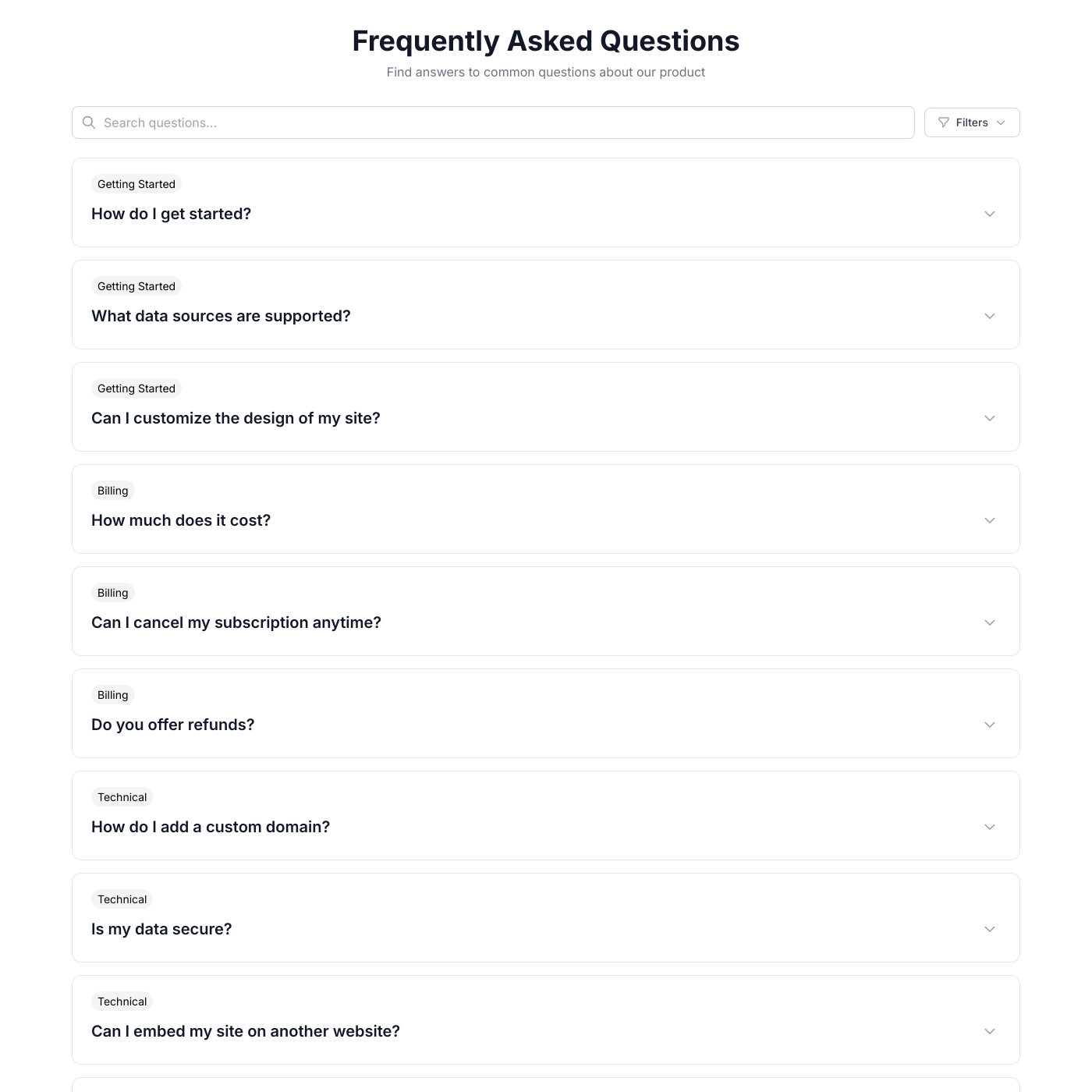
FAQ

FAQ

Answer common questions with an accordion FAQ.
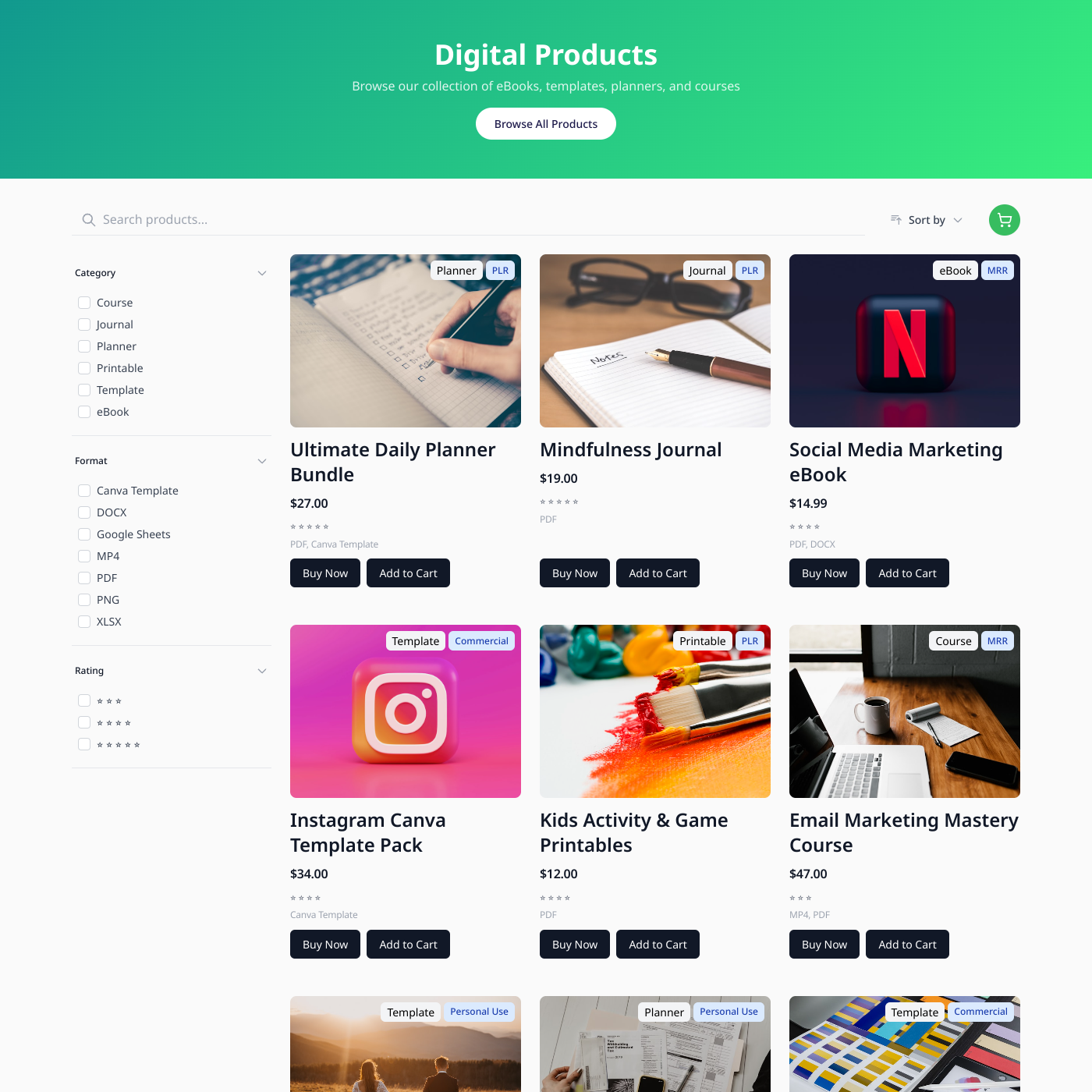
Digital Products

Digital Products

Sell digital downloads from Airtable or Google Sheets.
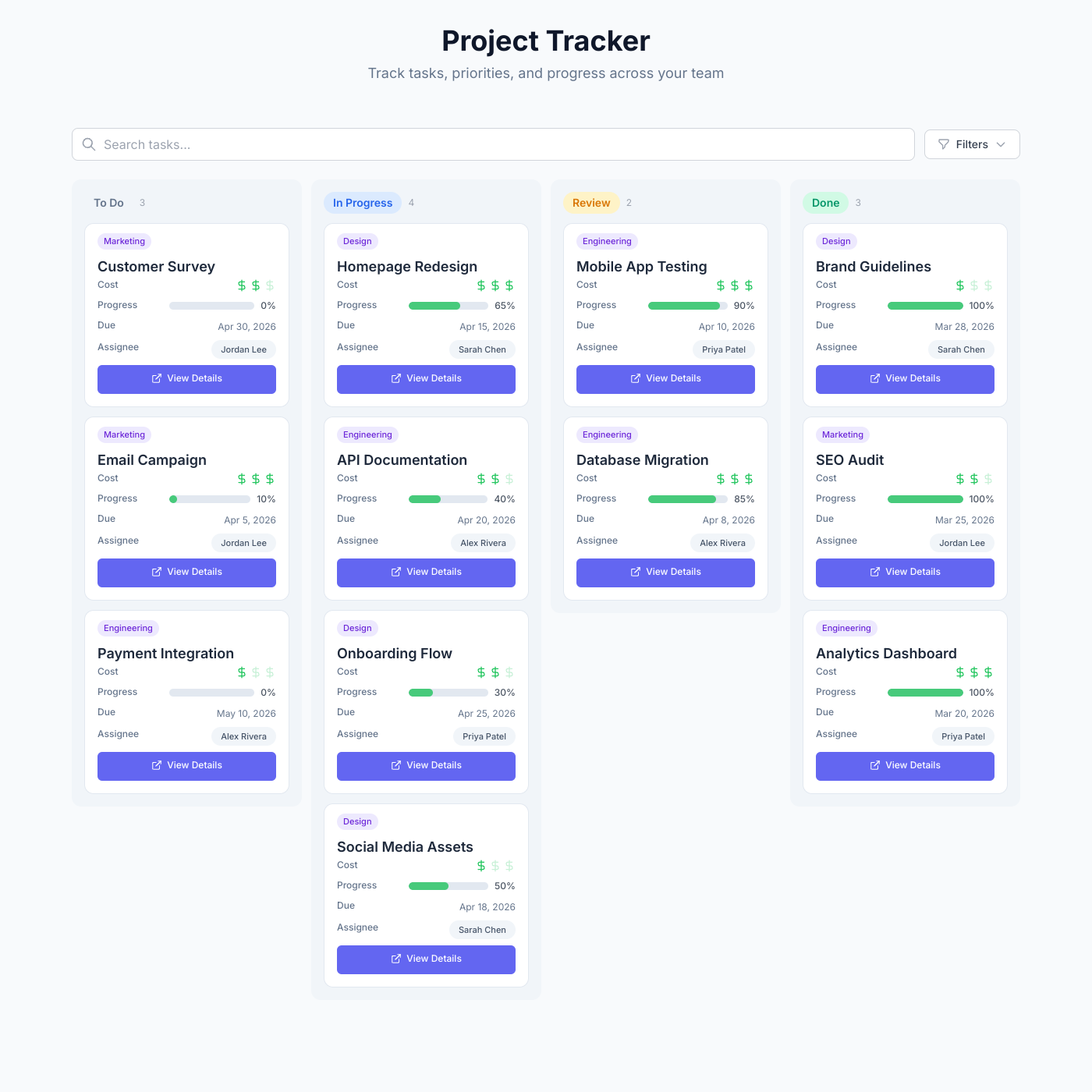
Project Tracker

Project Tracker

Track tasks, priorities, and progress with a kanban board powered by your data.

Card

Card

Display any content in a beautiful card grid.

List

List

Display content in organized, scannable lists.
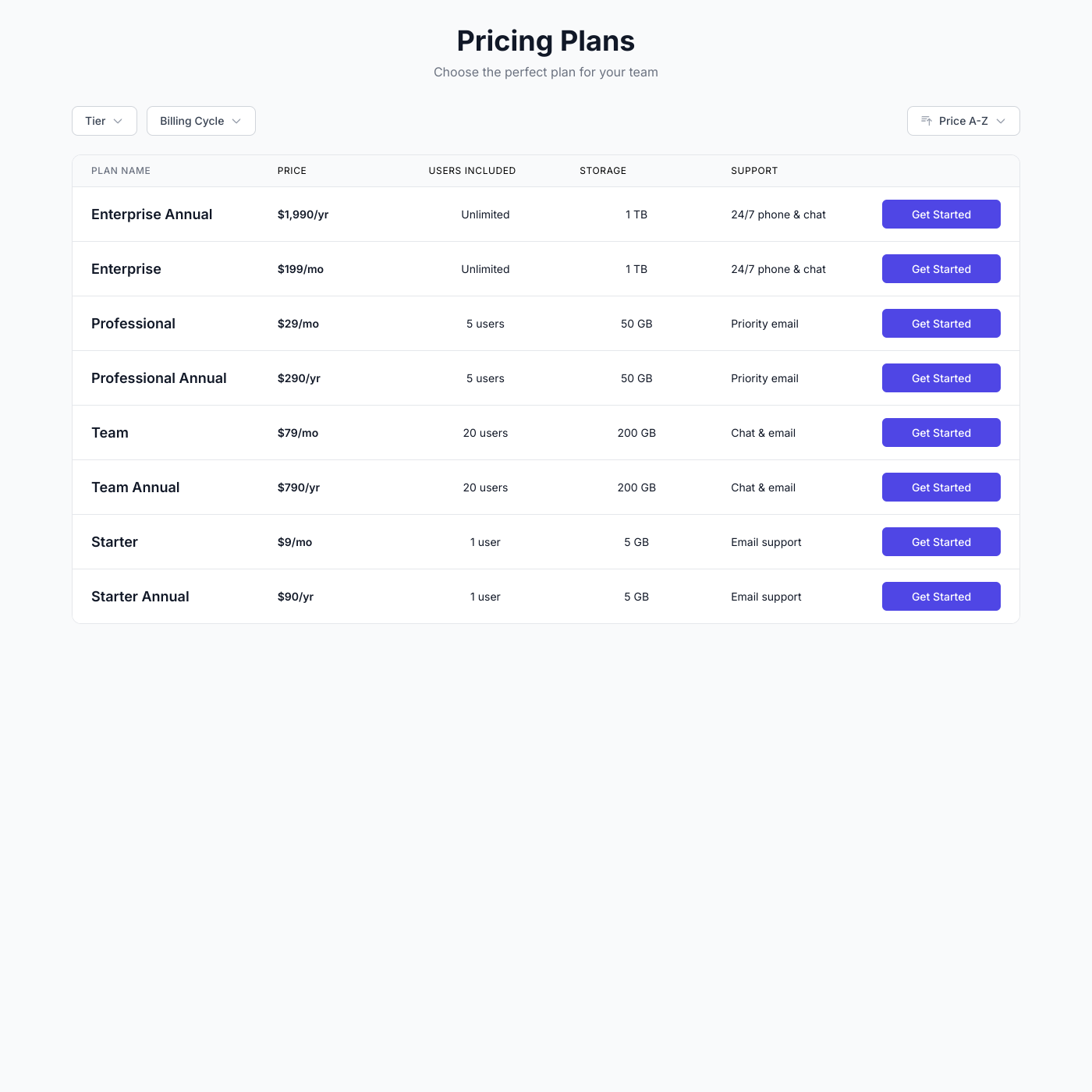
Table

Table

Create sortable, filterable data tables.

Video Course

Video Course

Embed your video course with lessons on any website.

Podcast

Podcast

Embed your podcast episodes with live players on any website.
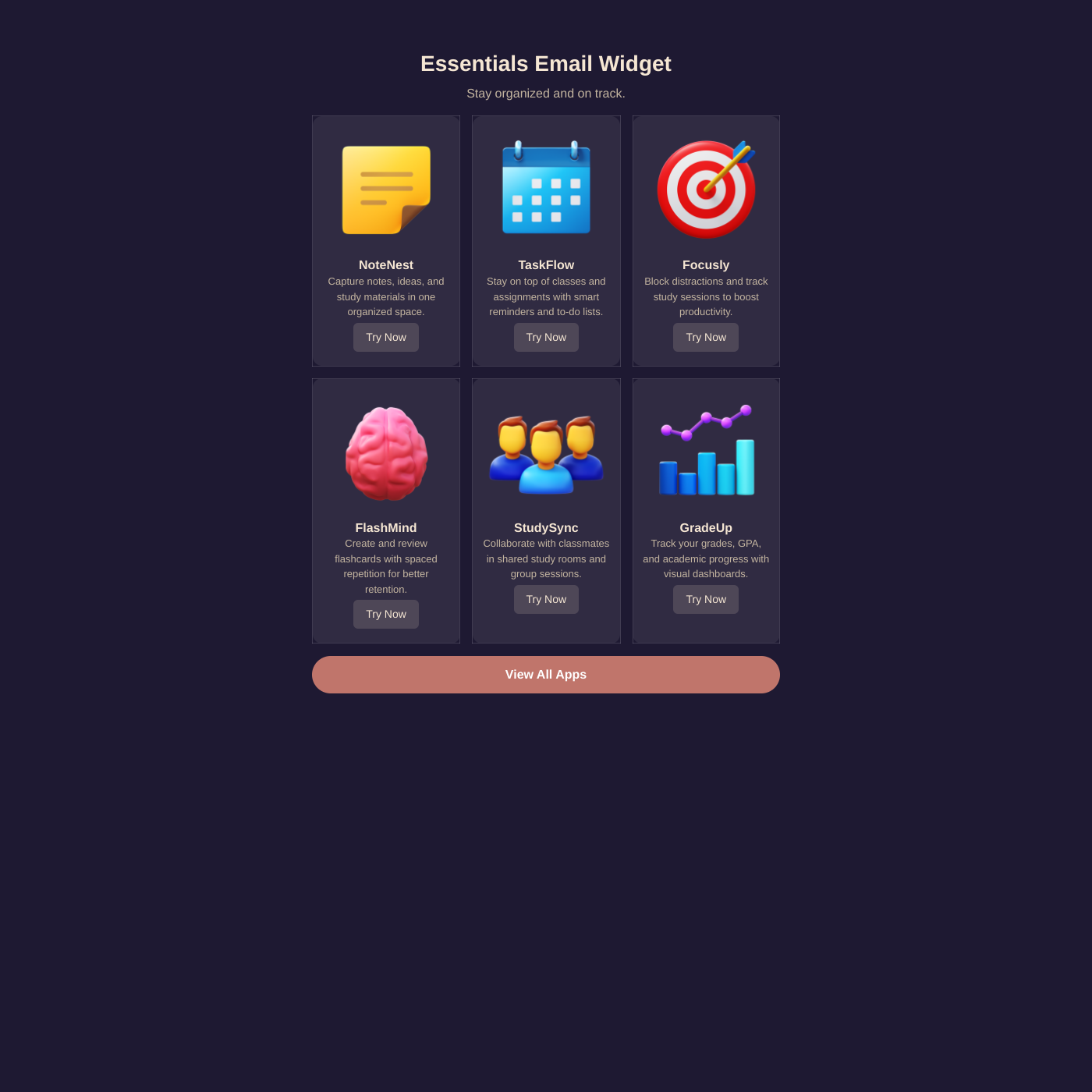
Email

Email

Create email-safe HTML snippets from your data.

From Airtable to your website in minutes

Connect your Airtable base in seconds. We'll automatically detect your tables, fields, and views. Map them to your widget and you're live.

Linked Records & Lookups

Airtable's relational power works seamlessly. Pull data across linked tables and display related records together.

Filtered Views

Choose an Airtable view and only those records appear. Show published content, featured items, or filter by category.

Rich Field Types

Attachments, checkboxes, dropdowns, dates, formulas — Airtable's field types map directly to your widget.

Airtable FAQ

Airtable combines the simplicity of a spreadsheet with the power of a database: • Powerful Relational Data - Link records across tables, create lookups, and build complex data relationships that simple spreadsheets can't handle. • Rich Field Types - Attachments, checkboxes, dropdowns, dates, and more. Airtable's field types map perfectly to widget displays. • Team Collaboration - Multiple team members can update content simultaneously. Changes sync to your website automatically. • Views & Filters - Create filtered views in Airtable and choose which view to display on your website.

Simply click "Connect Airtable" and authorize access. You'll be able to select which base and table to use. We'll automatically detect your fields and let you map them to your widget.

No, we use OAuth authentication so you don't need to manage API keys. Just authorize once and you're connected.

Shareables works with all Airtable plans, including the free tier. However, some advanced features like filtered views may require Airtable Pro or higher.

Each widget connects to one table, but you can use Airtable's linked records to pull in related data. You can also create multiple widgets from different tables.

Your widget syncs with Airtable every few minutes. Changes you make in Airtable appear on your website automatically without any manual action.

Yes! You can select a specific Airtable view, and only the records visible in that view will appear on your widget. This is great for showing only published content or filtering by category.

Deleted records are automatically removed from your widget on the next sync. No manual intervention needed.

Yes. We only access the base and table you explicitly connect. We never store your full Airtable data—only what's needed to display your widget.

Put your Airtable base on your website

Connect your base, pick a layout, and embed it anywhere. No credit card required.