
Create Email Content from your data
 Airtable
 Google Sheets
 Notion
 Stackby
 SmartSuite
 Excel
Excel Teable
 NocodeBackend
 AITable
 Trello
Generate email-safe HTML snippets from your Airtable or Google Sheets data. Customize the design, copy the HTML, and paste it into any email marketing tool.
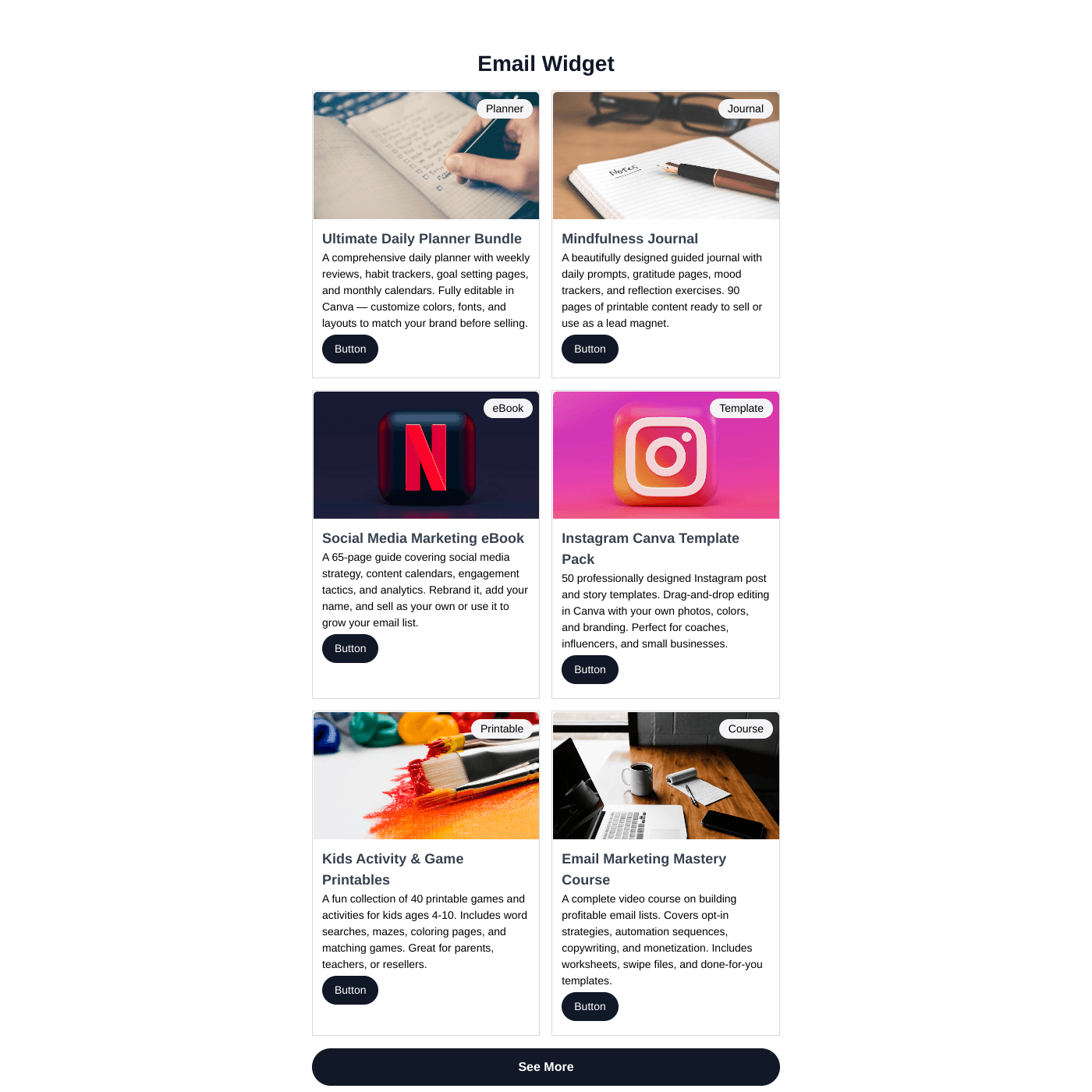
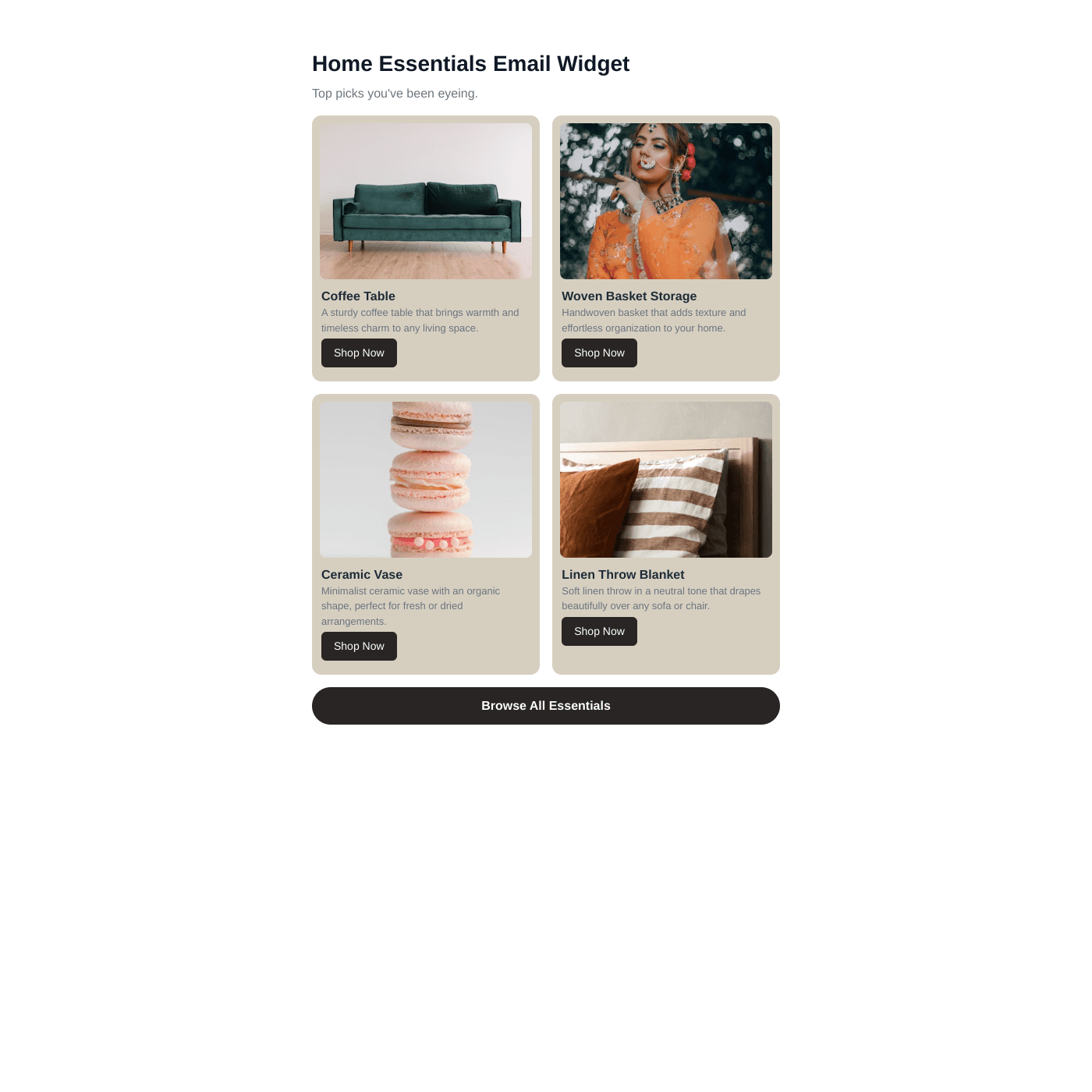
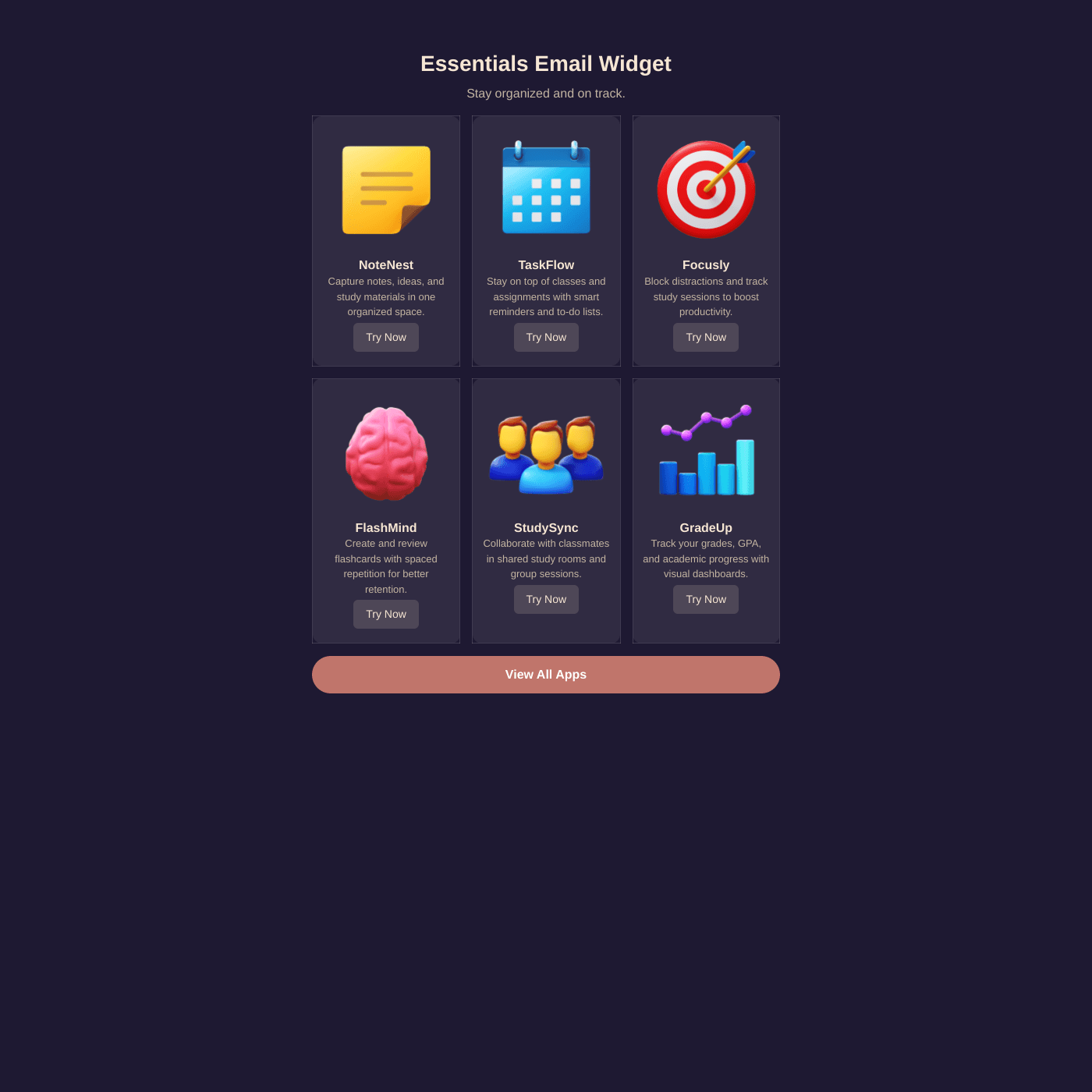

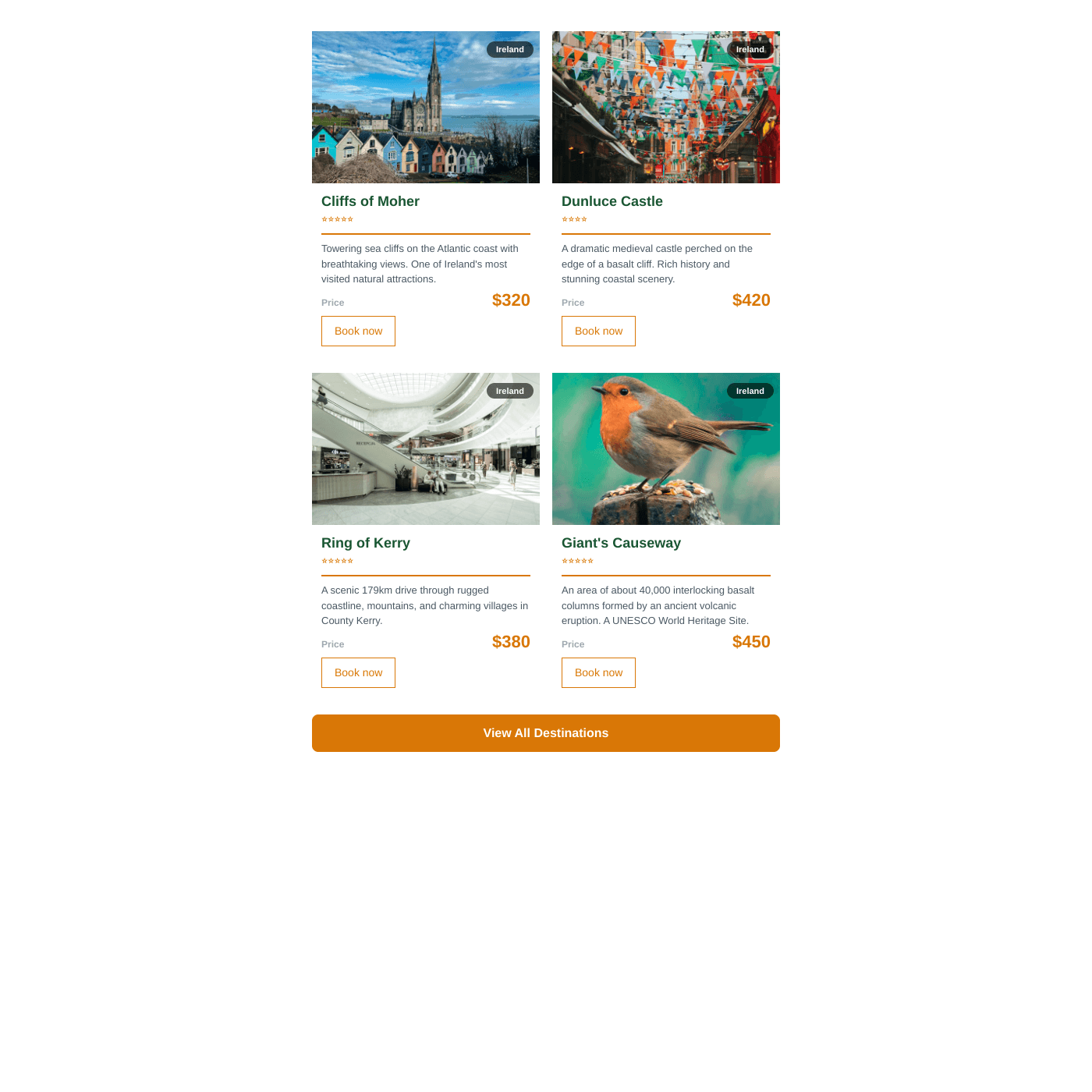
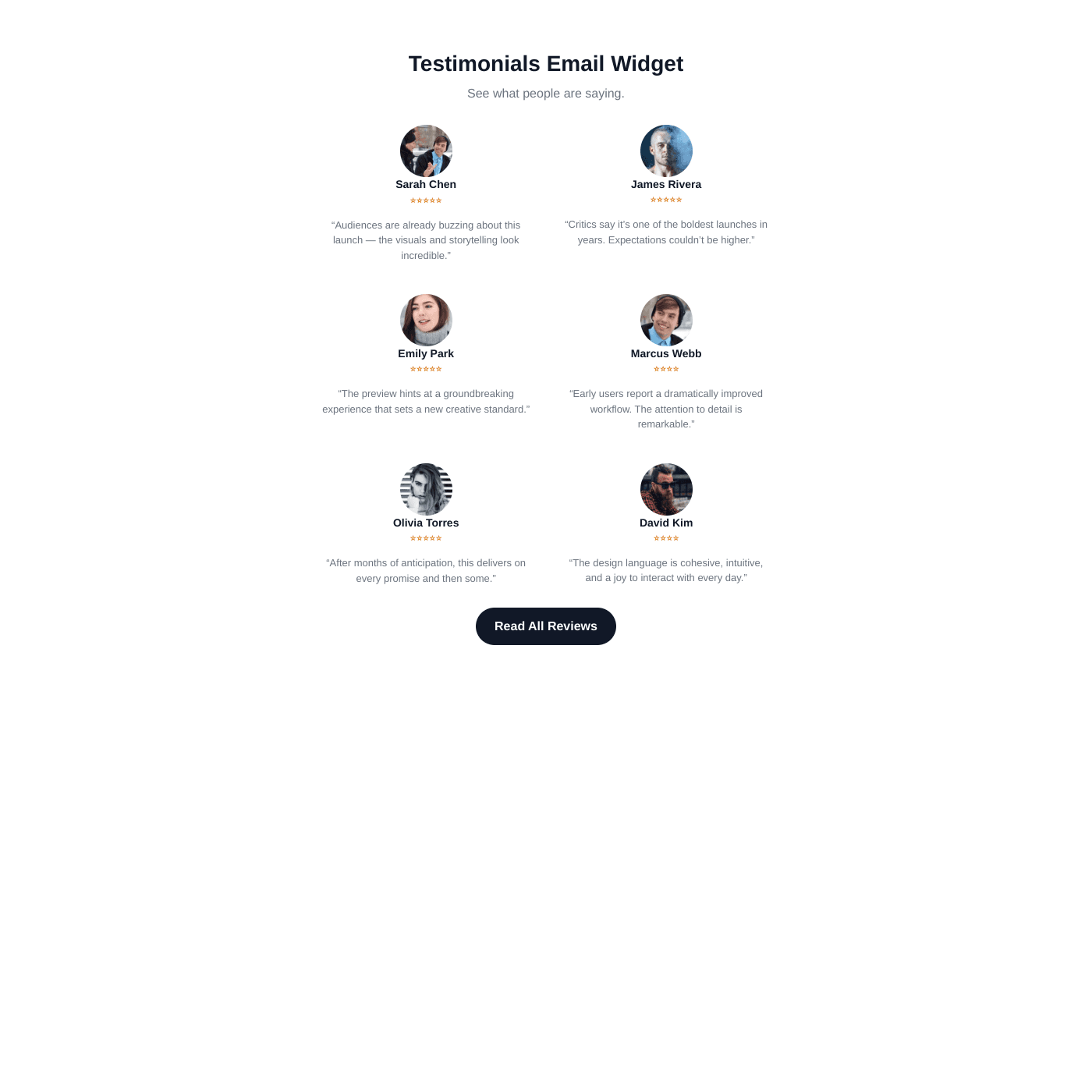
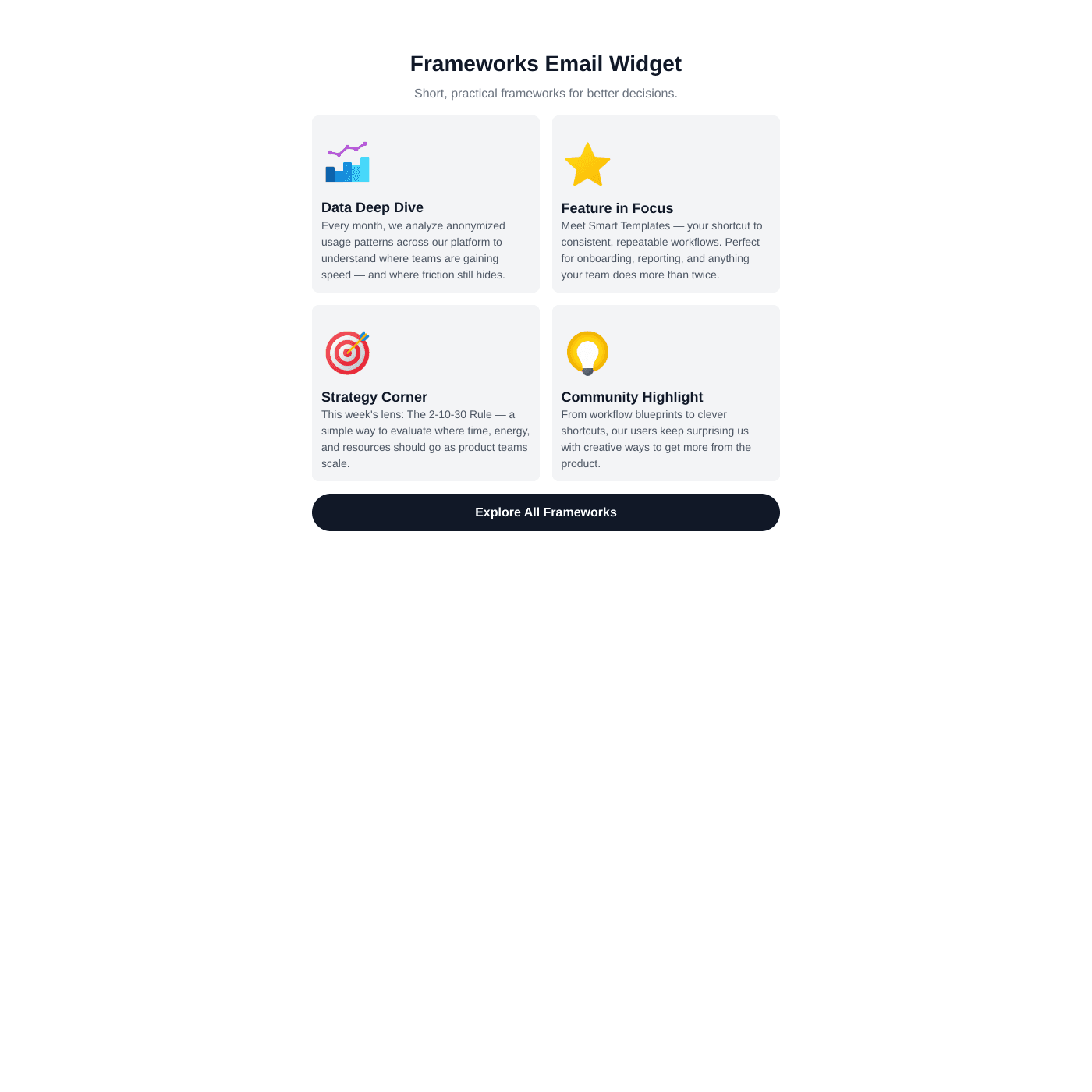
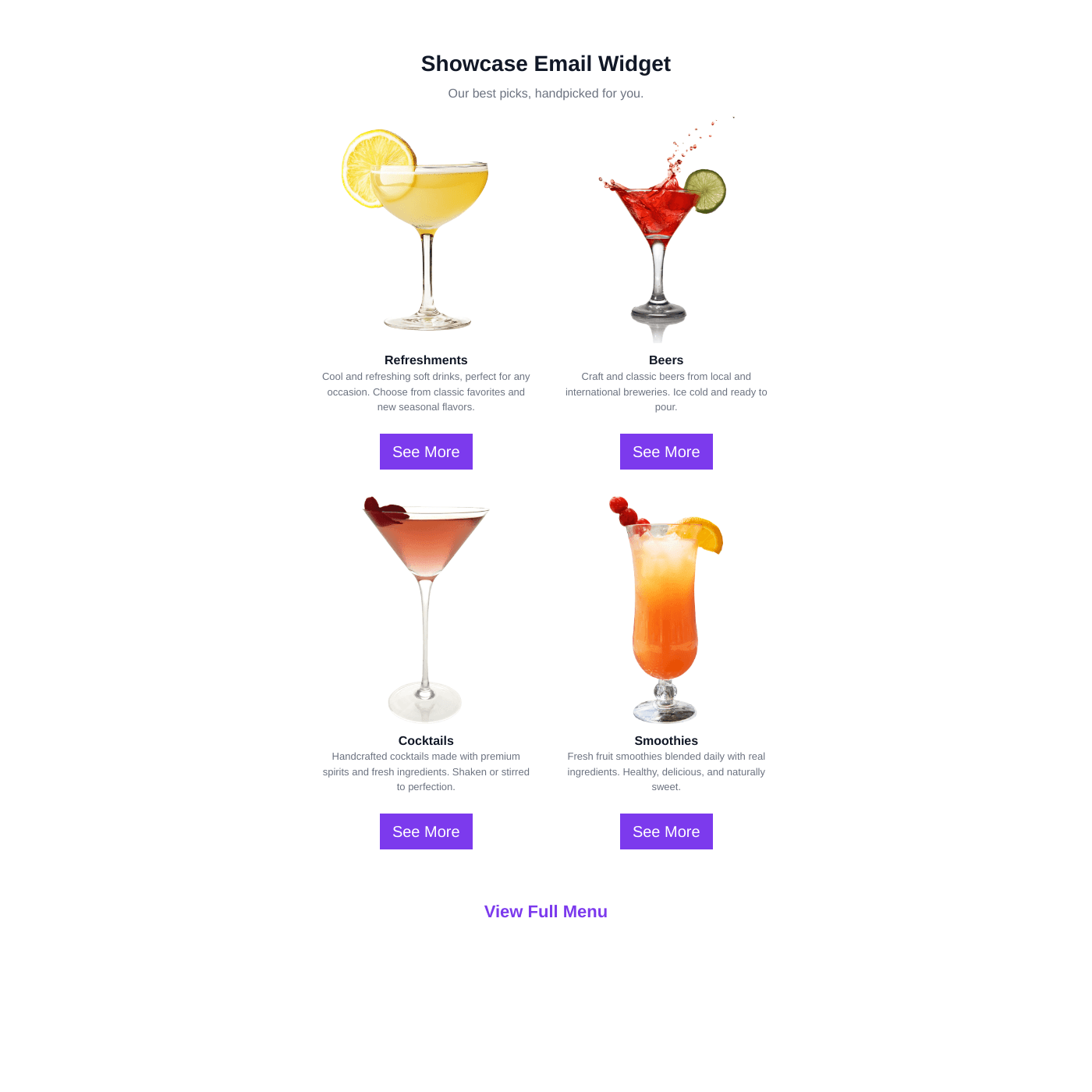
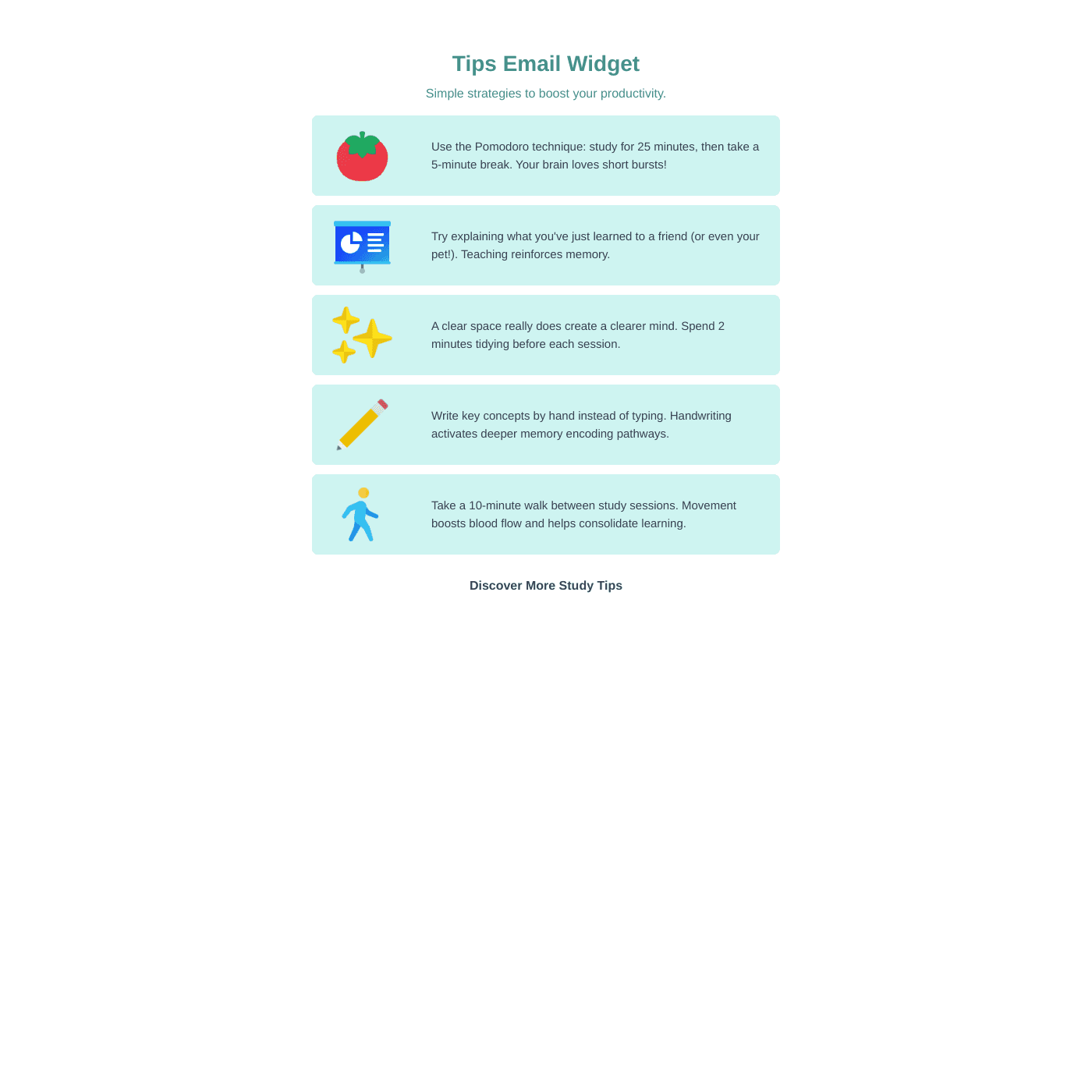
Works with all website builders, e-commerce platforms, and websites.
Create your Email Widget
Configure your widget and add it to your website for free!
Select a template to preview
Shareables Email Widget generates email-safe HTML snippets powered by your Airtable or Google Sheets data. Build newsletters, product showcases, and email content with table-based layouts and inline styles — paste into Mailchimp, Klaviyo, or any email tool.
Why teams love the Email Widget
Build data-driven email content in minutes.
Use Airtable or Google Sheets as Your Content Source
Stop manually building email content. Connect your Airtable base or Google Sheet and your email HTML generates automatically. Update products, events, or content from the spreadsheet you already know — changes flow into your next email.
AirtableGoogle SheetsNotion StackbySmartSuiteExcelTeableNocodeBackendAITableTrello
“Shareables was the missing link between Airtable and our website.”
Casey
Nexus
Gmail-Safe, Outlook-Ready HTML
Generated HTML uses table-based layouts and inline styles — the industry standard for email. Tested across Gmail, Apple Mail, Outlook (with VML fallback), Yahoo, and Samsung Mail. Images use background-image techniques that render consistently everywhere.
Match Your Brand Perfectly
Choose from cards, feature, or table layouts. Customize fonts, colors, spacing, image sizing, and more. Add cover images, badges, buttons, and footer CTAs. Every element is configurable to match your brand.

“Setup was quick and it's been solid since.”
Samuel
Focus Digital
Easy Content Management
Update your spreadsheet and regenerate the HTML instantly. Add products, change descriptions, swap images — no developer needed. Perfect for teams sending regular newsletters with fresh content.

“Updates sync instantly with my source data.”
Troy Hamthanon
Works with Any Email Tool
Copy the HTML and paste it into Mailchimp, Klaviyo, ConvertKit, Beehiiv, or any platform that accepts custom HTML blocks. Images are automatically cached to permanent URLs so they never expire.

“The embeds look great on any site. Total no-brainer.”
Islam Yusri
Aionic Lab
Frequently Asked Questions
An email widget generates email-safe HTML snippets from your spreadsheet data. You customize the design in our visual editor, then copy the HTML and paste it into any email marketing tool like Mailchimp, Klaviyo, or ConvertKit.
Spreadsheets make content updates instant. Add a product, change a description, or swap an image in your spreadsheet — then regenerate the email HTML. No designer or developer needed.
Click "Copy Email HTML" in the editor, then paste it into a custom HTML block in your email tool. Mailchimp, Klaviyo, ConvertKit, Beehiiv, and most platforms support custom HTML blocks.
Yes. The HTML uses table-based layouts, inline styles, and background-image techniques specifically designed for Gmail compatibility. Cover images use VML fallback for Outlook desktop.
No coding required. Our visual editor lets you customize layouts, colors, fonts, images, and spacing without writing any code.
The generated HTML is tested and optimized for Gmail (web and mobile), Apple Mail, Outlook (web and desktop), Yahoo Mail, and Samsung Mail.
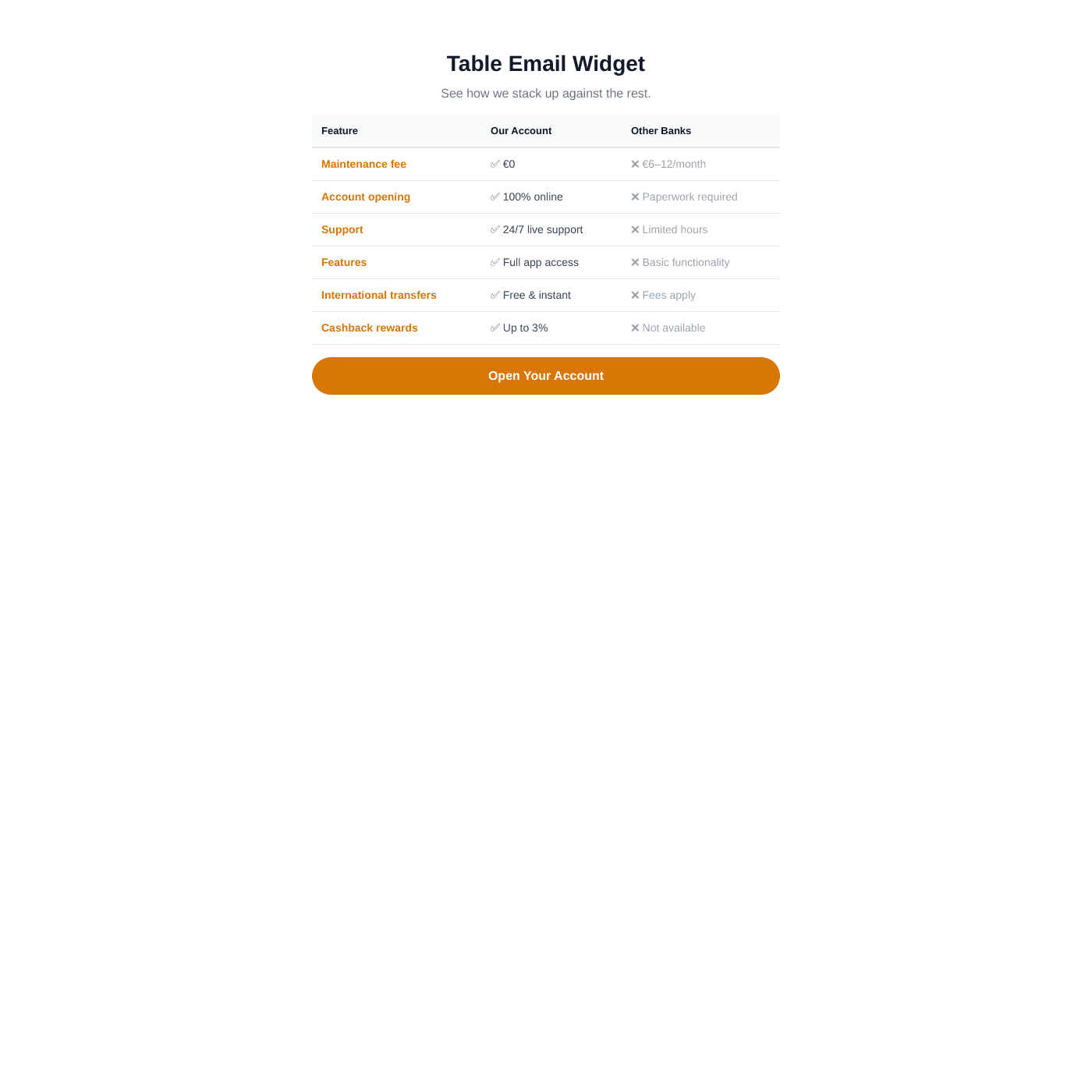
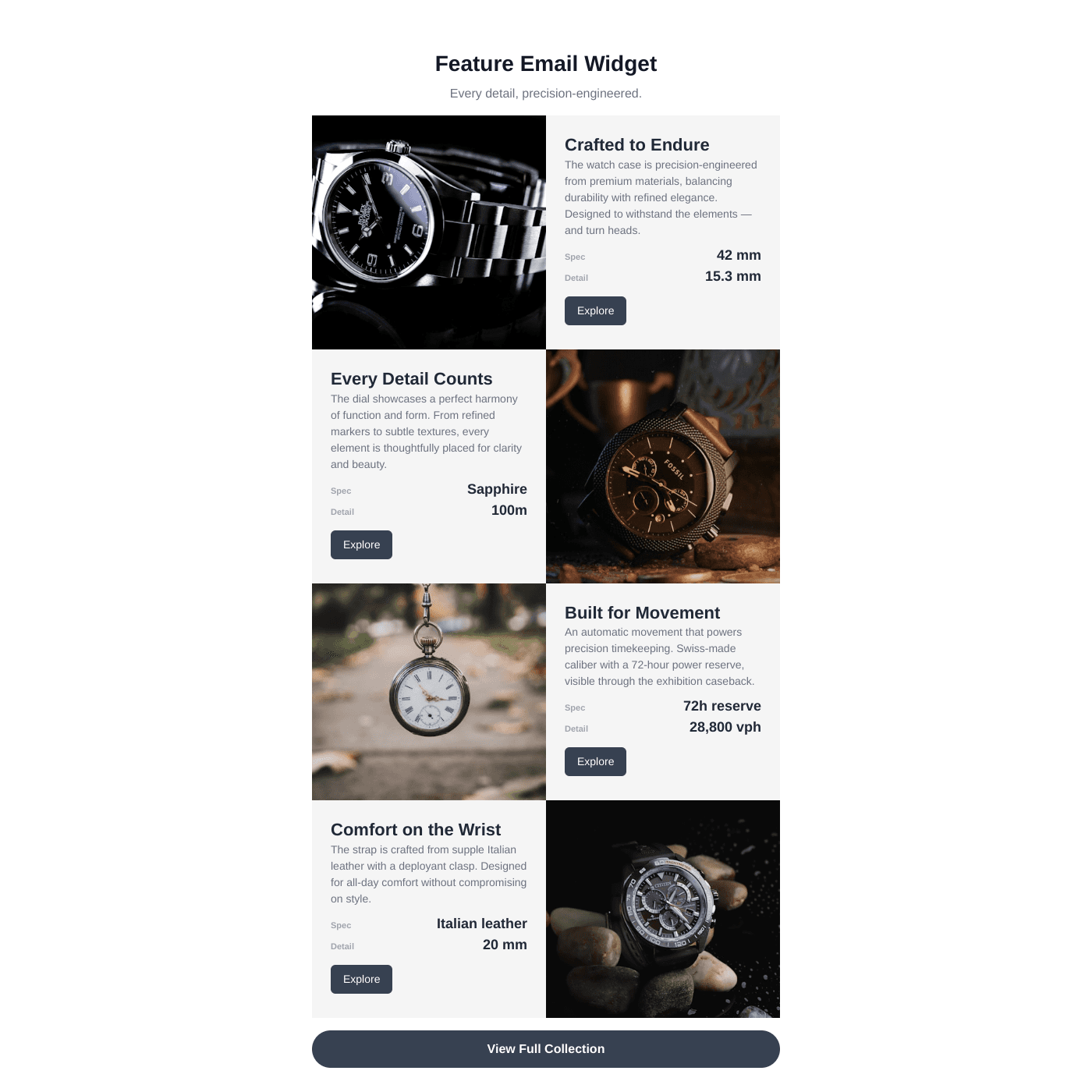
Three layouts: Cards (1-3 column grids), Feature (side-by-side image and content), and Table (structured comparison layout). Each supports cover images, badges, buttons, and custom fields.
Yes. Set a fixed image height in pixels for consistent sizing across desktop and mobile. Choose between Cover (crops to fill) and Contain (fits without cropping). Add image padding for a framed look.
Yes. When you copy the email HTML, all images are automatically cached to permanent URLs on our servers. This ensures images load reliably in email clients and never expire.
Yes, you can get started for free. Upgrade to remove branding and unlock advanced features.
Yes. Add call-to-action buttons to each card with custom labels, colors, and links. You can also add a footer button below all items.
Substack does not support custom HTML blocks, so the email widget cannot be used with Substack directly. It works with Mailchimp, Klaviyo, ConvertKit, Beehiiv, and any platform that supports custom HTML.
Yes. Cards stack into a single column on mobile, and feature layouts stack image above content. Image heights stay consistent across devices when you set a fixed height.
You can include up to 20 items per email export. Set the max items in the Content tab.
More Widgets
Blog Widget
Create a beautiful, fully customizable blog widget powered by your Airtable or Google Sheets data. Embed anywhere in minutes.
Chart Widget
Turn your Airtable or Google Sheets data into beautiful, interactive charts. Bar, line, pie, area, and more. Embed on any website in minutes.
Card Widget
Create beautiful, fully customizable card grids powered by your Airtable or Google Sheets data. Embed anywhere in minutes.