
ShareablesShareables
Get started in under 5 minutes

Google SheetsGoogle Sheets Website Widgets

Use the spreadsheet you already know as a CMS. Update a row in Google Sheets and your website updates itself — products, events, team pages, and more.

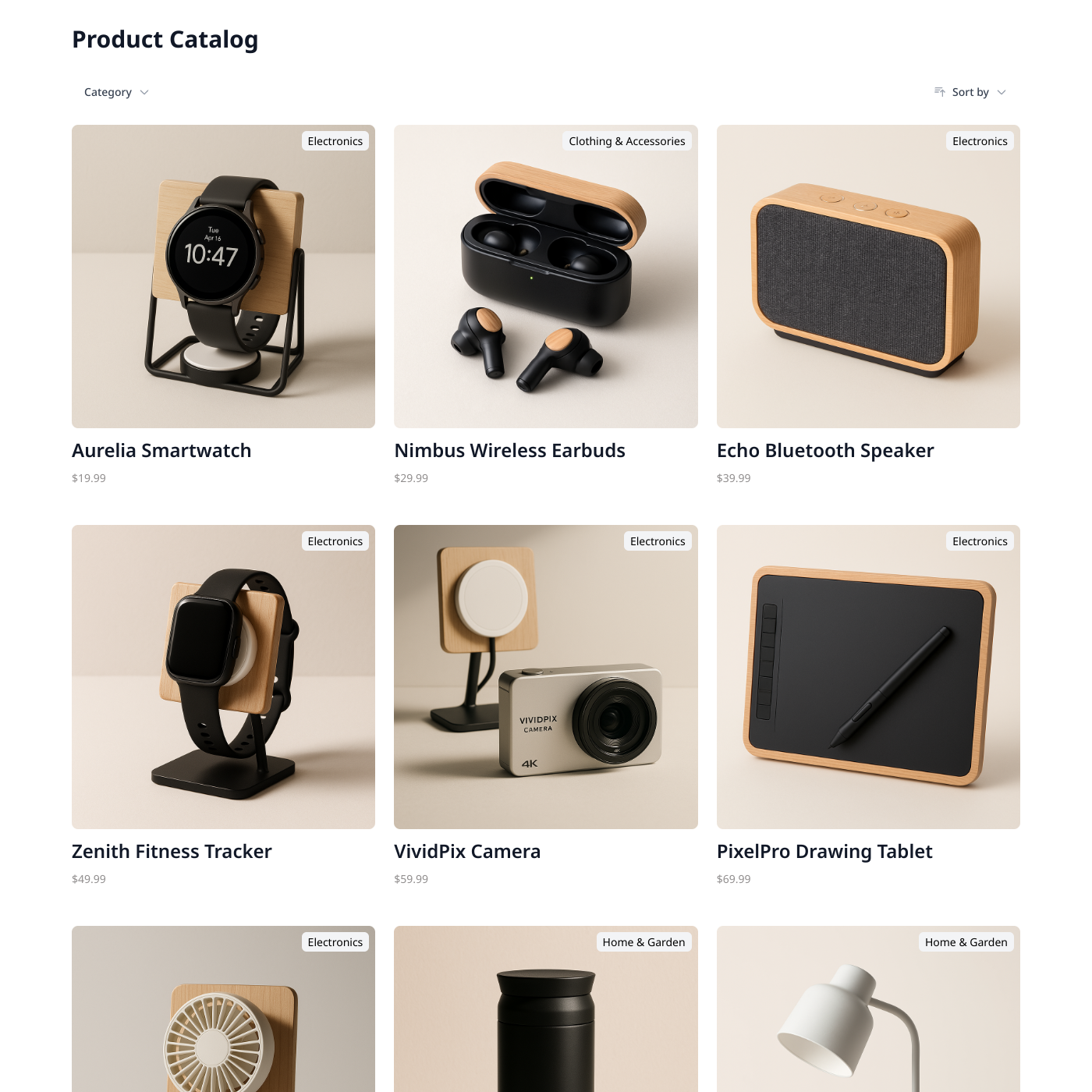
Products

Products

Popular

Display products from Airtable or Google Sheets.
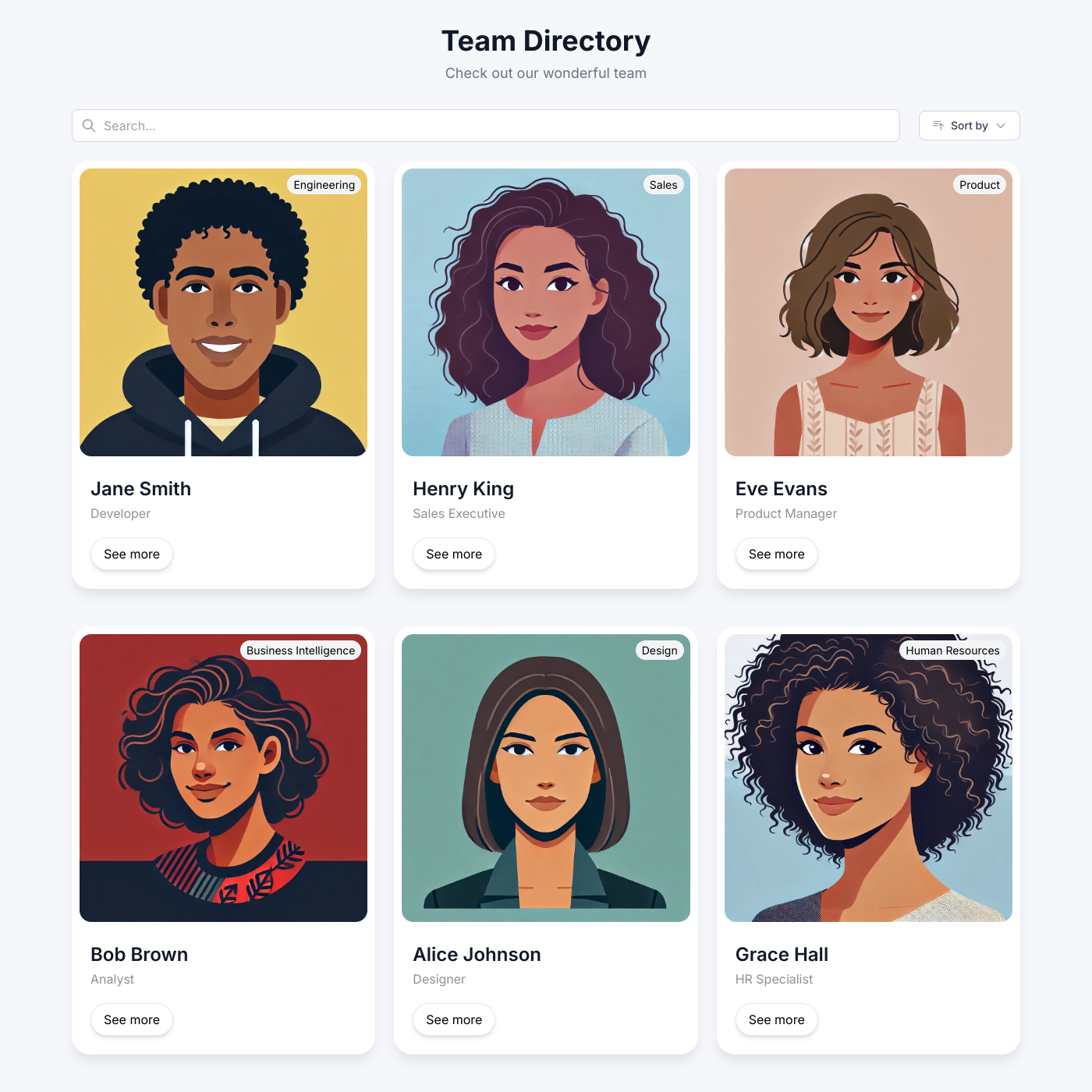
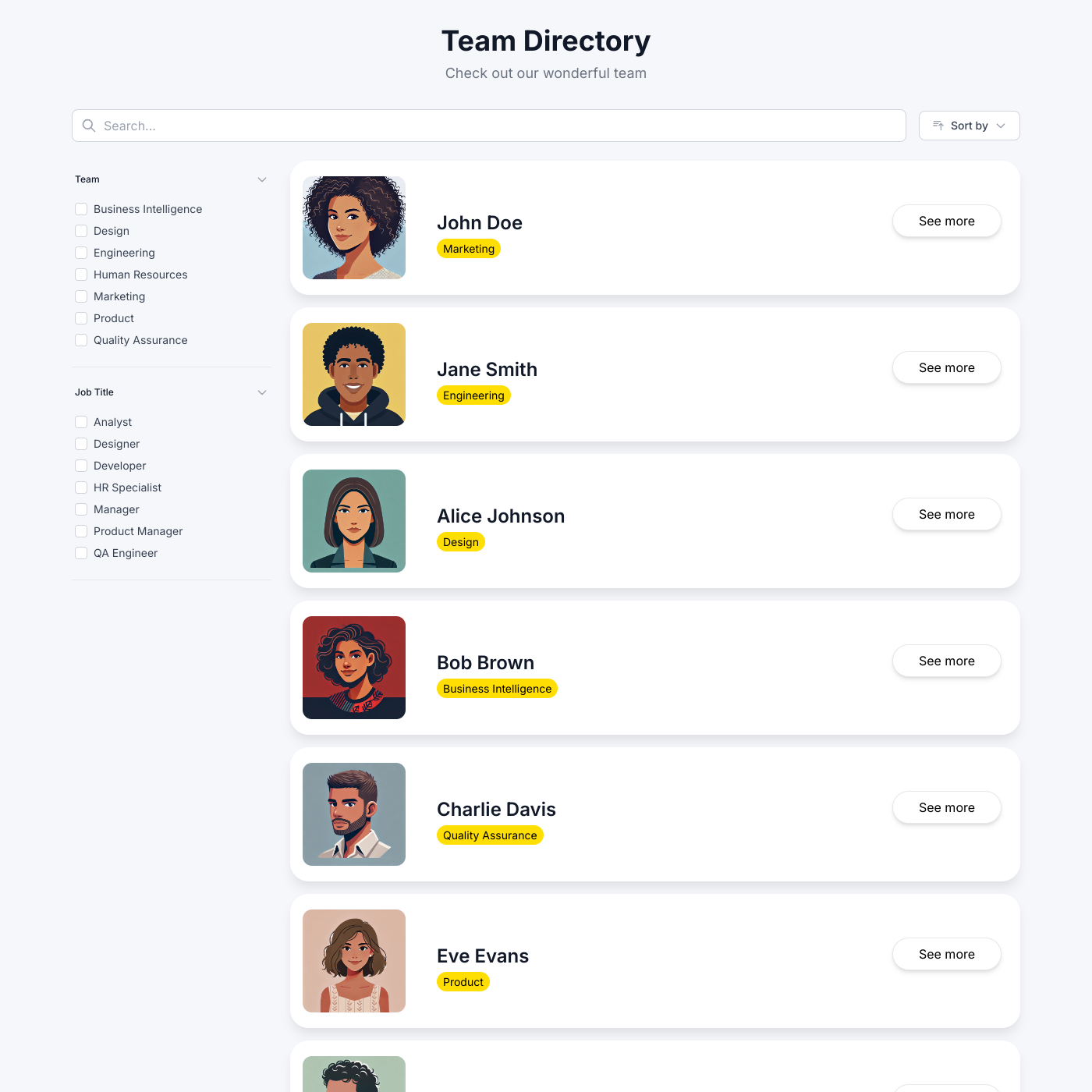
Team Directory

Team Directory

Popular

Showcase your team with an auto-updating directory.
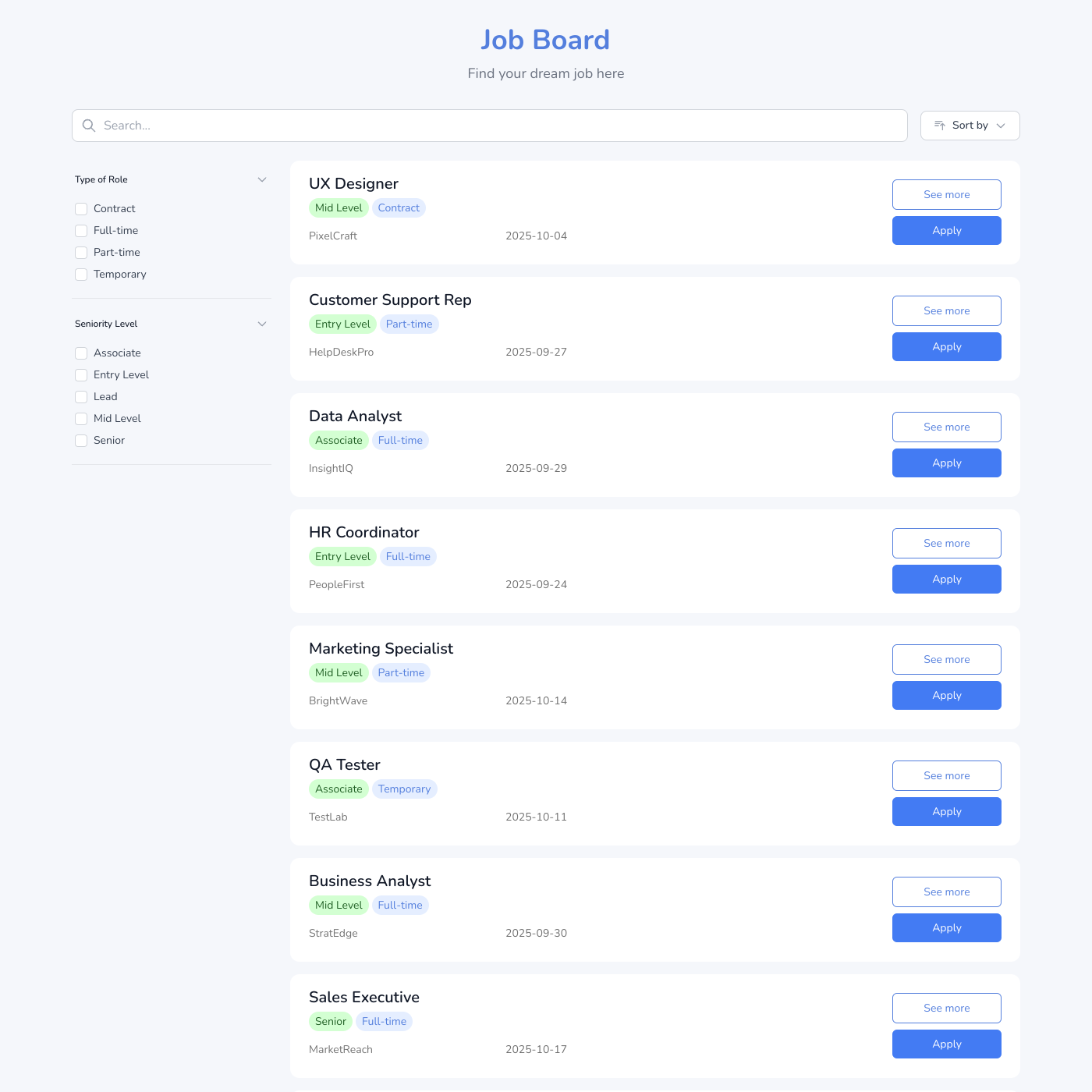
Job Board

Job Board

Popular

Post jobs and accept applications easily.
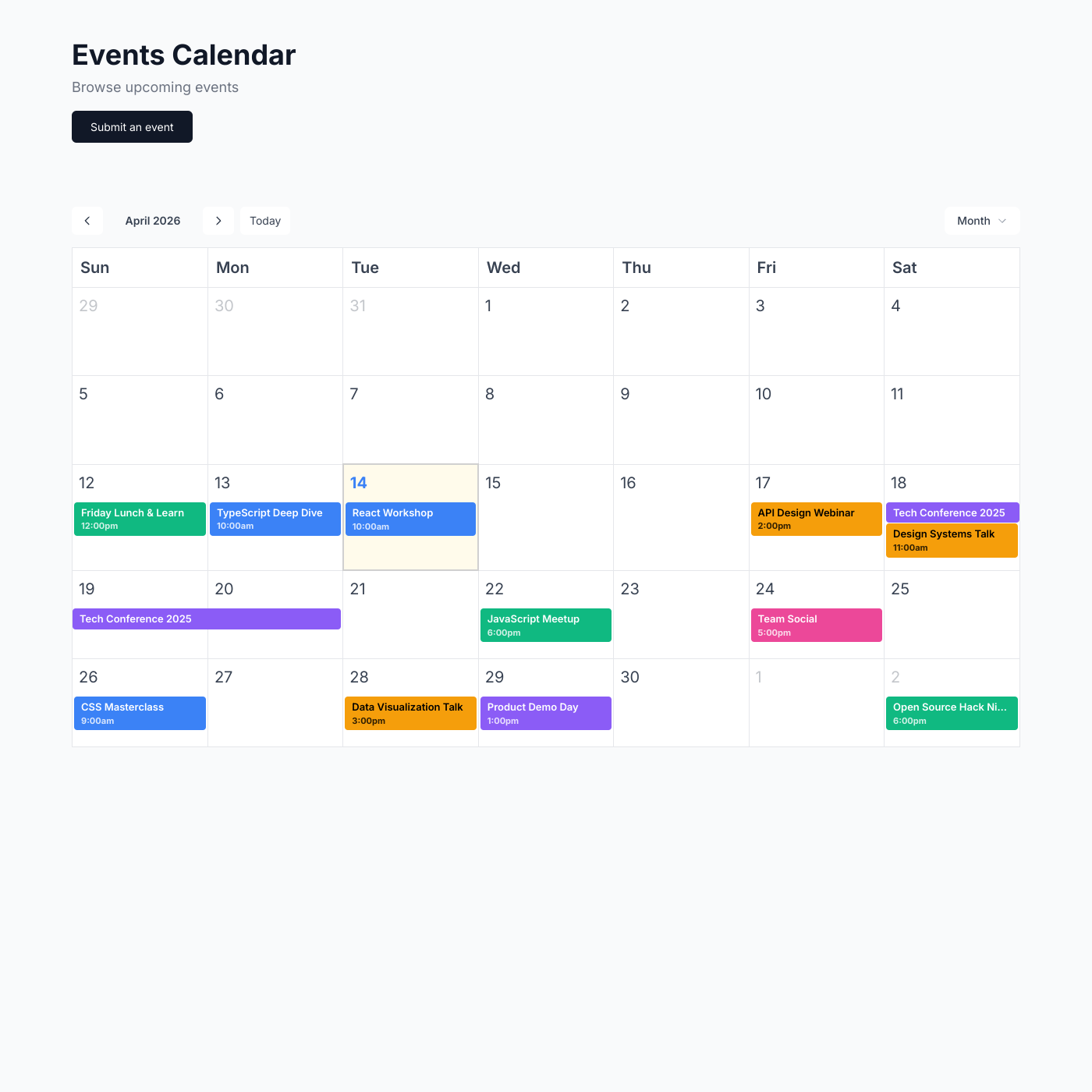
Events Calendar

Events Calendar

Popular

Display upcoming events and drive registrations.

Testimonial Wall

Testimonial Wall

Popular

Showcase customer testimonials powered by your spreadsheet.
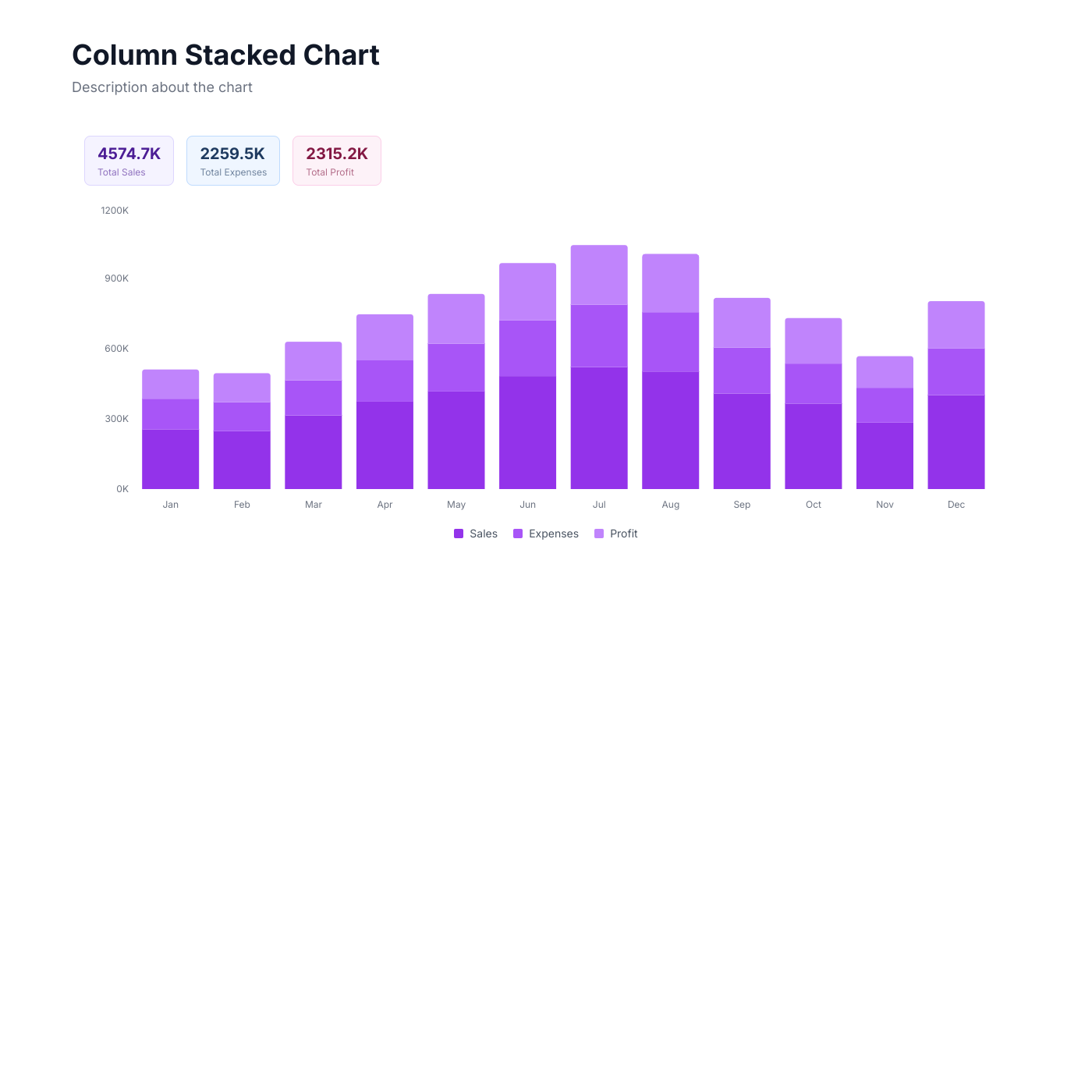
Chart

Chart

Popular

Visualize your spreadsheet data with interactive charts.
Blog

Blog

Create a beautiful blog powered by your spreadsheet.

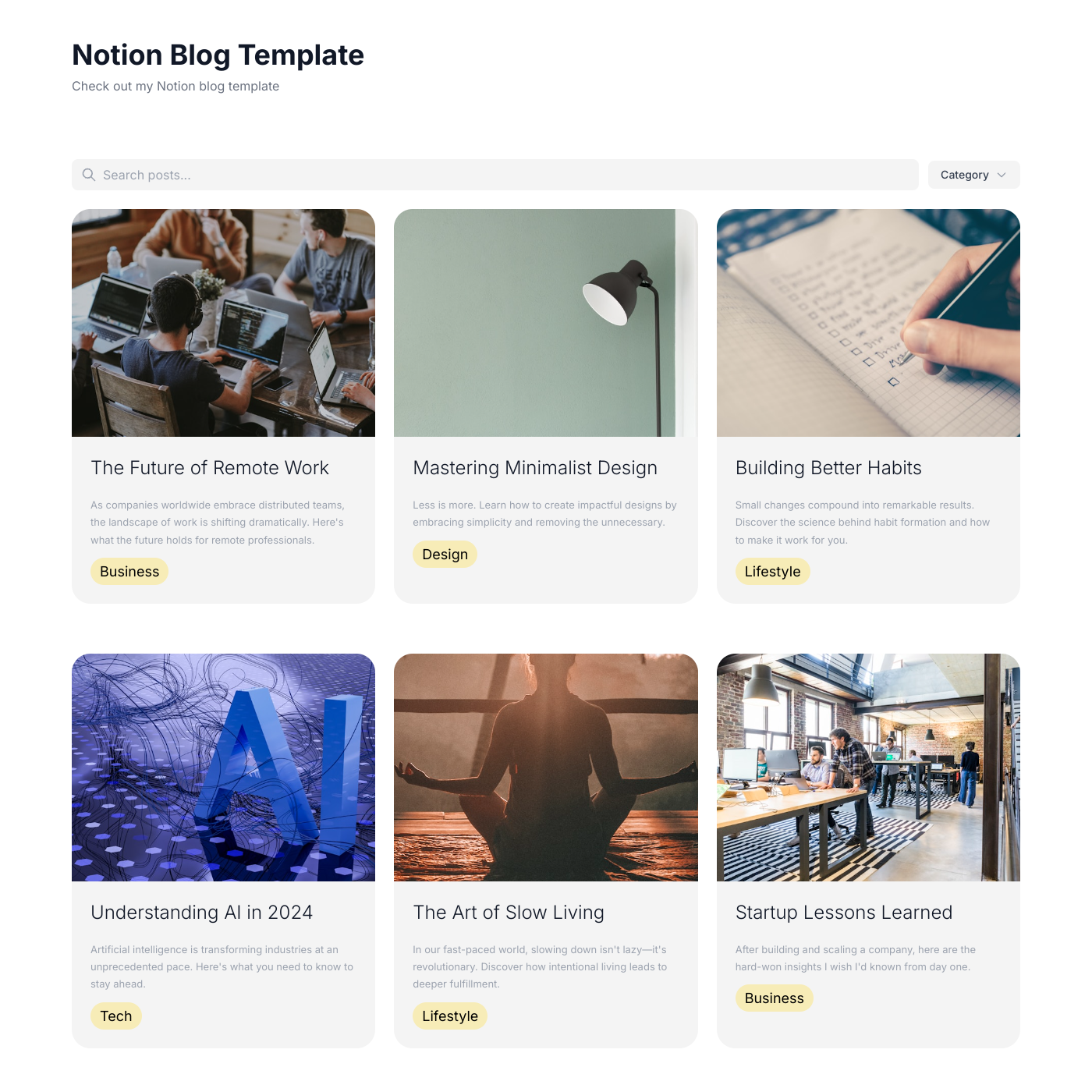
Notion Blog

Notion Blog

Turn your Notion database into a beautiful blog.
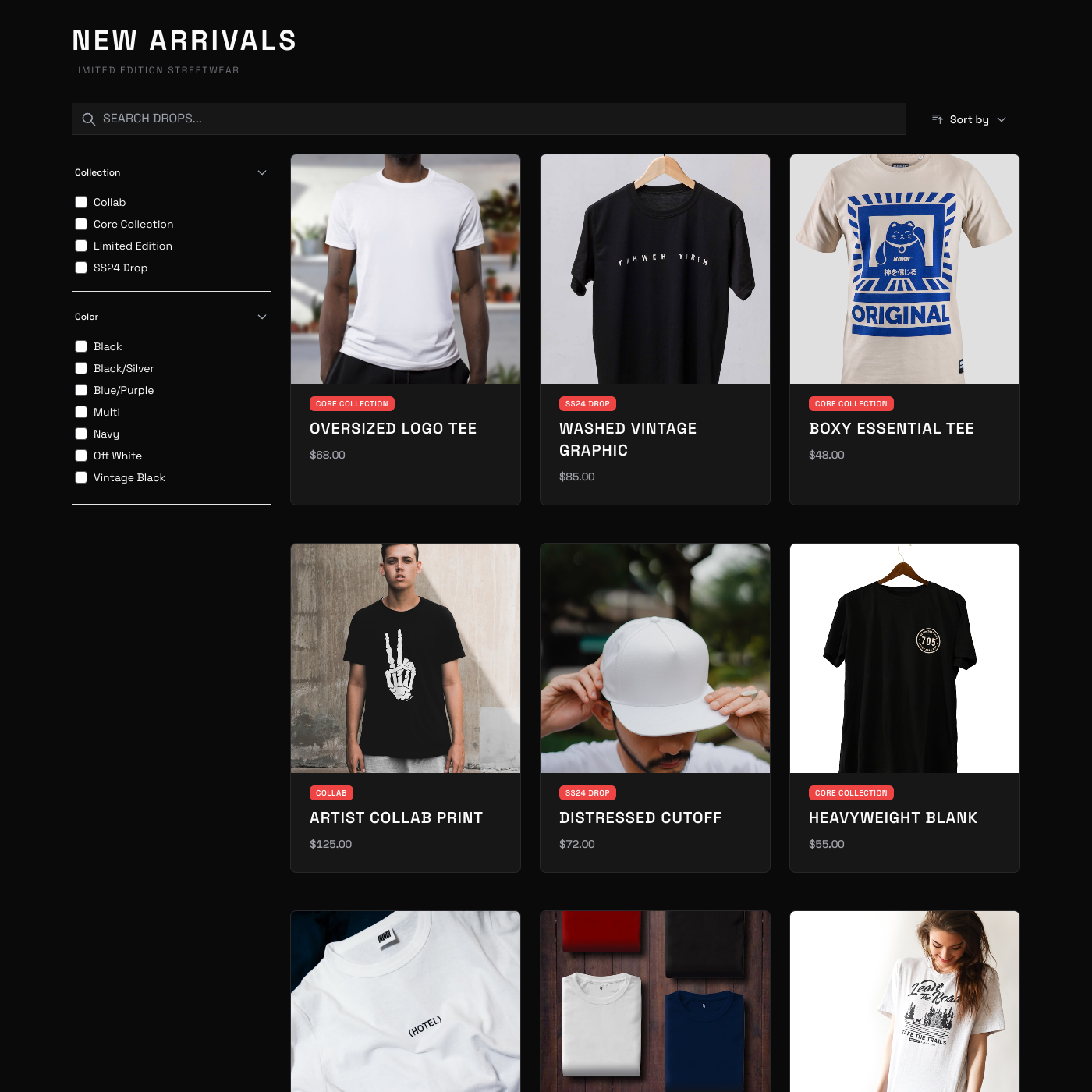
T-Shirt Shop

T-Shirt Shop

Sell merchandise with a simple storefront widget.
Member Directory

Member Directory

Build a searchable directory for your community.
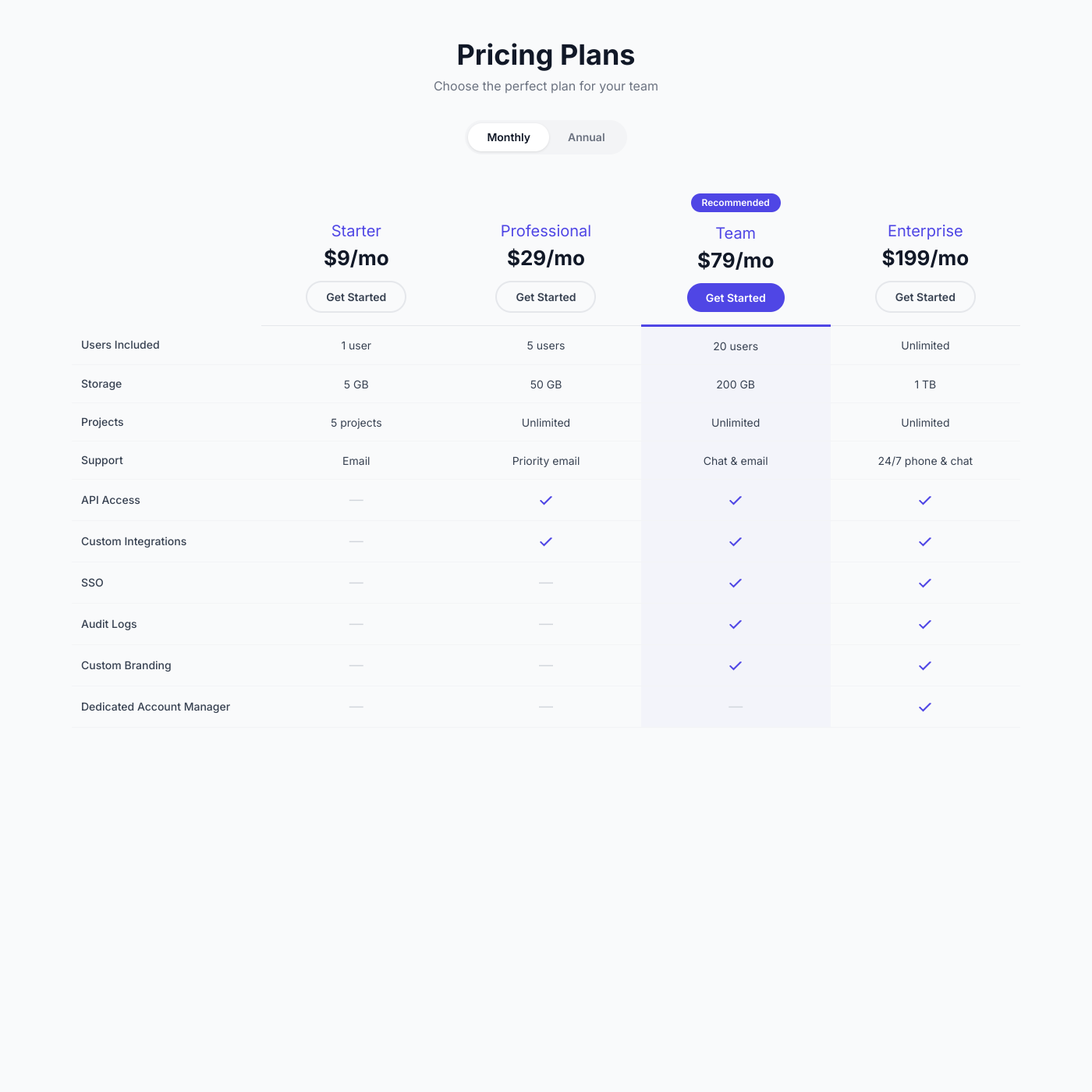
Pricing Comparison

Pricing Comparison

Create pricing tables that help customers choose.

Resource Library

Resource Library

Organize and share downloadable resources.
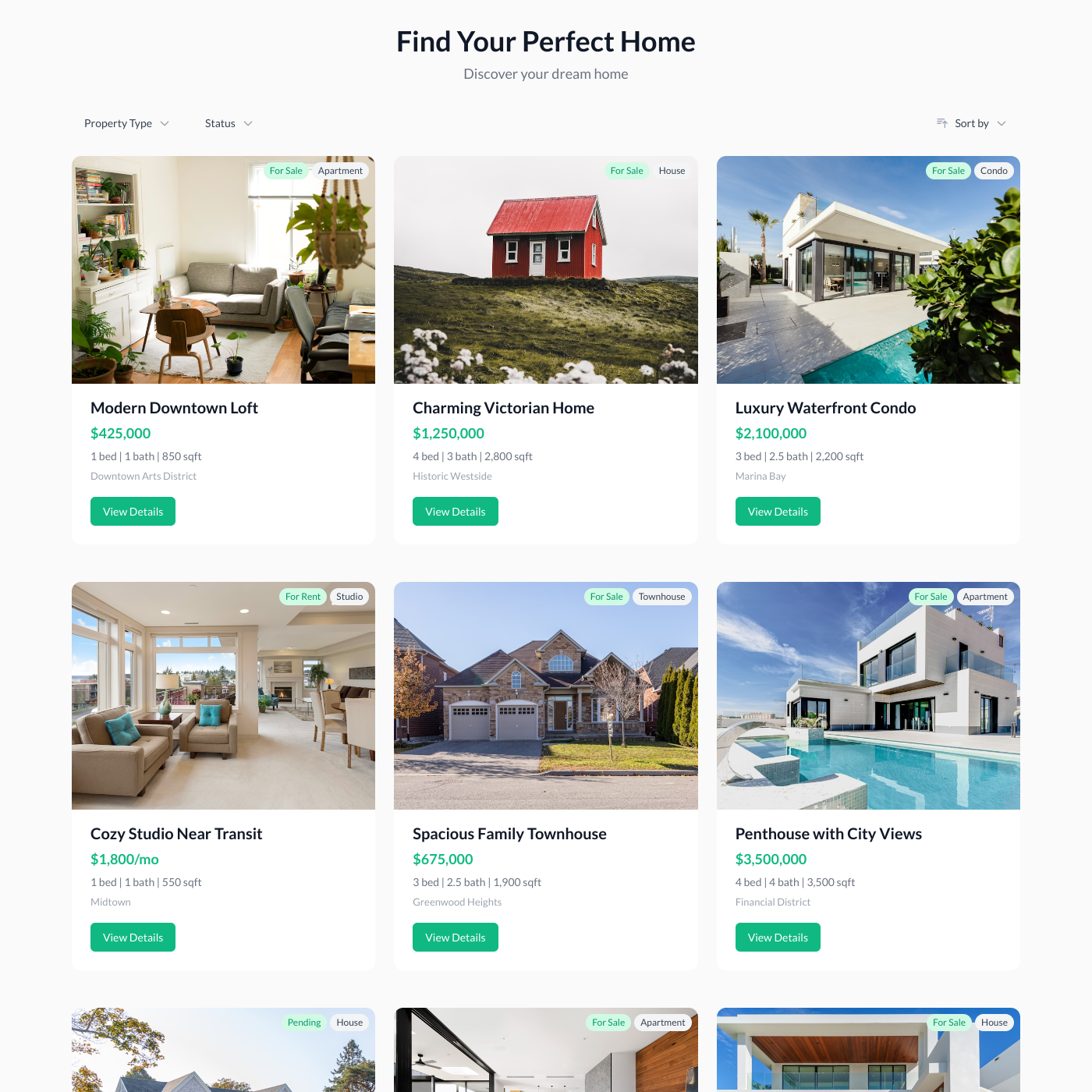
Property Listings

Property Listings

List properties and rentals on your website.
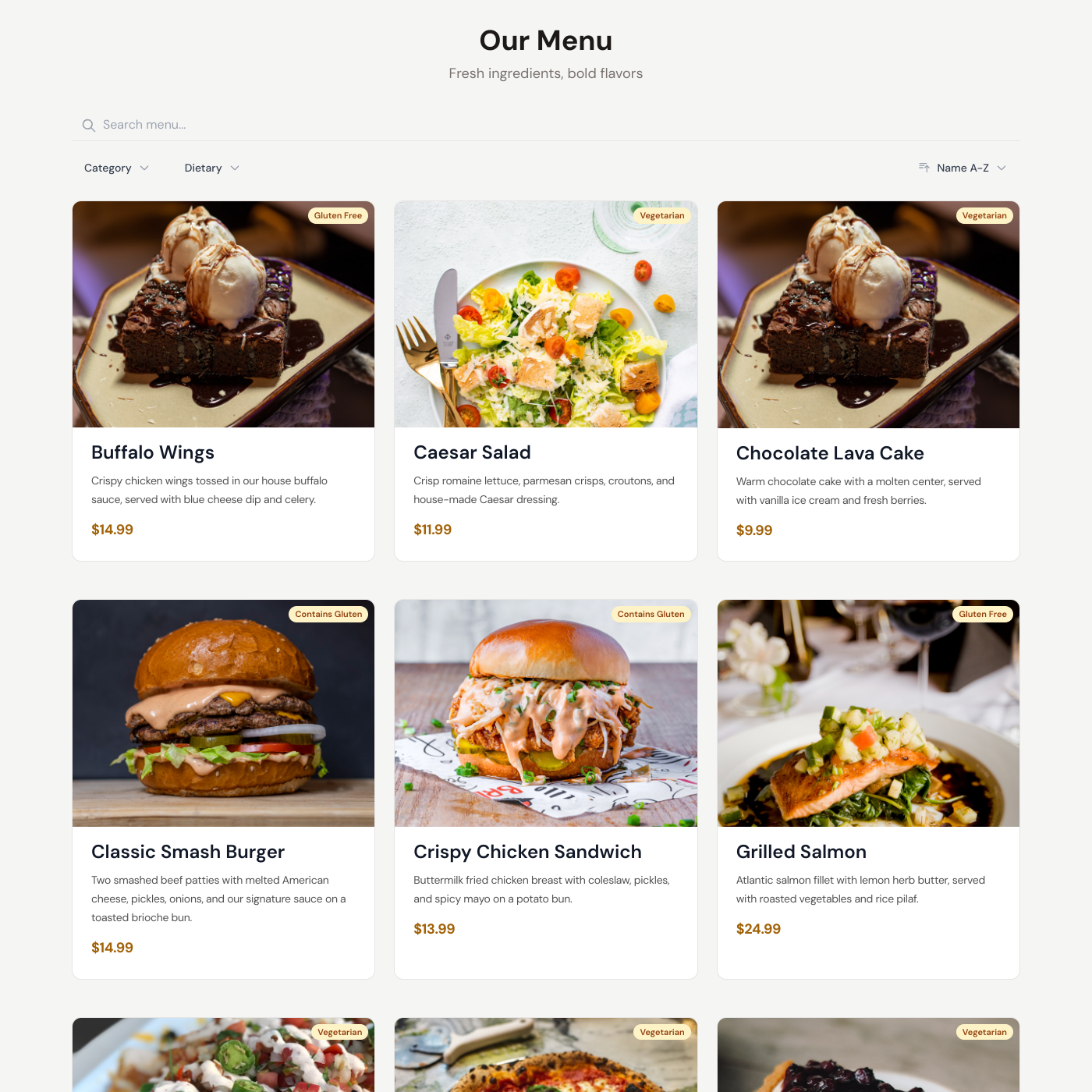
Restaurant Menu

Restaurant Menu

Display your menu with prices and descriptions.
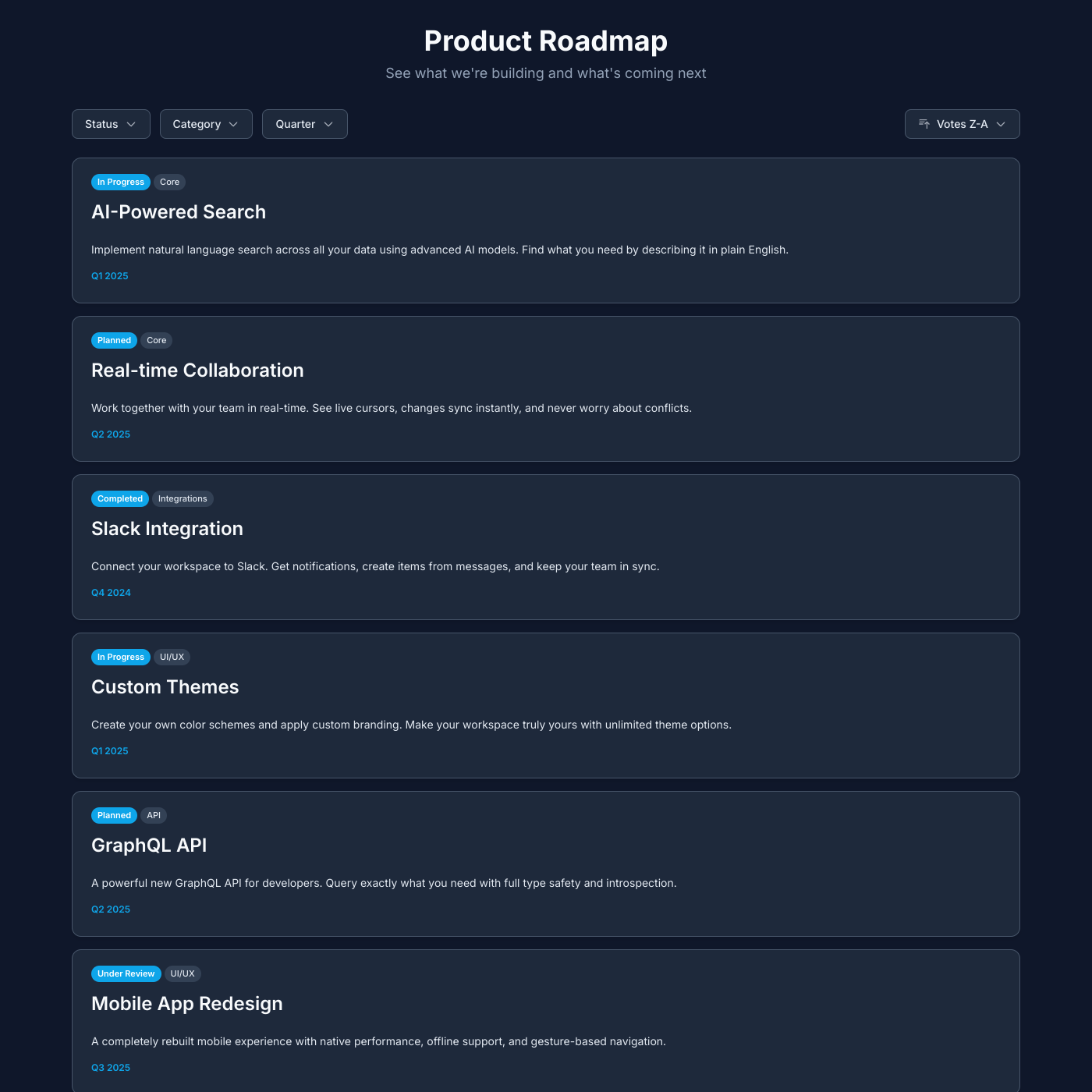
Public Roadmap

Public Roadmap

Share your product roadmap and upcoming features.

Salon

Salon

Showcase services and pricing for your salon or spa.
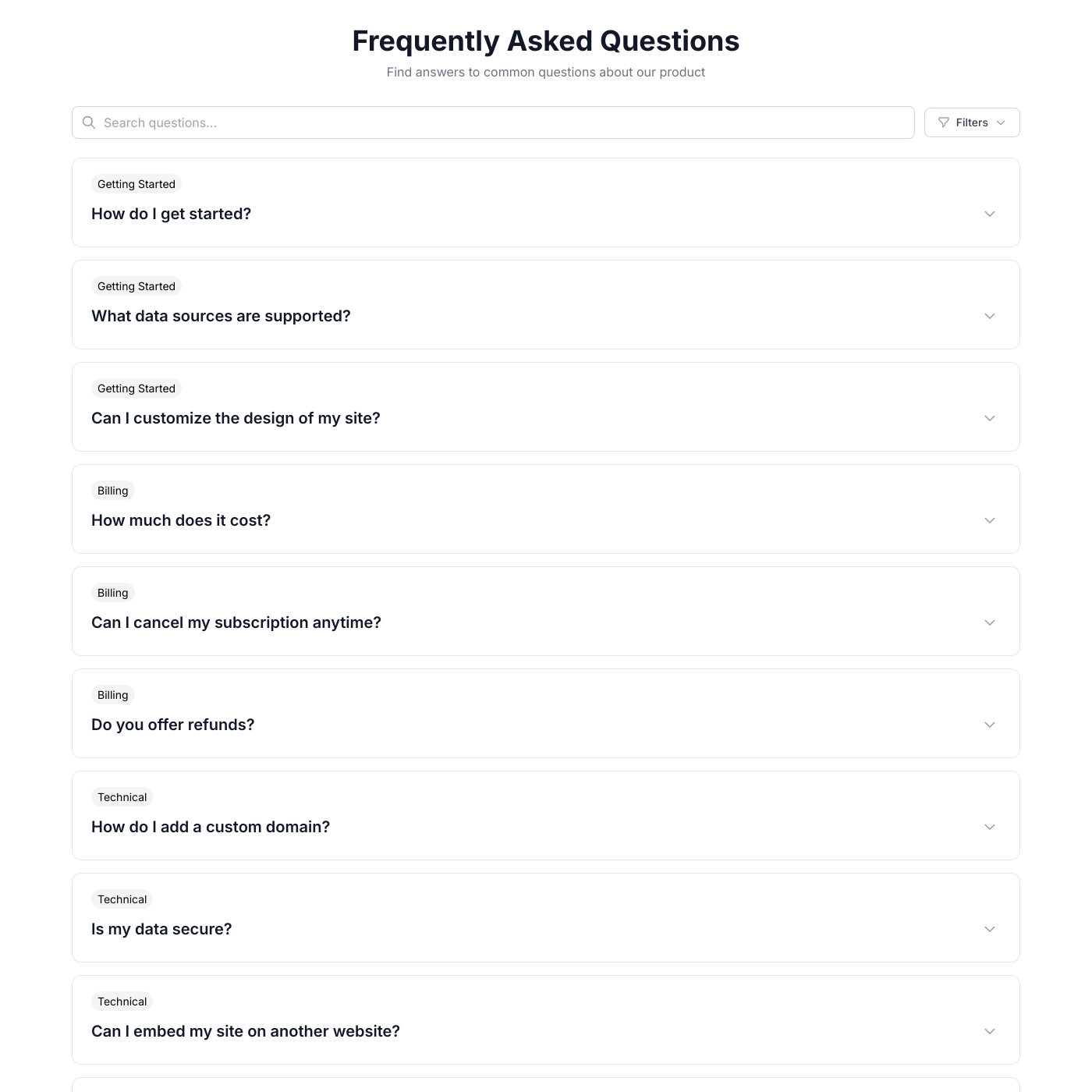
FAQ

FAQ

Answer common questions with an accordion FAQ.
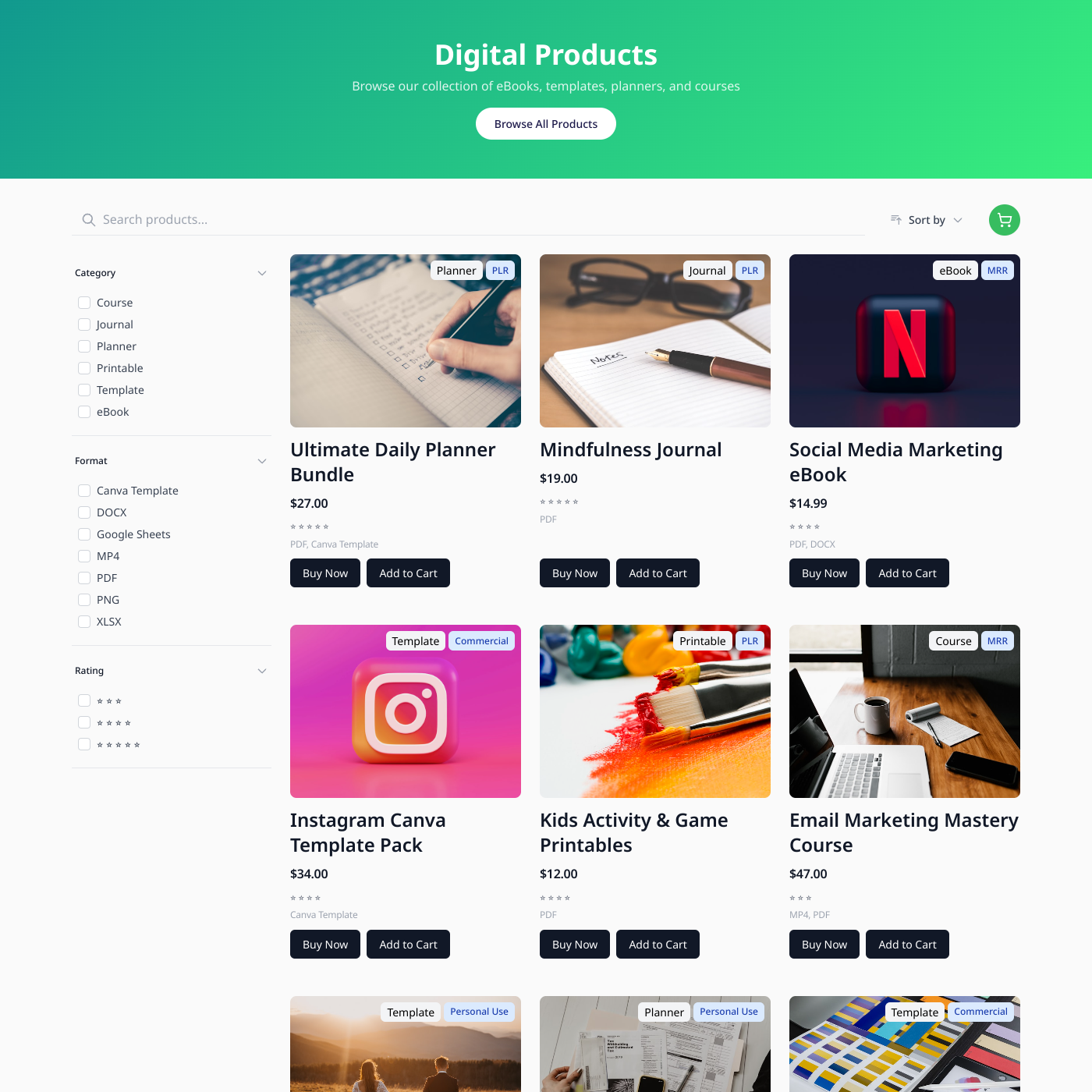
Digital Products

Digital Products

Sell digital downloads from Airtable or Google Sheets.
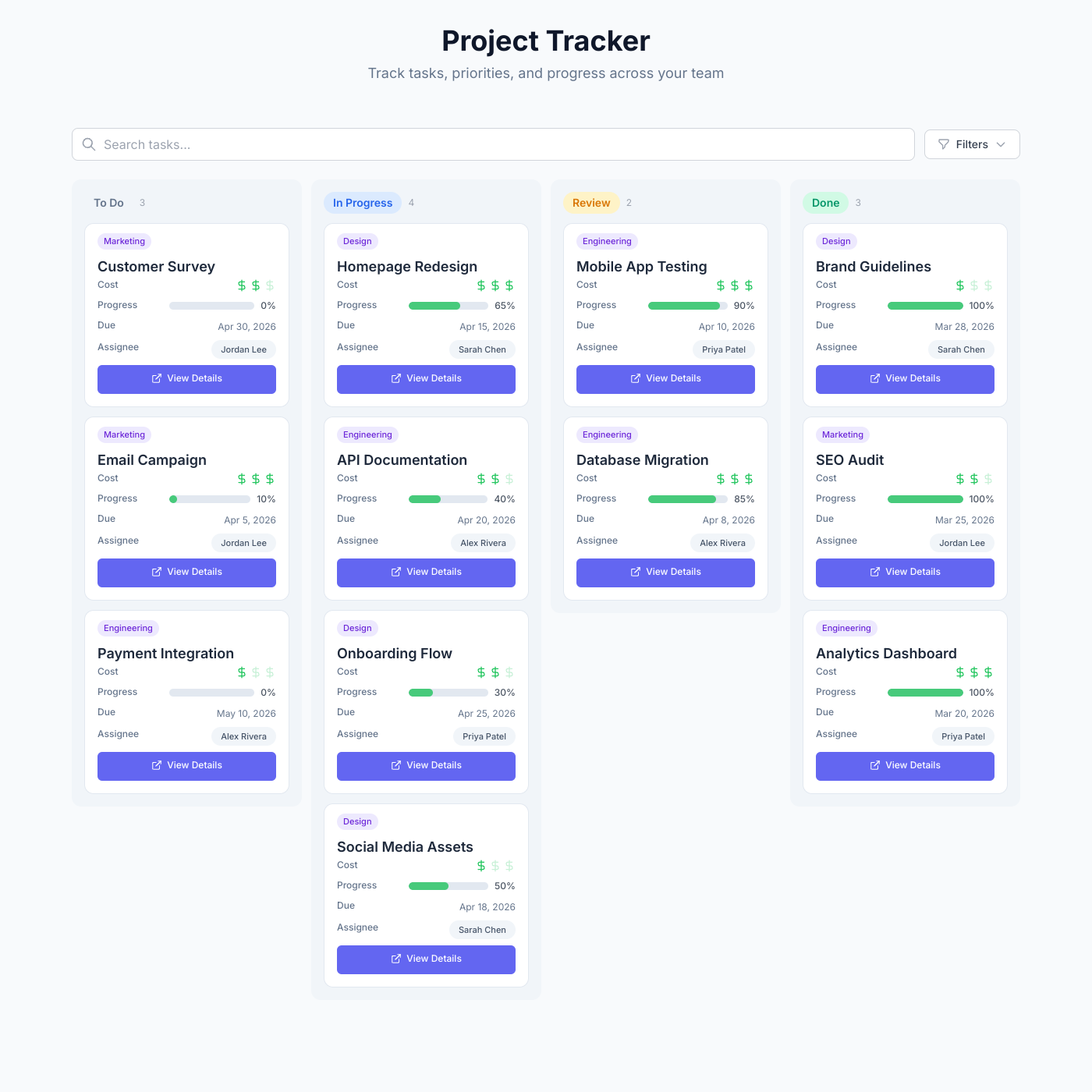
Project Tracker

Project Tracker

Track tasks, priorities, and progress with a kanban board powered by your data.

Card

Card

Display any content in a beautiful card grid.

List

List

Display content in organized, scannable lists.
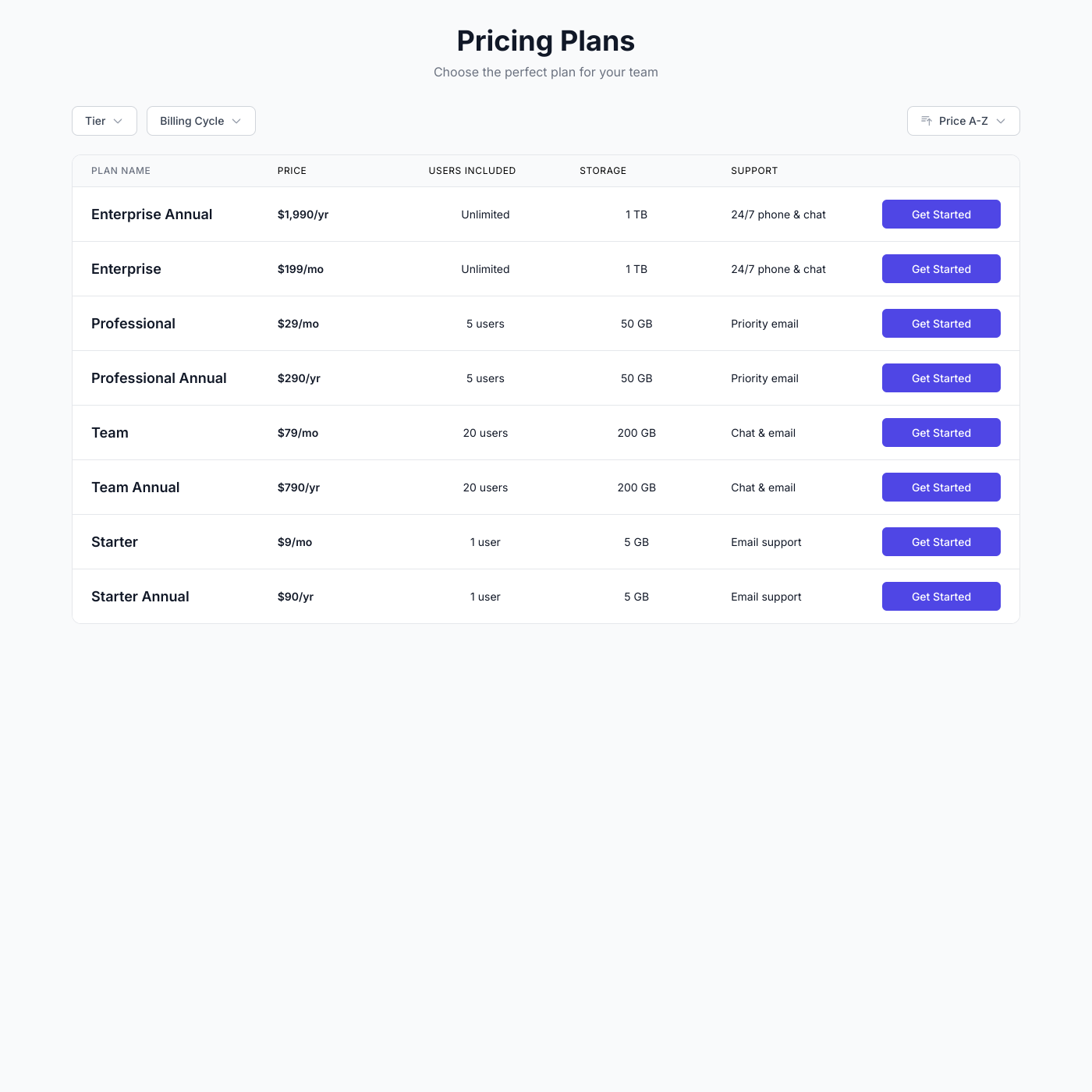
Table

Table

Create sortable, filterable data tables.

Video Course

Video Course

Embed your video course with lessons on any website.

Podcast

Podcast

Embed your podcast episodes with live players on any website.
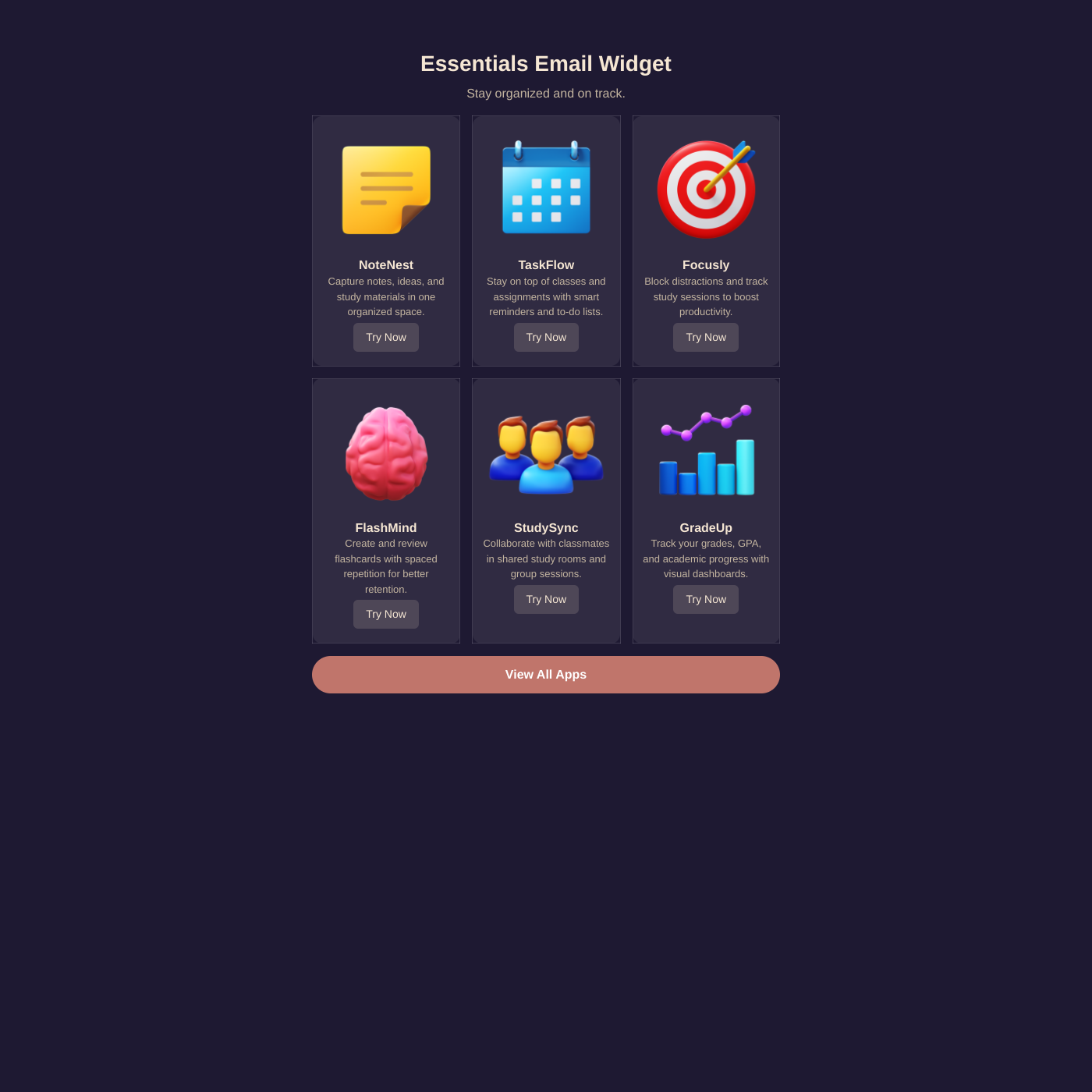
Email

Email

Create email-safe HTML snippets from your data.

From Google Sheets to your website in minutes

Connect your spreadsheet in seconds. We'll automatically detect your columns and let you map them to your widget.

One-Click Connection

Authorize once with your Google account and access all your spreadsheets. No API keys required.

Automatic Column Detection

We read your header row and let you map columns to widget fields with a visual editor.

Secure Access

We only read the data you choose to display. Your private spreadsheets stay private.

Google Sheets FAQ

Google Sheets is the spreadsheet you already know and love: • Familiar Interface - No learning curve. If you can use a spreadsheet, you can manage your website content. • Free & Accessible - Google Sheets is free and works in any browser. Update your website content from anywhere. • Real-Time Collaboration - Multiple team members can edit simultaneously. See changes from colleagues instantly. • Formulas & Automation - Use Google Sheets formulas to calculate prices, format dates, or automate content updates.

Simply click "Connect Google Sheets" and authorize access with your Google account. You'll be able to select which spreadsheet and sheet tab to use. We'll automatically detect your columns and let you map them to your widget.

No! We use OAuth authentication to securely access your spreadsheets. Your sheets can remain private—we only read the data you choose to display.

We use your first row as headers and read all columns. You choose which columns to display in your widget through our visual mapper.

Each widget connects to one sheet tab. You can select which tab to use when setting up your widget. Create multiple widgets if you need to display data from different tabs.

Your widget syncs with Google Sheets every few minutes. Changes you make in the spreadsheet appear on your website automatically.

Yes! Formulas work perfectly. We read the calculated values, so you can use formulas for pricing, dates, conditional text, and more.

New rows appear on your widget automatically on the next sync. Deleted rows are removed. No manual updates needed.

Yes! Add a column like "Published" with values like "Yes" or "No", then use widget filtering to only show rows where Published = Yes.

Yes. Add a column with image URLs (direct links ending in .jpg, .png, etc.) and map it to an image field in your widget.

Your spreadsheet is your CMS

Connect Google Sheets, pick a layout, and embed it anywhere. No credit card required.