
Put your Google Play reviews on your website
 App Store
 Google Play
 Airtable
 Google Sheets
 Notion
 Stackby
 SmartSuite
 Excel
Excel Teable
 NocodeBackend
 AITable
 Trello
Paste your Google Play link and your public reviews appear on your site with an overall rating bar, star ratings, and the reviewer's own words. Refreshed automatically, no login needed.
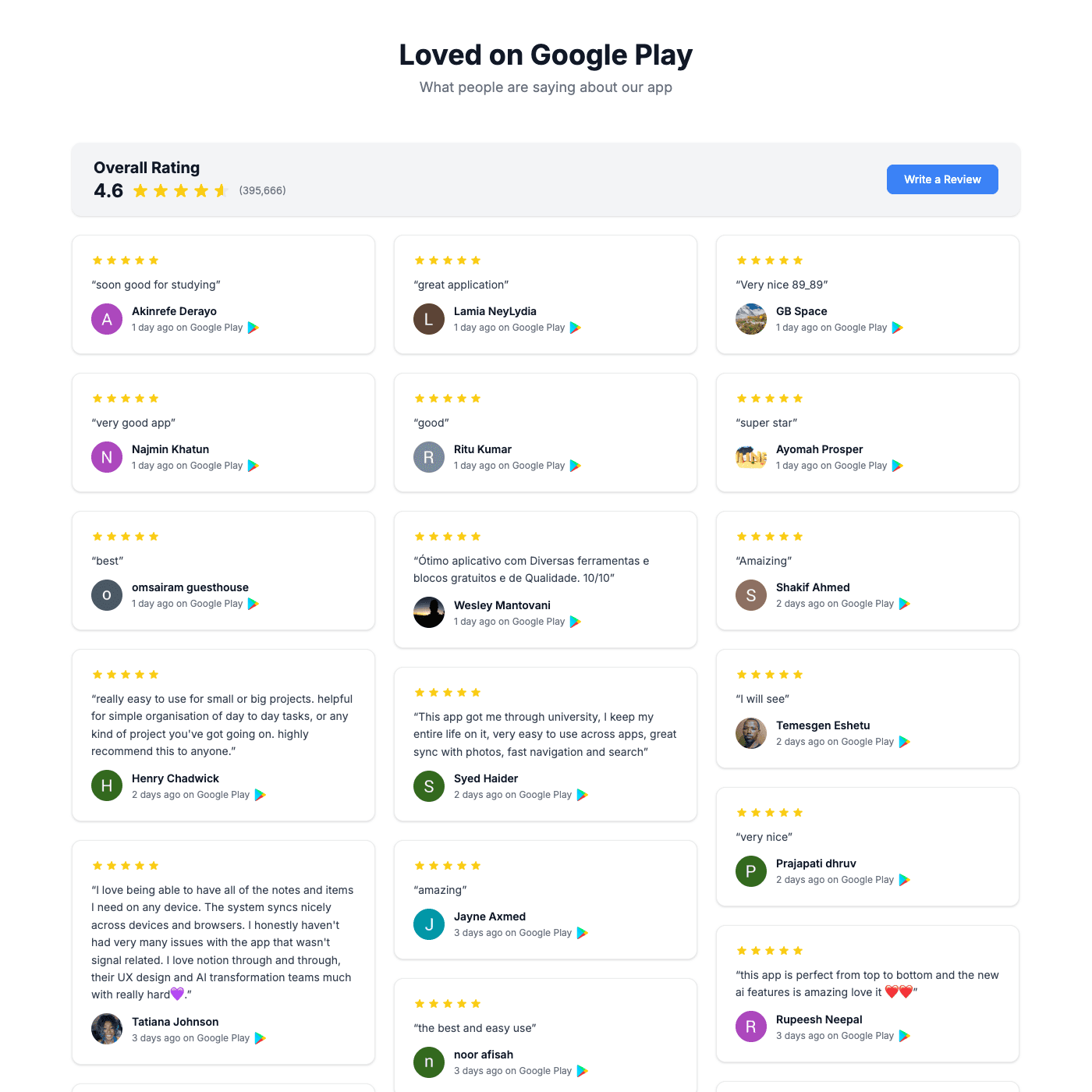
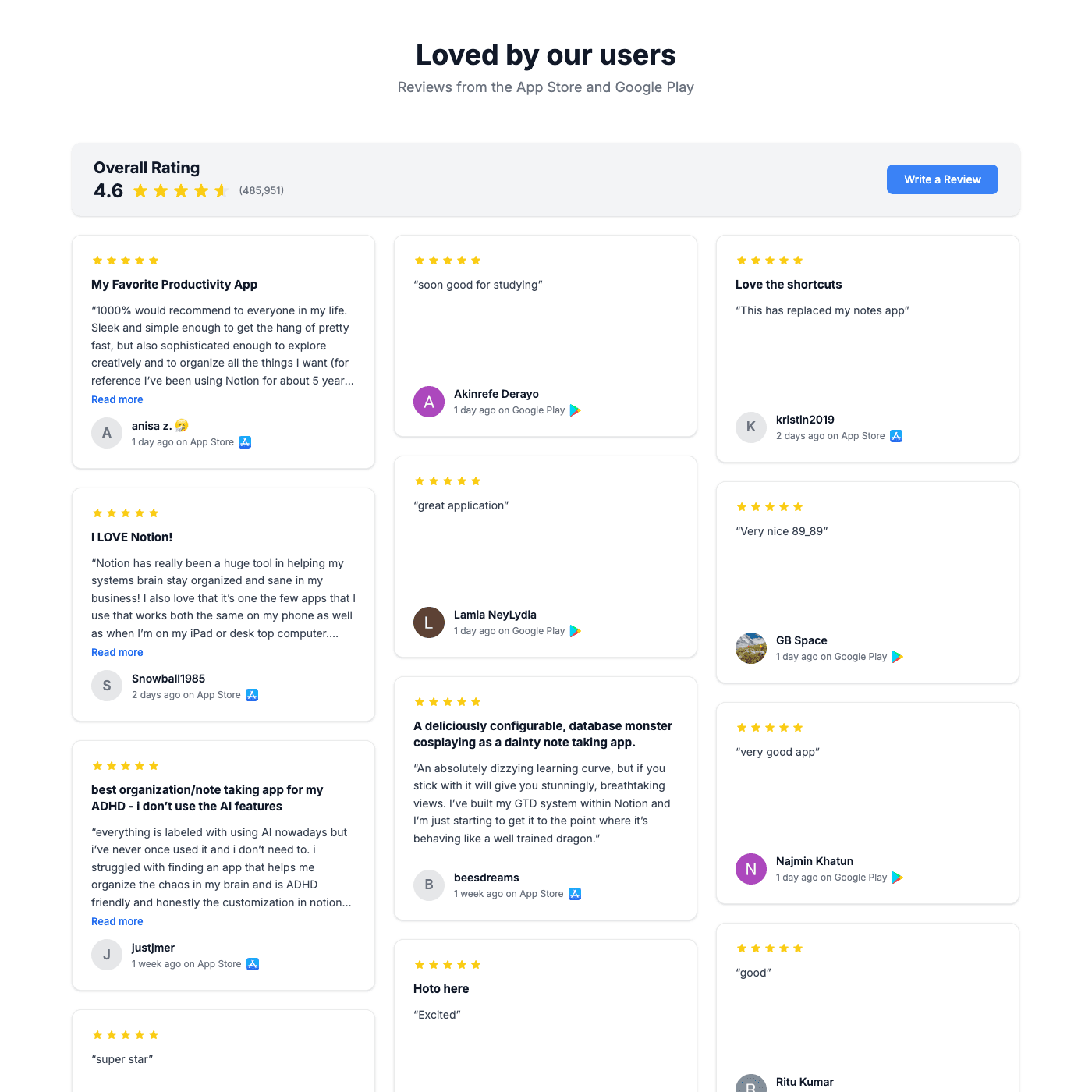
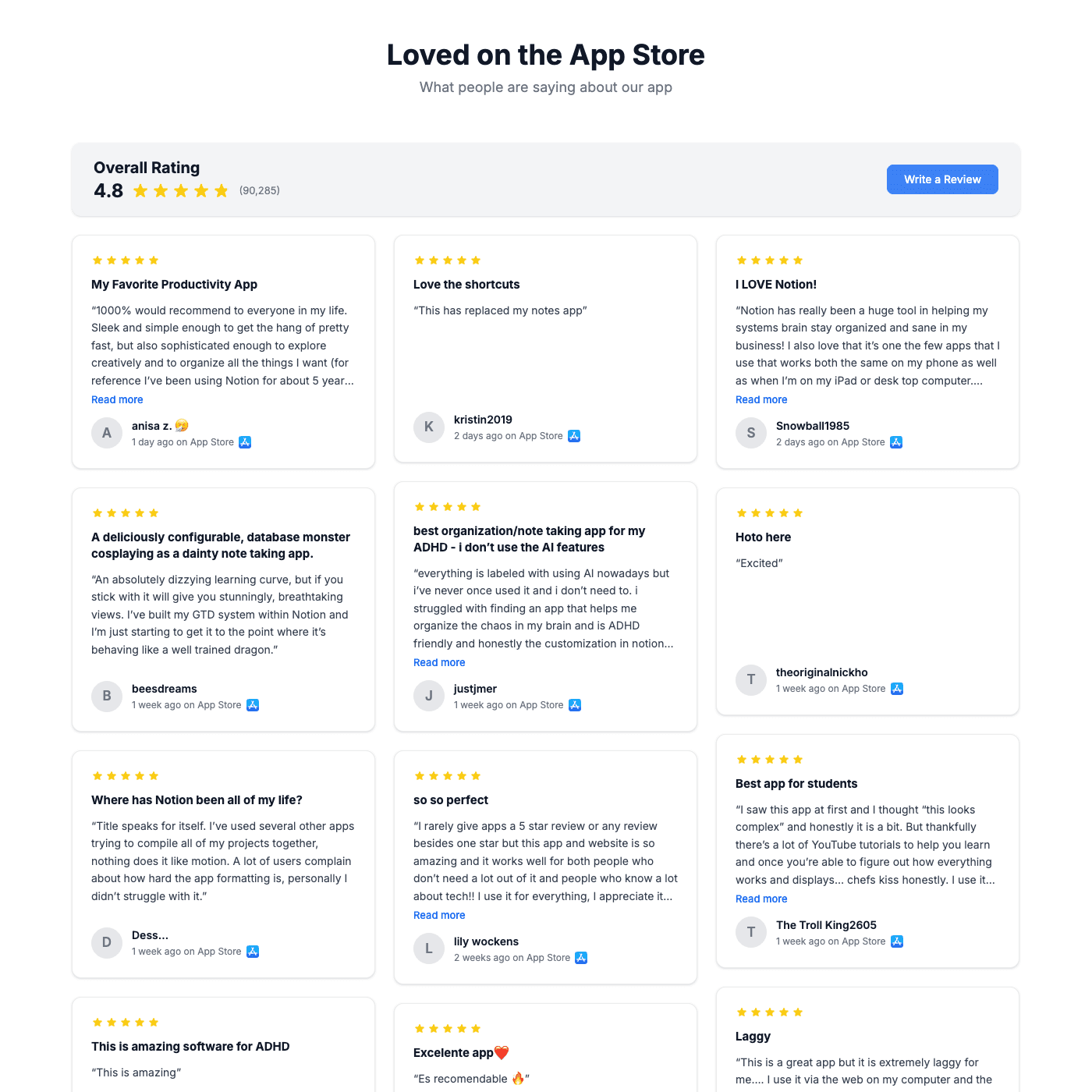
Works with all website builders, e-commerce platforms, and websites.
 Weebly
 UnbounceBigCommerceMagentoJoomlaDrupalHubSpotWooCommerceGhostBloggerGoDaddy
 CarrdHTML
Create your Google Play Reviews
Configure your widget and add it to your website for free!
Select a template to preview
Shareables Google Play Reviews Widget pulls the public reviews for your app from Google Play and displays them on any website with an overall rating bar. Paste your Google Play link, pick a layout, and embed. No login, no API keys, no coding.
Why teams love the Google Play Reviews
Your app's best reviews, working for you on every page.
Connect Google Play by pasting a link
There is no developer account to connect and no API key to find. Paste the Google Play page for your app, like play.google.com/store/apps/details?id=com.yourapp, and we pull in the public reviews. Google Play reviews include the reviewer's profile photo, so cards show real faces next to the quote.
App StoreGoogle PlayAirtableGoogle SheetsNotion StackbySmartSuiteExcelTeableNocodeBackendAITableTrello
Lead with your average rating and review count
A full-width bar sits above the reviews with your average rating, star fill and total ratings count, pulled from Google Play. Add a "Write a Review" button that links wherever you want new reviews to go. Every part of the bar can be restyled or hidden.
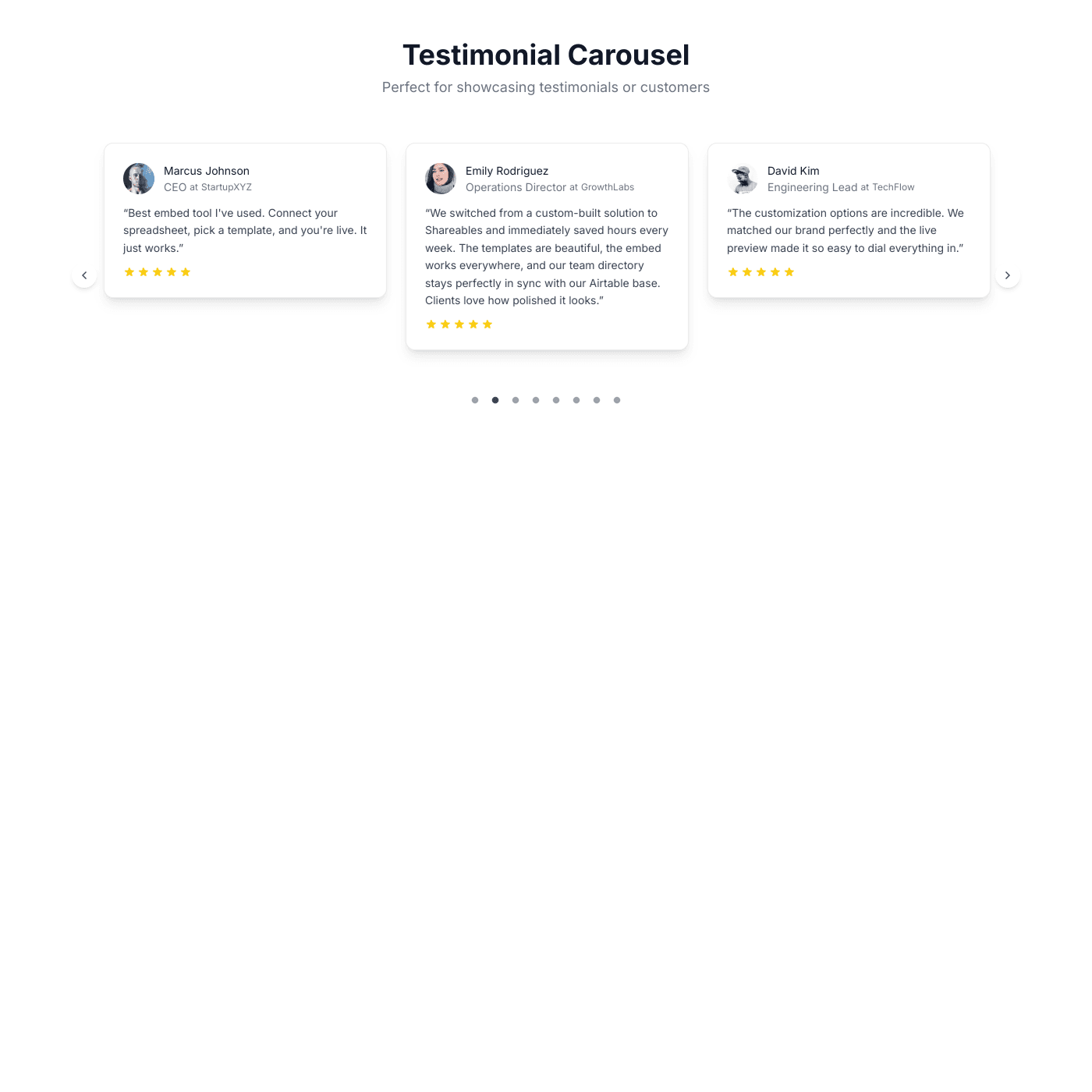
Show the reviews you want visitors to see
Use a visibility rule such as "Rating is at least 4" to keep the wall focused, choose how many reviews load per page, and pick between a masonry wall, a carousel, or a scrolling marquee. The review title, body, author and date each have their own styling controls.
New reviews arrive on their own
Shareables checks Google Play for new reviews on a schedule and republishes your widget when something changes, so the wall keeps growing without you touching it. Reviews refresh every few days rather than live to the second, which keeps your page fast and stays within the store's limits.

“Updates sync instantly with my source data.”
Troy Hamthanon
Embed on any website
Works with any website builder including Webflow, Squarespace, WordPress, Wix, Framer and plain HTML. Fully responsive, so the rating bar and review cards stack cleanly on phones. Copy the embed code and paste it where you want the reviews to appear.

“The embeds look great on any site. Total no-brainer.”
Islam Yusri
Aionic Lab
Frequently Asked Questions
It is an embeddable block that shows the public reviews for your app from Google Play on your own website. It displays an overall rating bar (average rating and total ratings) above the individual reviews, each with its star rating, title, text, reviewer name and date.
Create a Testimonials widget, choose the Google Play Reviews template, and paste the link to your app's Google Play page. That is the whole setup. There is no developer account to link and no API key.
No. The widget reads the same public reviews anyone can see on your app's store page, so you can embed reviews for any app you have the link for.
Public reviews from your app's Google Play listing, newest first, with the reviewer's name and profile photo where Google provides one. Google Play reviews are one worldwide pool rather than per-country storefronts, so there is nothing to pick: the widget shows the latest reviews across regions.
Yes. Add a visibility rule such as "Rating is at least 4" in the Source tab and only matching reviews are shown. You can also sort by rating or date and limit how many load per page.
Shareables checks for new reviews on a schedule, roughly every few days, and republishes the widget when something changed. It is not a live feed, which is deliberate: it keeps the page fast and stays well within the store's limits.
The rating bar shows the average rating and the total number of ratings reported by Google Play for your app, not just the reviews shown on the page. It is captured when you set the widget up and refreshed when you edit and republish.
Yes. Use the App Store + Google Play Reviews template, or add a second source to any review widget. Reviews from both stores are interleaved by rating and the overall rating bar shows a combined, count-weighted average.
Everything is editable in the visual editor: layout (wall, carousel, marquee), card style, fonts, colors, star color, which fields show, and the rating bar's heading, numbers and button. No CSS required, though you can add your own.
Wherever you point it. Set a custom link in the Review Header settings, for example your app's store page or a feedback form. The button is optional.
No. Connecting your app is a paste-a-link step and all styling happens in the editor. Adding the widget to your site is a copy-and-paste embed code.
Any website that accepts an embed code: Webflow, Squarespace, WordPress, Wix, Notion, Framer, Carrd, Shopify and plain HTML sites.
Yes. The rating bar stacks and centers on narrow screens and review cards reflow to a single column, so it reads well on phones.
Yes, you can start on the free plan, which includes the review source and a small "Powered by" badge. Paid plans remove the badge and add custom domains and more widgets.
More Widgets
Blog Widget
Create a beautiful, fully customizable blog widget powered by your Airtable or Google Sheets data. Embed anywhere in minutes.
Chart Widget
Turn your Airtable or Google Sheets data into beautiful, interactive charts. Bar, line, pie, area, and more. Embed on any website in minutes.
Card Widget
Create beautiful, fully customizable card grids powered by your Airtable or Google Sheets data. Embed anywhere in minutes.