
Notion Blog Widget Features
Discover what makes our notion blog widget powerful and easy to use for your website.
Why teams love Notion Blog Widget
Everything you need to create a professional widget powered by your spreadsheet data.
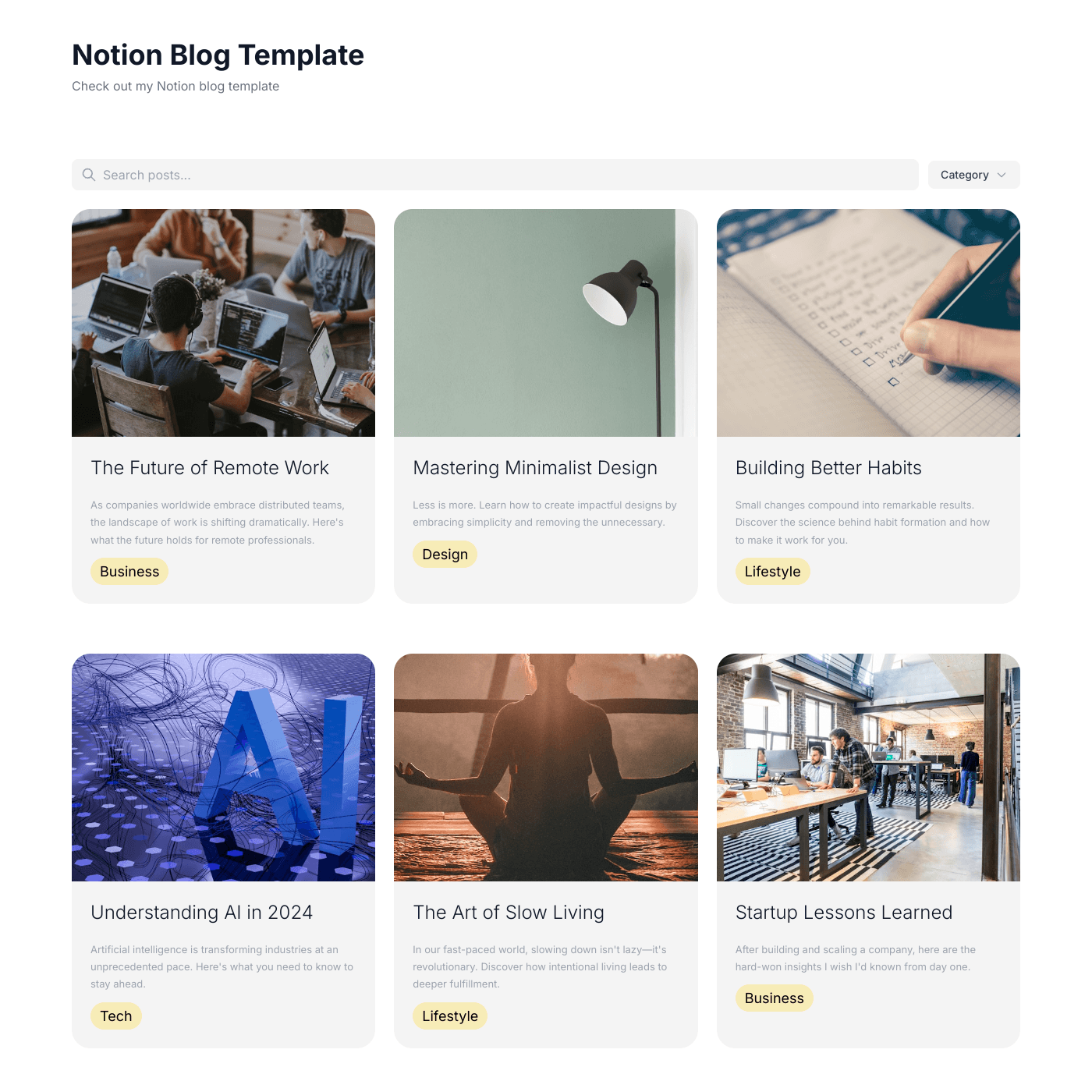
Your Notion Database Is Your CMS
No need to learn a new platform. Write your blog posts directly in Notion using all the blocks you already know — headings, lists, images, callouts, toggles, code blocks. Publish your database to the web and your content appears on your site.
Every Notion Block, Rendered Beautifully
Headings, paragraphs, bullet lists, numbered lists, to-do checklists, quotes, callouts, code blocks, images, videos, tables, toggles, columns, and more. Your Notion page content renders with clean styling that matches your site.
Blog Posts That Rank in Search
Each blog post gets its own SEO-friendly URL with server-rendered content. Search engines see your full page content — headings, text, images — not just metadata. Clean HTML, fast load times, and structured data help your posts rank.
Style Your Blog Content
Customise heading colors, text colors, link colors, font sizes, divider colors, and checkbox colors. Use the built-in style controls or target any element with custom CSS using the sh-notion-* class prefix for complete control.
Embed on Any Website
Works with any website builder including Webflow, Squarespace, WordPress, Wix, and more. Embed your Notion blog as a widget or host it on a custom domain. Responsive on all devices.
Real-time Data Sync
Your notion blog widget stays perfectly in sync with your data source. Update your Airtable or Google Sheets and see changes reflected instantly on your website.
- Automatic sync every few seconds
- No manual republishing required
- Works with Airtable and Google Sheets
Live sync illustration
Feature FAQs
Yes. You can customize heading colors, text colors, link colors, font sizes, divider colors, and checkbox colors through the built-in style editor. For more control, use custom CSS targeting the sh-notion-* classes.