
Email Widget Features
Discover what makes our email widget powerful and easy to use for your website.
Why teams love Email Widget
Everything you need to create a professional widget powered by your spreadsheet data.

Use Airtable or Google Sheets as Your Content Source
Stop manually building email content. Connect your Airtable base or Google Sheet and your email HTML generates automatically. Update products, events, or content from the spreadsheet you already know — changes flow into your next email.
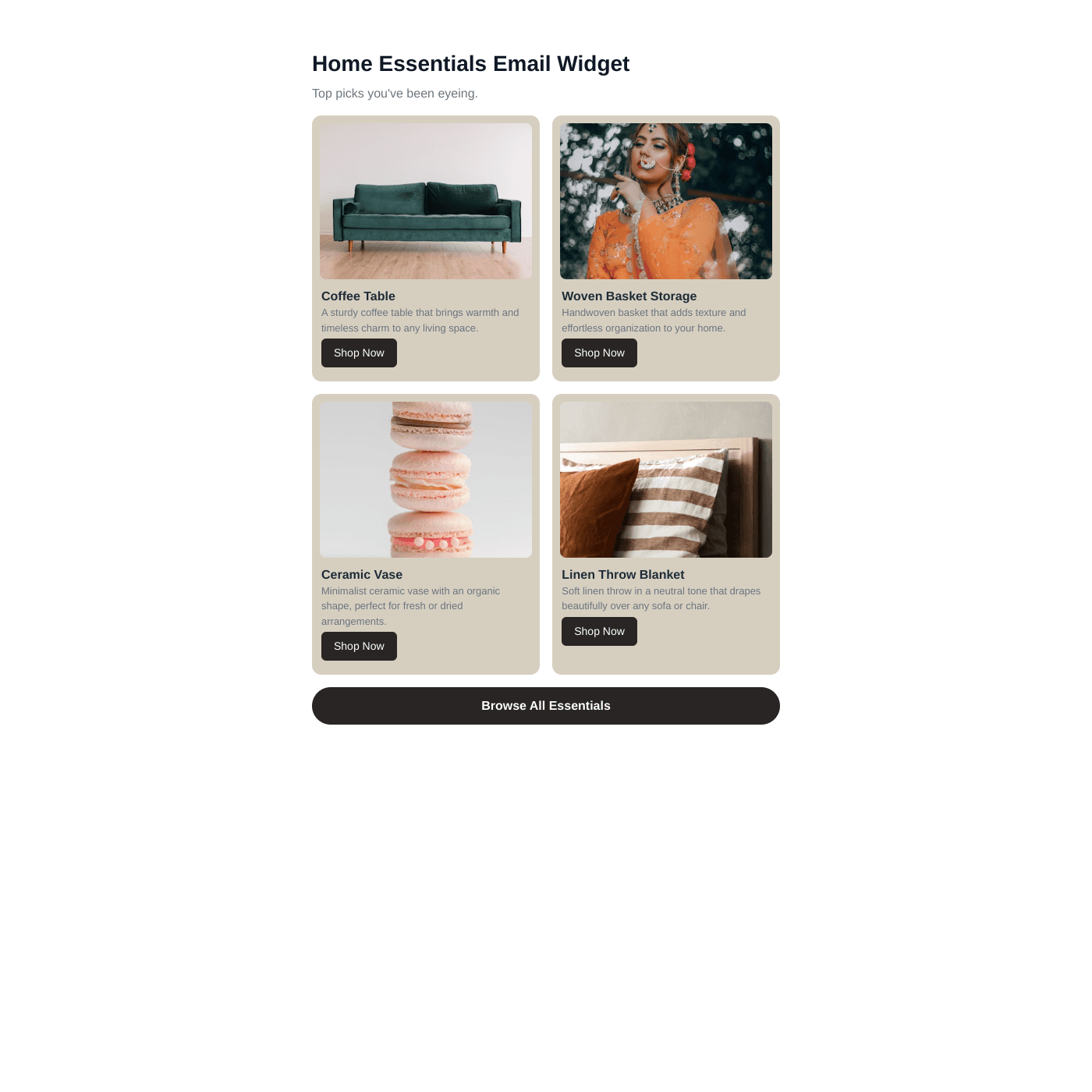
Gmail-Safe, Outlook-Ready HTML
Generated HTML uses table-based layouts and inline styles — the industry standard for email. Tested across Gmail, Apple Mail, Outlook (with VML fallback), Yahoo, and Samsung Mail. Images use background-image techniques that render consistently everywhere.
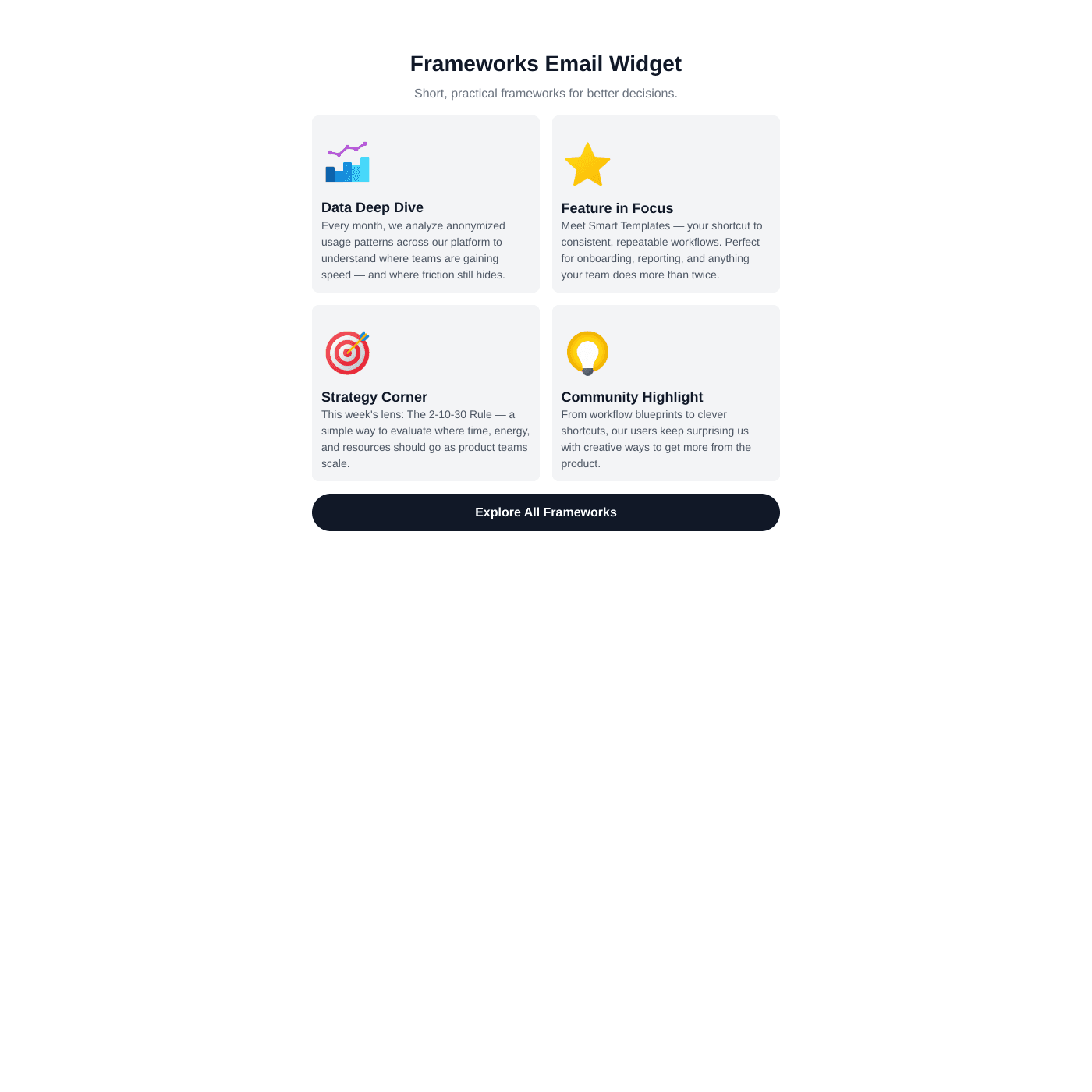
Match Your Brand Perfectly
Choose from cards, feature, or table layouts. Customize fonts, colors, spacing, image sizing, and more. Add cover images, badges, buttons, and footer CTAs. Every element is configurable to match your brand.
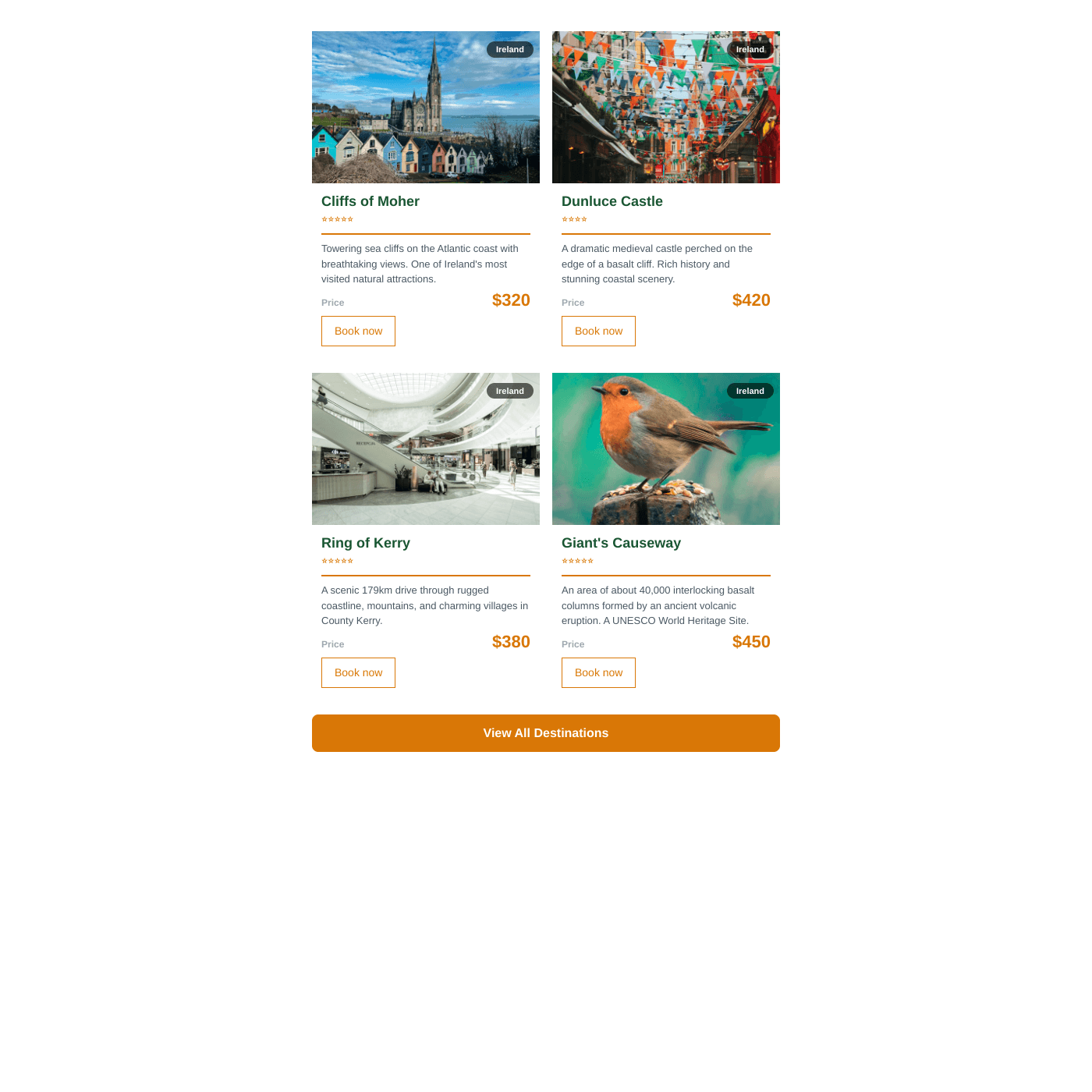
Easy Content Management
Update your spreadsheet and regenerate the HTML instantly. Add products, change descriptions, swap images — no developer needed. Perfect for teams sending regular newsletters with fresh content.

Works with Any Email Tool
Copy the HTML and paste it into Mailchimp, Klaviyo, ConvertKit, Beehiiv, or any platform that accepts custom HTML blocks. Images are automatically cached to permanent URLs so they never expire.
Real-time Data Sync
Your email widget stays perfectly in sync with your data source. Update your Airtable or Google Sheets and see changes reflected instantly on your website.
- Automatic sync every few seconds
- No manual republishing required
- Works with Airtable and Google Sheets
Live sync illustration