
Testimonial Wall Features
Discover what makes our testimonial wall powerful and easy to use for your website.
Why teams love Testimonial Wall
Everything you need to create a professional widget powered by your spreadsheet data.

Use Airtable, Google Sheets, or Your App Store Reviews
No need for a separate testimonial platform. Connect your Airtable base or Google Sheet with customer quotes, names, ratings, and photos, or paste your App Store or Google Play link and we pull in your public reviews with an overall rating bar. New testimonials appear on your website automatically.

Wall of Love, Carousel, and Marquee
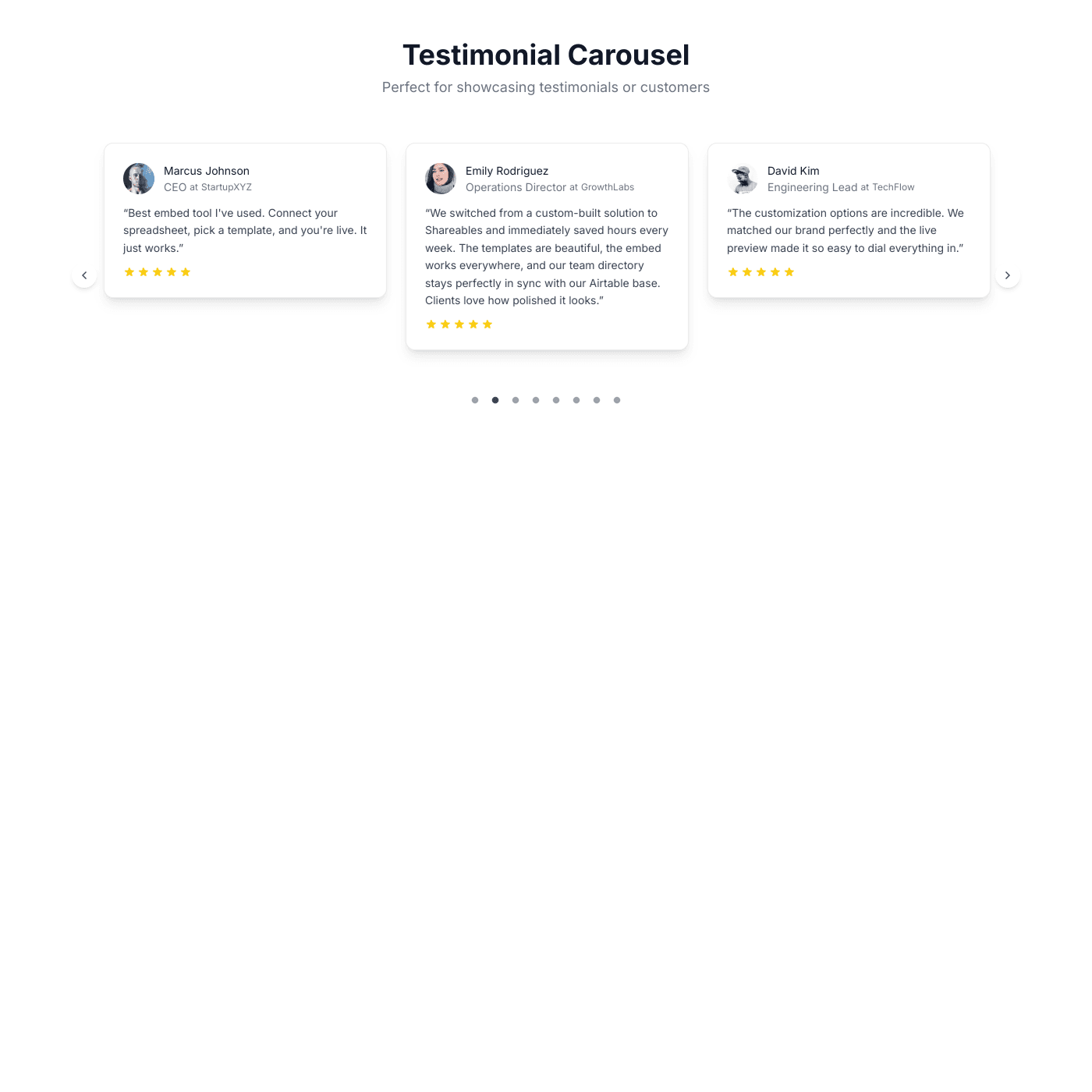
Choose from four stunning layouts: a static Wall of Love masonry grid, an animated Wall of Love with smooth scrolling, a carousel slider, or a continuous marquee ticker. Each layout is designed to showcase your testimonials in the most impactful way.
Match Your Brand Perfectly
Fully customize the look and feel — fonts, colors, card styles, avatar shapes, rating stars, and more. Control which fields to show, reorder sections, and fine-tune every detail of your testimonial cards. No CSS required.

Build Trust and Convert Visitors
Testimonials are one of the most powerful conversion tools. Display star ratings, company logos, source badges (G2, Google, LinkedIn), and customer photos to build credibility and turn visitors into customers.
Embed on Any Website
Works with any website builder including Webflow, Squarespace, WordPress, Wix, and more. Fully responsive layouts that look great on any device. Just copy and paste the embed code.
Real-time Data Sync
Your testimonial wall stays perfectly in sync with your data source. Update your Airtable or Google Sheets and see changes reflected instantly on your website.
- Automatic sync every few seconds
- No manual republishing required
- Works with Airtable and Google Sheets
Live sync illustration
Feature FAQs
Yes, everything is customizable — card backgrounds, borders, shadows, border radius, avatar shape and size, font styles, section ordering, and more. You can also control which fields are visible on each card.